iSpring Page
Last updated: 18 December 2025
What is iSpring Page?
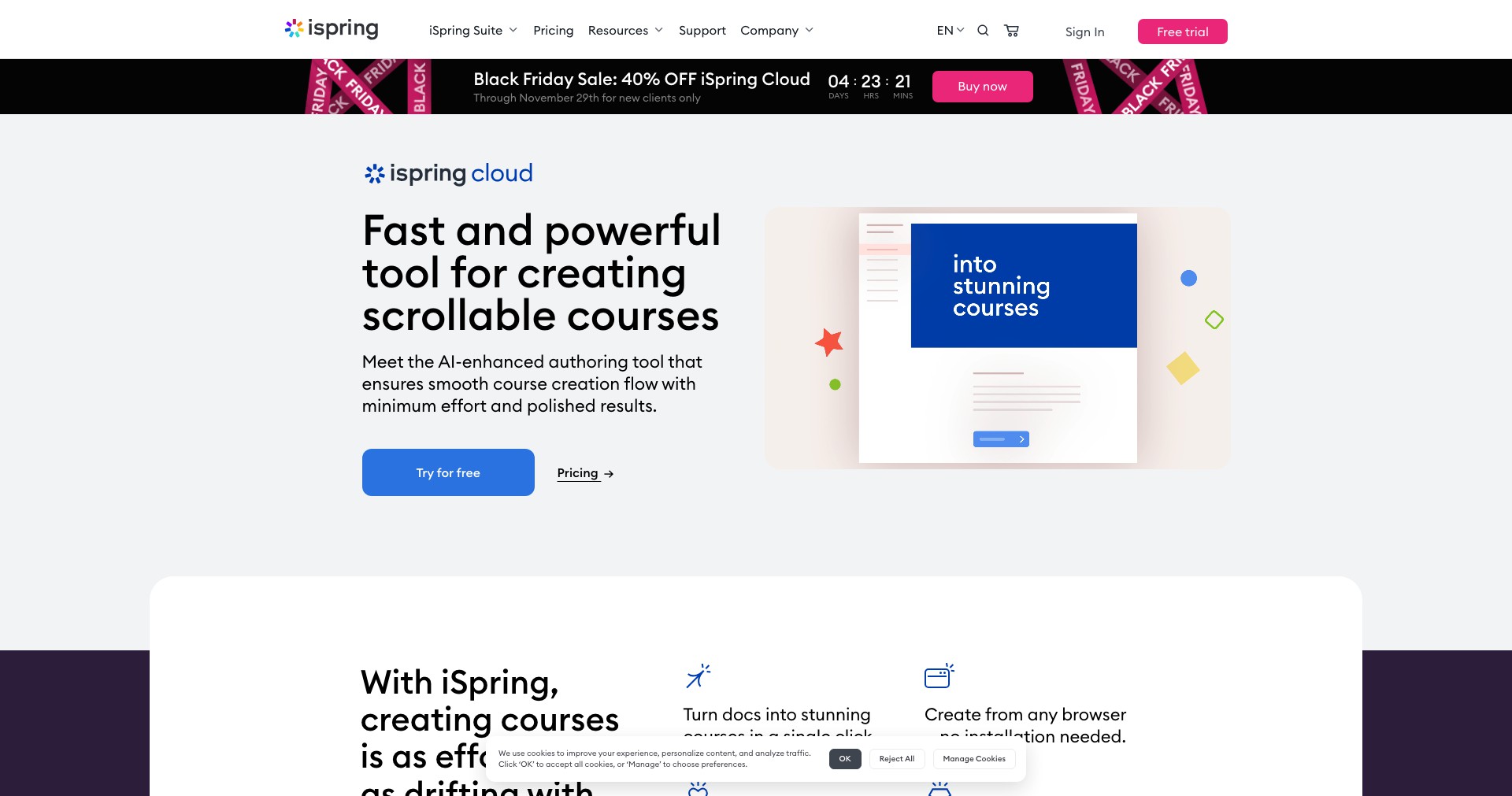
iSpring Page is an intuitive, online course authoring tool catering to anyone who needs to quickly create engaging training materials. Without the burden of complicated software installs, users can craft interactive courses right in their browser, leveraging iSpring’s signature simplicity and robust capabilities.
Designed for speed and ease of use, iSpring Page addresses the needs of eLearning designers, HR teams, and educators who want to launch effective microlearning modules or onboarding content in minutes. Its streamlined workflow helps users produce professional, mobile-friendly courses even without prior instructional design experience.
Key Features:
-
Cloud-Based Authoring:
iSpring Page operates entirely in the cloud, enabling access from any device and fostering seamless collaboration between team members. No downloads or updates are necessary, making it accessible and hassle-free. -
AI Text-to-Course Generation:
Users can instantly transform text prompts or documents into fully formatted courses with iSpring’s AI, drastically reducing creation time. This feature is exceptional for rapid prototyping and last-minute training needs. -
Mobile-Responsive Design:
All courses created with iSpring Page are automatically optimized for smartphones and tablets, ensuring learners enjoy a smooth experience no matter their device. -
Interactive Elements:
Easily embed quizzes, interactive questions, images, videos, and links to boost learner engagement and retention. These features require minimal technical know-how and can be added with a simple click. -
SCORM/xAPI Export:
iSpring Page supports industry standards for eLearning by letting users export content as SCORM or xAPI packages, ensuring seamless integration with most learning management systems (LMS).
What makes iSpring Page unique?
What sets iSpring Page apart is its blend of speed, simplicity, and AI-powered content creation. The ability to generate visually appealing, interactive courses from a text prompt is rare, making it especially valuable for organizations needing agile training solutions.
Unlike traditional eLearning tools that require complex installation or steep learning curves, iSpring Page’s browser-based interface removes technical barriers and promotes immediate productivity. Its robust export compatibility further ensures content usability across diverse platforms.
Pros and Cons
Who is using iSpring Page?
Corporate Training Teams: HR professionals and training managers in corporate settings can use iSpring Page to quickly roll out onboarding, compliance, or process training, leveraging AI to accelerate content delivery.
Instructional Designers: Freelance or in-house instructional designers benefit from rapid prototyping and the ability to easily iterate content for clients or internal stakeholders.
Educators & Educational Organizations: Teachers, coaches, and small educational institutions find iSpring Page valuable for flipping classrooms and delivering bite-sized, interactive lessons accessible to learners everywhere.
Product Evolution
Since its debut, iSpring Page has attracted attention for enabling fast, accessible eLearning content creation, initially featuring basic text and multimedia editing in a user-friendly web interface.
Over time, iSpring integrated more robust interactive elements and expanded export options such as SCORM and xAPI, boosting its utility for enterprise and LMS-driven contexts.
The recent addition of AI text-to-course generation marks a significant leap, empowering users to reduce authoring time dramatically and setting a new standard for low-effort content creation in the industry.
Pricing
| Plan | Price | About |
| Subscription (Annual) | From $470/year per author | Includes all iSpring Page features, regular updates, support, and cloud hosting. |
| Subscription (Monthly) | From $47/month per author | Monthly flexibility for smaller teams or short-term projects. |
| Free Trial | Free (2 weeks) | Full access to iSpring Page for evaluation and short term needs. |
Verdict
iSpring Page stands out for its ability to simplify and accelerate the eLearning content development process, especially for users who do not have a background in course design or technical tools. Its AI-powered features and device-independent workflow are a boon for busy HR departments, educators, and consultants.
While larger organizations needing intricate customization might pair it with more robust tools, iSpring Page excels for rapid prototyping, compliance rollouts, and mobile learning. Its subscription model is competitively priced given the time savings it delivers, and the ongoing evolution of its feature set positions it as a future-proof choice for agile eLearning.


