How AI Video Generators Are Reshaping Social Media Content Creation
 Follow us
A photo that once sat in a camera roll can now become a short video with just a few clicks. This is one reason AI image-to-video tools are getting attention from social media creators. Instead of filming something new every time, they can experiment with movement and turn existing photos into something worth sharing.
But making a video is only part of the job. The real challenge is creating something people want to watch. AI video generators can save time and open up new ideas, but creators still need to choose the right visuals, check the results, and make sure each video fits their audience.
Why AI Video Is Gaining Popularity on Social Media
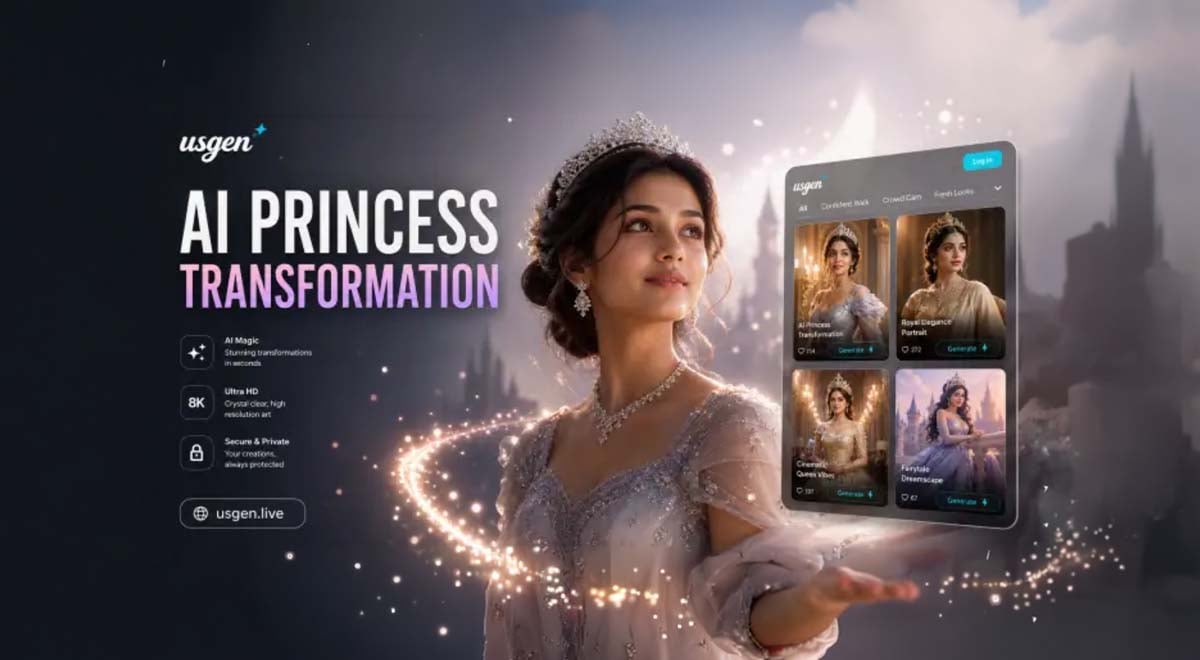
Social media depends heavily on visual content, and short videos give creators another way to present ideas, tell stories, and connect with audiences. AI video generators like Usgen, Vimi, and so on, are gaining attention because they can simplify parts of production that once required more time, equipment, or editing skills.
- Faster content production: AI tools can turn a prompt or still image into a video draft without requiring creators to film every scene themselves.
- More creative options: A single image can become the starting point for different movements, visual styles, or short stories.
- Lower barriers to entry: Beginners can experiment with video creation without first learning a full editing workflow.
- More ways to reuse existing assets: Creators can give product photos, portraits, illustrations, and other images a new role in their content.
- Flexible formats: Short AI-generated clips can support social posts, promotional content, personal stories, and creative experiments.
How AI Video Generators Are Changing Content Creation
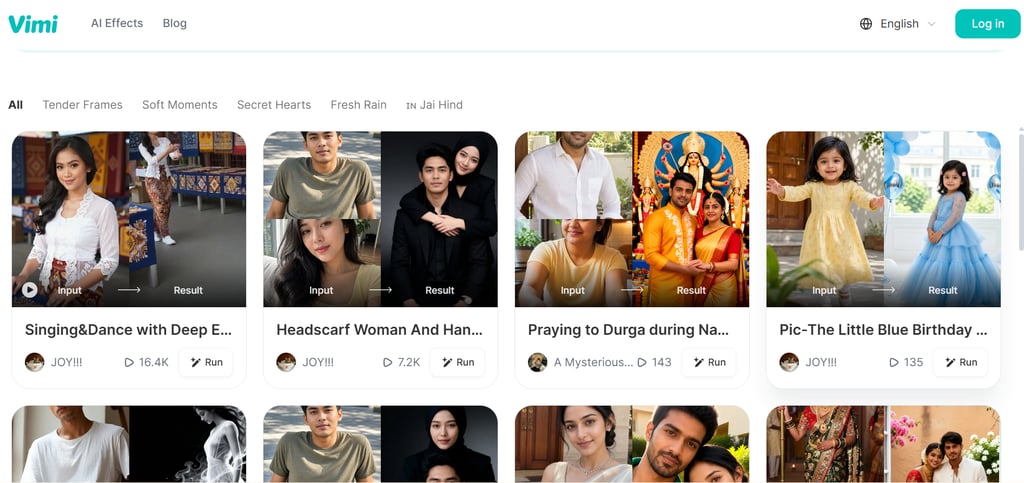
AI video generators are changing the creative process by allowing creators to start with text, an existing image, or a visual concept instead of recording every shot from scratch. Tools such as Usgen and Vimi illustrate how these workflows can support different types of social media content, from animated photos to short visual stories.
Turning Static Images into Moving Stories
Imagine turning a photo of a beach sunset into a clip with rolling waves and moving clouds. These AI image to video tools can help transform still images into videos, giving creators a fresh way to share travel photos, portraits, or product shots.
Making Creative Experiments Easier
A small business preparing a new product launch can try different visual styles without filming several versions from scratch. AI tools let creators explore ideas, adjust prompts, and test different looks before deciding which version fits their message.
Repurposing Content for Social Media
A photographer may already have dozens of great images but few video posts. Turning selected photos into short clips creates new material for Reels, TikTok, or Shorts without requiring an entirely new shoot. The key is adapting each clip to the platform.
Giving Creators More Control Over the Creative Process
AI can handle some of the initial production, but creators still decide what the audience sees. Choosing the right image, describing the movement, and reviewing the final clip all shape the result. The tool creates the draft; the creator gives it purpose.
The Limitations Creators Should Consider Before Publishing AI Videos
AI videos can save time, but the results are not always ready to post. A few common issues can affect video quality, credibility, and how safely creators use their source images.
- Unnatural Movement and Visual Errors: A person’s face may change slightly between frames, or a hand may move in an unnatural way. Always preview the full clip before publishing.
- Limited Creative Control: The generated video may not match the prompt exactly. You may need several attempts to get the movement, timing, or camera angle right.
- Inconsistent Details: A product’s color or a character’s appearance may change between clips, making the final video look less professional.
- Accuracy and Authenticity: AI can create realistic scenes that never happened. Avoid presenting generated footage as real events or evidence.
- Copyright and Consent: Make sure you have permission to use uploaded photos, artwork, and other people’s likenesses, especially in commercial content.
- Privacy and Platform Rules: Check how an AI service handles uploaded images, and review the platform’s rules on AI-generated content before posting.
- Uncertain Engagement: Eye-catching effects do not guarantee views or shares. The video still needs a clear message and a reason for people to watch.
Practical Tips for Creating Better AI Videos
Better AI videos start with a clear idea, not a complicated prompt or the largest number of effects. The following practices can help creators reduce common errors, protect their source materials, and produce clips that are more useful for their audiences.
- Start with a simple idea. If you’re animating a product photo, try a slow camera movement instead of adding several effects at once.
- Choose a clear photo. Use a sharp image with a clear subject. Blurry photos or busy backgrounds can make the generated video look messy.
- Be specific about movement. Instead of prompting “make this photo move,” try “slowly zoom in while the background moves gently.” Simple instructions are often easier to evaluate.
- Check the details. Watch the whole video before posting. Look for changing facial features, strange hand movements, or product details that suddenly look different.
- Edit for the platform. Keep the clip focused, use the right aspect ratio, and add captions when they help viewers follow the story. Don’t add effects just to fill the screen.
Finally, use photos you have permission to share, and check how the AI tool handles uploaded images. If the video could be mistaken for real footage, make its AI-generated nature clear where appropriate.
To Sum Up
AI video tools make it easier to do more with the photos and ideas creators already have. Whether it’s animating a travel photo or making a product clip, tools like Usgen and Vimi offer another way to create content. What matters most is whether the final video gives people a reason to watch.