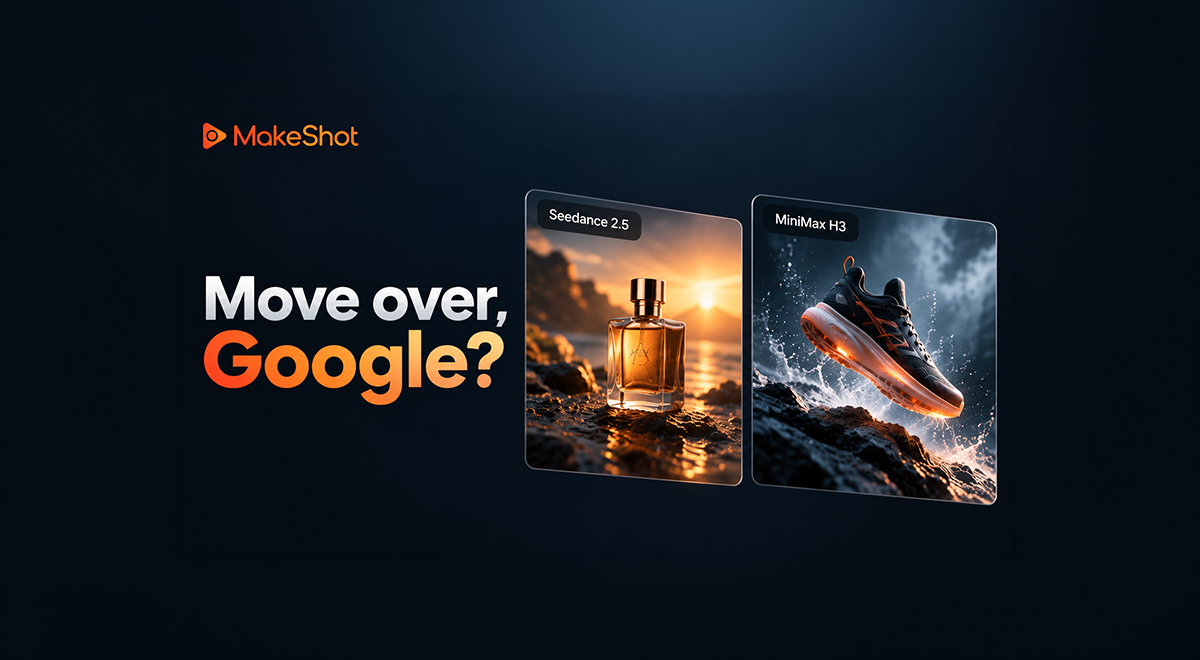
Move over, Google? Seedance 2.5 and MiniMax H3 make their case for AI video
 Follow us
A product video can look impressive and still be unusable. The bottle changes shape halfway through, the next shot looks like a different campaign, or the generation takes so long that there’s little time left to try another idea.
Those are the problems that shape which models creators return to. The team behind MakeShot regularly uses Seedance 2.5 and 2.0 for its promotional materials, citing strong visual results and a high rate of usable generations. When turnaround matters more, it turns to MiniMax.
That gives Google’s Veo some serious competition in everyday production. For a brand planning its next campaign, Seedance’s longer sequences may be more useful. For someone trying to get a promotion out today, MiniMax H3’s speed could settle the decision. Veo, meanwhile, still makes sense for creators watching their ongoing costs.
Seedance: Polished Videos for Brand Campaigns
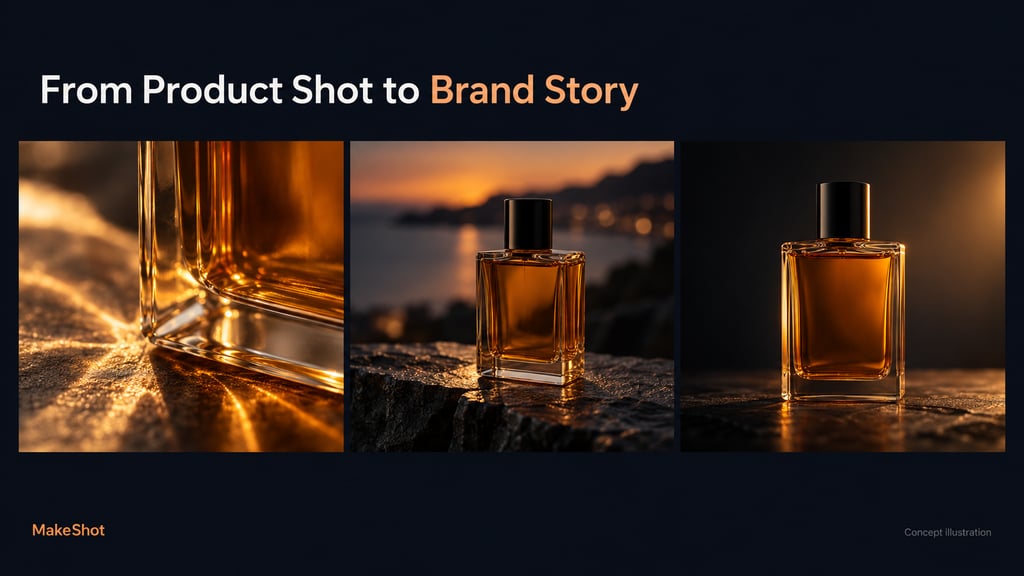
Think about a perfume launch. You want to introduce the bottle, show its details, and place it in a setting that suggests how the fragrance should feel. A single close-up probably won’t carry the whole idea.
Seedance gives that brief more room. Through MakeShot’s AI Video Generator, creators can choose Seedance 2.5 for videos up to 30 seconds or Seedance 2.0 for clips up to 15 seconds. Reference-based generation also lets them give the model visual material to work from.
For the perfume ad, that might mean product photographs and references for the lighting or setting. The planned sequence could open on light passing through the glass, move into an evening scene, and finish with the bottle in frame. The references help communicate details that are awkward to explain in a prompt.
This is where Seedance becomes useful for brand marketing: there’s scope for several connected shots, more involved camera movements, and a product story with an ending. Thirty seconds gives you time to develop an idea before asking the viewer to act.
MakeShot’s team uses both versions in its regular promotional work because it finds the output quality and success rate dependable. That experience is worth considering if your main frustration is how many generations you discard before finding something you can use.
The catch is cost. Seedance 2.5 and 2.0 are priced per second on MakeShot and require credits, including on unlimited plans. Reworking a long sequence several times can eat into the budget.
For an important launch, that expense may be justified. For a routine post, a shorter, simpler clip may do the job. It helps to settle the product references and shot sequence before generating, especially when a revision means making the whole video again.
MiniMax H3: Fast Results for Tight Deadlines
An urgent campaign rarely leaves much room for waiting. You need a preview, a chance to fix what isn’t working, and enough time to finish the edit.
MiniMax H3 fits that kind of assignment. The MakeShot team prefers MiniMax when it needs speed and reports good visual results for promotional material. Its experience makes H3 worth trying for quick production, though turnaround will still depend on the request and service conditions.
Suppose you’re making an ad for a sneaker and haven’t decided how it should open. A dramatic reveal might work, but so might a close-up of the material. Getting those ideas back quickly lets you judge them while there’s still time to change direction.
That is useful even if you only keep a few seconds of the output. An opening shot can become part of a longer edit, and a brief product reveal may be all a social promotion needs.
H3’s limit is its shorter runtime: MakeShot lists it at up to 15 seconds, compared with Seedance 2.5’s 30 seconds. A complete brand story may need several generations stitched together, which brings extra editing and continuity checks.
For short promotional assets, that’s a manageable compromise. If the assignment depends on a longer connected sequence, Seedance deserves the first attempt.
Veo: Affordable Video for Everyday Content
Google still has a place in this workflow. A business posting regularly needs plenty of straightforward footage, and Veo’s combination of video and generated audio suits those jobs.
Take a café promoting its morning menu. A close-up of espresso pouring into a cup, with the sound of the machine and background conversation, can supply a useful scene for a social ad. A homeware seller might need a slow camera move through a softly lit room. Neither brief requires a complicated story.
The cost also depends on which Veo option you select. MakeShot includes Veo 3, Veo 3.1 Lite, and Veo 3.1 Basic in its unlimited plan; Premium variants require credits. For regular production, those included models can make repeated attempts easier to budget.
Facial consistency is the weakness raised in the team’s feedback. If the same character appears in several generated shots, changes in facial features can mean more revisions before the clips fit together. Product footage and standalone scenes put less pressure on that limitation.
MakeShot: All Three Models in One Place
Seedance is the model family MakeShot’s team returns to for polished promotional work. MiniMax is its choice when speed takes priority. Veo remains an option for keeping everyday production affordable.
You can use all three on MakeShot, along with Grok, Kling, and Wan. Open MakeShot’s video page with a product image or a clear brief, select a model, and generate a first version. For your next campaign, start with Seedance; for the short promotion due today, give MiniMax H3 a try.