AI Diagram Generator
Last updated: June 16, 2026
What is AI Diagram Generator?
The AI Diagram Generator is a modern tool aimed at automating and streamlining the process of creating diagrams, flowcharts, and visual aids. Using artificial intelligence, this product translates text prompts or structured data into visually appealing diagrams in a matter of seconds. Whether you’re visualizing business processes, explaining concepts, or mapping project workflows, this platform offers flexibility and ease-of-use.
For individuals and teams who regularly create diagrams but lack the time or design expertise, the AI Diagram Generator offers a seamless alternative to manual design tools. The intuitive interface and smart automation features allow users to produce professional graphics that enhance presentations and reports, regardless of technical background.
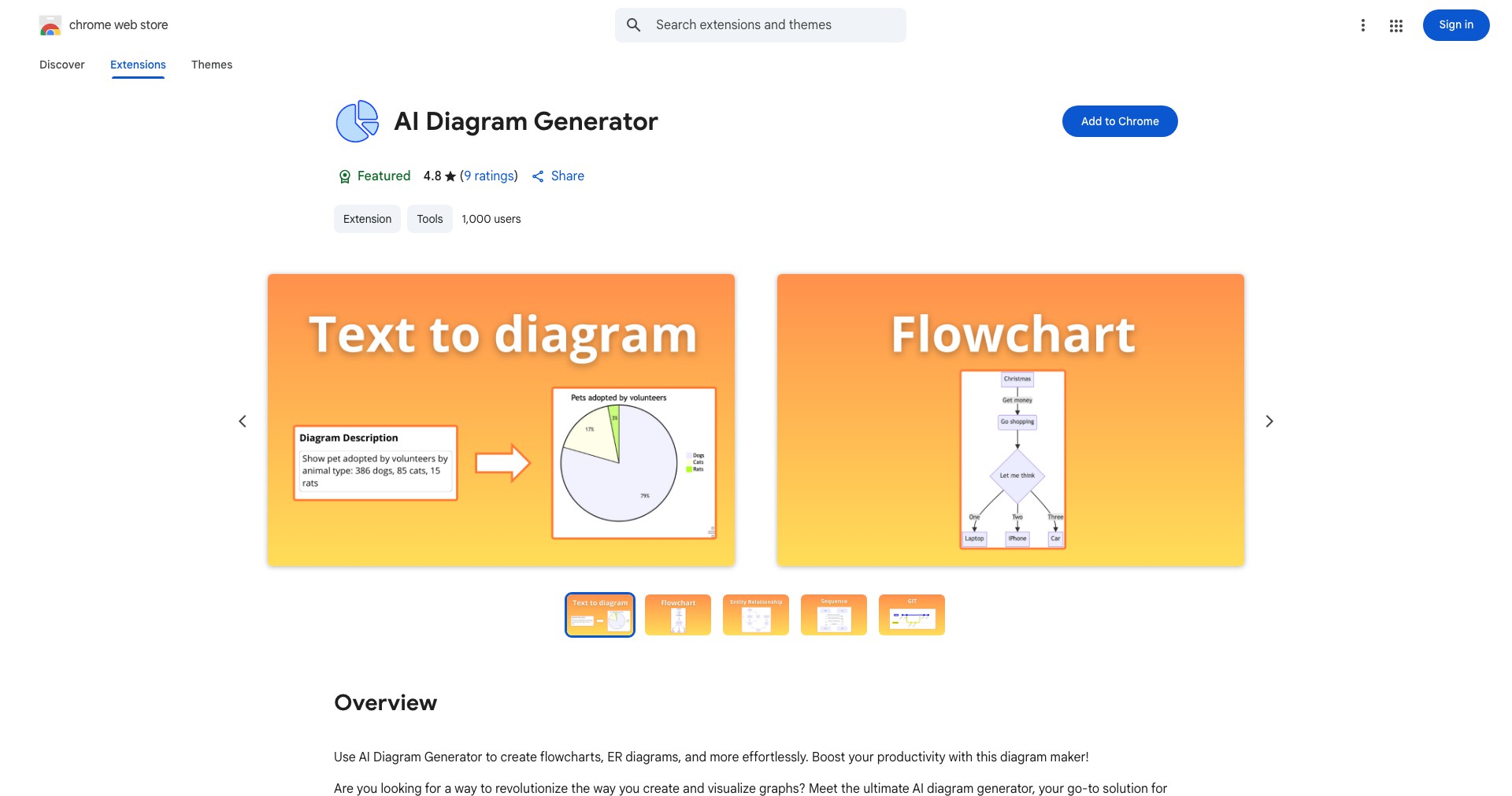
Key Features:
-
Text-to-Diagram Conversion:
Simply type or paste your process or workflow as text, and the AI generates an accurate diagram instantly. This streamlines the visualization of ideas and processes without manual drawing. -
Customizable Templates:
Choose from an array of pre-designed templates for different diagram types, such as flowcharts, mind maps, and organizational charts. This helps users get started quickly and maintain consistency. -
Collaboration Tools:
Multiple users can collaboratively edit diagrams in real time, enabling seamless teamwork for brainstorming sessions, project planning, or remote instruction. -
Export and Integration:
Export diagrams in various formats (PNG, SVG, PDF) and integrate them with popular platforms like Google Slides or Microsoft PowerPoint, making it easy to share and present your work. -
AI Layout Optimization:
The AI automatically arranges diagram components for optimal readability and aesthetics, saving time and ensuring a professional result.
What makes AI Diagram Generator unique?
The AI Diagram Generator stands out due to its robust AI-driven engine, which not only interprets text and structured information but also optimizes the layout for clarity with minimal user intervention. Unlike many traditional diagram tools that require manual arrangement, this generator leverages smart algorithms to create clean, visually balanced diagrams from even brief inputs.
Its collaborative real-time editing feature integrates seamlessly with cloud-based productivity suites, making it ideal for distributed teams or educational settings. These capabilities, combined with flexible export options, provide a comprehensive package that covers a broader range of user needs than many competitors in the market.
Pros and Cons
Who is using AI Diagram Generator?
Business Professionals: Managers, analysts, and project planners can quickly visualize workflows, org charts, and business processes to aid decision-making and communication.
Educators and Students: Teachers use it to illustrate concepts and processes in the classroom, while students benefit from easy creation of mind maps, study guides, or presentations.
Software Developers: Developers use the platform for system design, architecture diagrams, and flowcharts to plan and communicate technical processes efficiently.
Product Evolution
Since launch, the AI Diagram Generator has seen significant improvements in both its AI capabilities and user interface. What began as a simple tool for basic flowcharts now supports a wider range of diagram types and more advanced automation.
User feedback has driven updates such as the introduction of real-time collaboration tools, enhancing its functionality for teams and remote workflows. Advanced export and integration features were added in response to user requests for easier sharing and presentation.
Future development seems aimed at expanding customization, integrating with more third-party apps, and supporting an even broader variety of diagram templates and specialty use cases.
Pricing
| Plan | Price | About |
| Free Plan | $0 | Allows basic diagram creation with standard templates and limited export options. |
| Pro Plan | $9.99/month | Includes premium templates, unlimited exports, advanced AI features, and priority support. |
| Team Plan | $19.99/month per user | Adds team management, real-time collaboration, and integrations with enterprise platforms. |
Verdict
The AI Diagram Generator offers an ideal blend of automation, ease-of-use, and professional output, making it an excellent choice for a broad spectrum of users. Its AI-driven approach enables almost anyone to create attractive, clear diagrams without mastering design software, and added collaboration tools make it a valuable resource for both solo users and teams.
While there are some feature restrictions in the free tier and limited capabilities for more specialized diagrams, most users will find its speed, export flexibility, and quality sufficient for daily needs. Those seeking fast, intuitive, and visually-appealing diagrams will benefit the most from this tool.


