AutoCut
Last updated: June 16, 2026
What is AutoCut?
AutoCut is an advanced AI-powered video editing solution designed to simplify and accelerate the video trimming process. Leveraging artificial intelligence, it automatically detects silences, unimportant footage, and jump cuts, allowing for streamlined editing suitable for social media, vlogs, podcasts, and professional productions.
Crafted for video creators, marketers, educators, and casual users alike, AutoCut presents an easy-to-use interface that dramatically reduces editing time. By automating the most repetitive tasks, it enables users to focus on creative storytelling rather than manual adjustments.
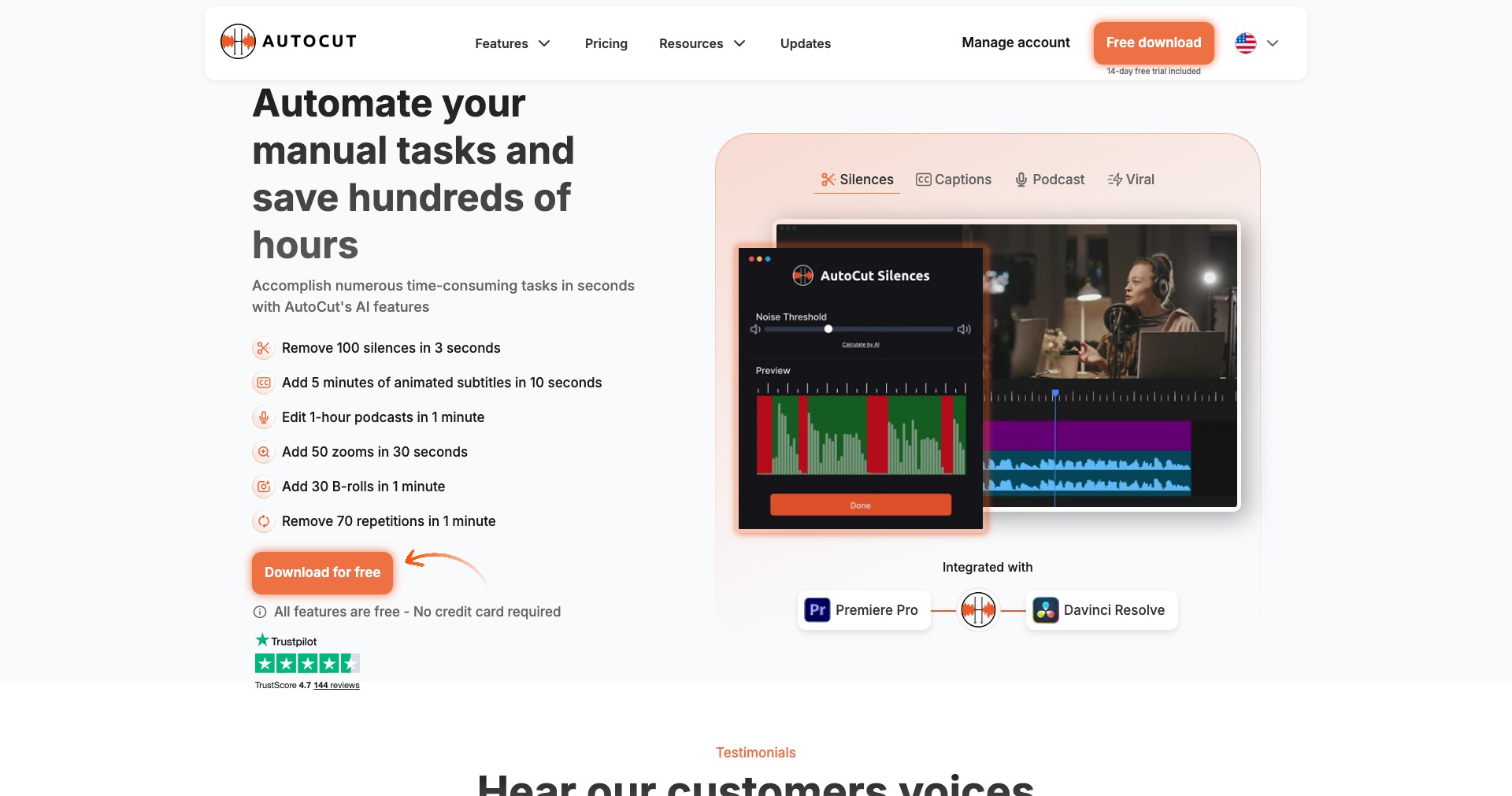
Key Features:
-
AI-Based Auto-Cutting:
Utilizes artificial intelligence to identify and remove long pauses, silences, and unwanted footage with a single click. This feature makes the video trimming process much faster, saving hours for editors. -
Batch Video Processing:
Allows users to process multiple videos simultaneously. This is ideal for those working with large sets of footage or creating repetitive content, further optimizing workflow. -
Customizable Cut Settings:
Offers users the ability to fine-tune detection thresholds for silences, minimum segment length, and jump cut parameters. This customization ensures precise editing according to specific needs. -
Multi-Platform Export Options:
Supports exporting videos in various formats and resolutions compatible with YouTube, Instagram, TikTok, and more, facilitating seamless sharing across platforms. -
Seamless Integration:
Integrates easily with popular editing suites like Adobe Premiere and Final Cut Pro, enabling users to incorporate AutoCut's AI within their preferred workflow for enhanced editing power.
What makes AutoCut unique?
What sets AutoCut apart is its deeply intelligent AI model fine-tuned for speech and scene analysis, leading to highly accurate silencing and jump-cut operations compared to many rivals who rely on more basic waveform detection. This significantly cuts down manual adjustment time and minimizes errors in segment selection.
Additionally, AutoCut's plug-in support for leading video editing platforms, paired with batch processing and user-friendly custom settings, adds flexibility and scalability seldom found in direct competitors. Its ongoing updates based on real-world creator feedback keeps it ahead of market trends.
Pros and Cons
Who is using AutoCut?
Content Creators & Influencers: Perfect for YouTubers, podcasters, vloggers, and streamers who value fast turnaround and consistency in editing. The batch processing and social-media-ready export options help maintain a steady publishing schedule.
Marketing Teams & Agencies: Ideal for marketing professionals producing video ads, brand announcements, or product demos. AutoCut's automation saves resources and lets teams focus on messaging and creativity.
Educators & Online Course Instructors: Teachers and online educators can quickly trim lectures, tutorials, and webinars, ensuring clean, engaging content for students without the need for advanced editing expertise.
Evolution and Updates
Since its launch, AutoCut has rapidly incorporated user feedback, adding more nuanced controls and detection algorithms to handle diverse video formats and speech patterns.
Recent updates have increased integration support with major editing platforms, improving workflow compatibility for professional editors and creative teams.
Ongoing upgrades continue to refine AI precision, reduce mis-detections, and expand export format support, ensuring AutoCut remains a leader in automated video editing tools.
Pricing
| Plan | Price | About |
| Free Plan | $0 | Basic AI video auto-cutting with limited export options and watermark applied. |
| Pro Plan | $10/month | Unlocks unlimited exports, batch processing, advanced AI controls, and removes watermark. |
| Enterprise Plan | Contact for quote | Designed for businesses, offering customization, API access, priority support, and team collaboration tools. |
Verdict
AutoCut is a standout choice for anyone seeking to expedite the video editing process, especially those handling repetitive or large-volume projects. Its AI-driven automation delivers professional results with minimal effort, making it invaluable for creators and marketers with tight deadlines.
While some advanced features are only available in paid plans and there's a slight learning curve, the blend of customization, integration, and continual improvement makes AutoCut an ideal assistant for modern video editing tasks.


