bigmp4
Last updated: June 16, 2026
What is bigmp4?
bigmp4 is an intuitive, web-based video processing platform specializing in quick conversion, compression, and upscaling solutions. Leveraging advanced AI technologies, it allows users to handle a variety of video formats and optimize them for quality and size in just a few clicks—without any software installation.
Whether you're a social media manager, YouTuber, or casual user dealing with large or unwieldy video files, bigmp4 offers a streamlined alternative to traditional desktop video editors. The platform is accessible directly from your browser, making it remarkably convenient for users who value speed, simplicity, and quality in their video workflow.
Key Features:
-
AI Video Upscaling:
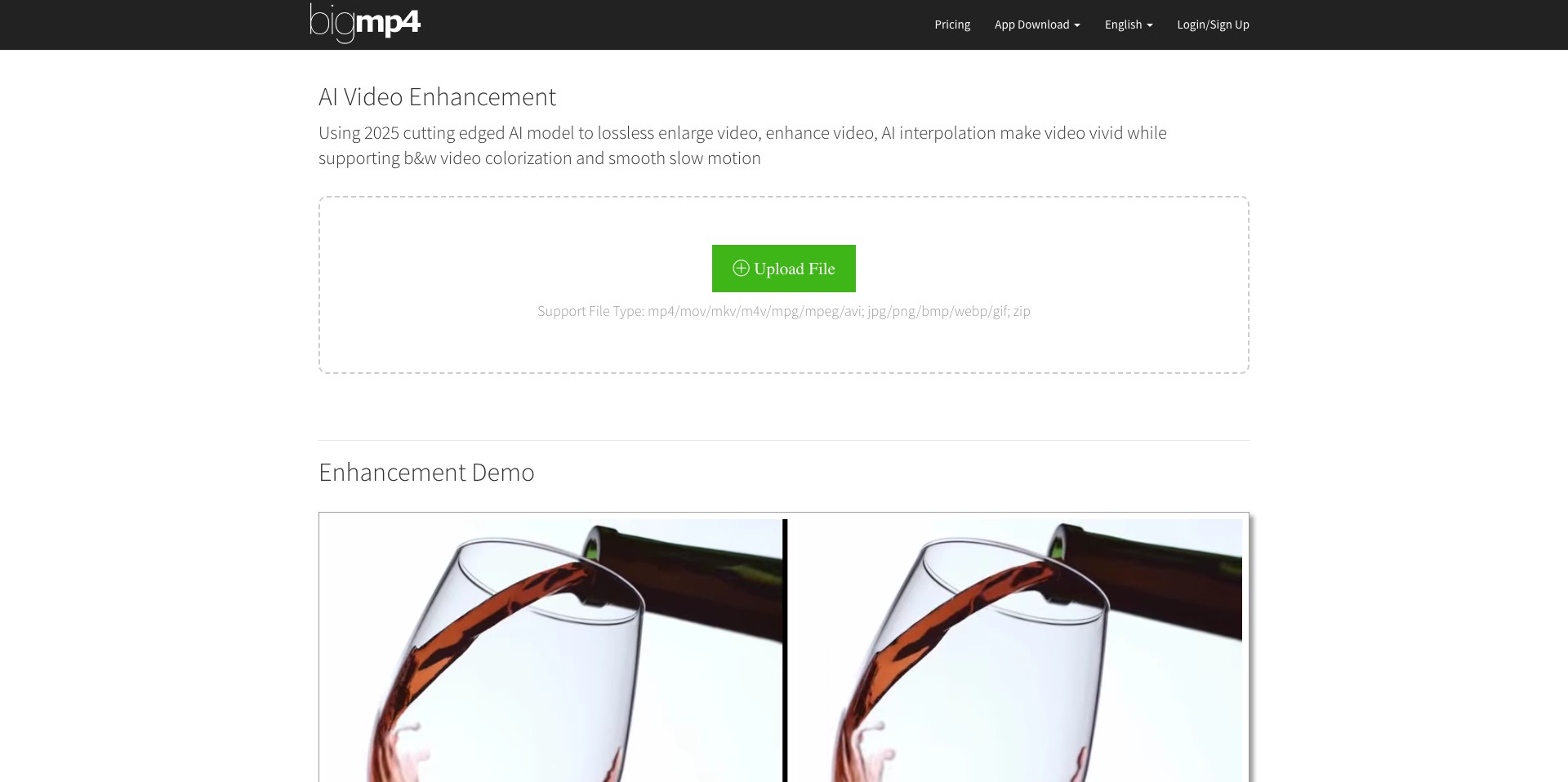
bigmp4 uses artificial intelligence to upscale videos to higher resolutions (e.g., from 480p to 1080p or 4K), improving image sharpness and detail without manually adjusting settings. This is ideal for enhancing old, low-resolution footage for modern screens. -
Fast Video Conversion:
Convert videos between various formats (MP4, MOV, AVI, etc.) within seconds. The platform optimizes file compatibility for different devices and platforms, removing headaches around file types. -
Flexible Compression:
Reduce video file size while maintaining visual quality. This feature is particularly useful for sharing videos over email or uploading to bandwidth-limited platforms. -
Simple, No-Login Interface:
bigmp4 lets users process videos without creating an account, ensuring user data privacy and making first-time use frictionless. -
Batch Processing Capability:
Handle multiple videos at once, saving time for users with large projects or frequent needs to process content in bulk.
What makes bigmp4 unique?
What distinguishes bigmp4 from competitors is its use of AI for real video enhancement, not just format conversion. The upscaling feature brings professional-level results to everyday users, bridging the gap between consumer convenience and production-quality output.
Additionally, many online tools require time-consuming logins or desktop software installs. bigmp4's browser-based approach, no-login workflow, and speedy servers uniquely position it as a top choice for users seeking frictionless access and reliable output.
Pros and Cons
Who is using bigmp4?
Content Creators: YouTubers, TikTokers, and Instagram users can quickly prepare videos for upload—compressing files, changing formats, or upscaling quality for their audience.
Digital Marketers: Marketers and agencies streamline the process of repurposing and optimizing video assets across different campaigns and platforms.
Casual Users: Anyone who occasionally needs to convert, compress, or enhance home videos enjoys the no-setup, easy-to-use interface.
Continuous Platform Improvements
Since its introduction, bigmp4 has expanded its core AI features, moving from basic video conversion to high-quality upscaling and sophisticated compression powered by advanced machine learning algorithms.
User feedback has led to enhancements like batch processing and improved support for diverse video formats, addressing the needs of both casual and power users.
The platform regularly introduces performance updates, optimizing processing speeds and expanding the range of devices and file types it handles, making it more robust and reliable over time.
Pricing
| Plan | Price | About |
| Free | $0 | Basic features with limits on file size and processing speed. |
| Pro | From $9.99/month | Unlocks higher resolutions, faster processing, and larger file uploads. |
| Pay-as-you-go | From $2 per use | Purchase on-demand credits for one-off video processing needs. |
Verdict
bigmp4 stands out as a powerful, accessible solution for video conversion and enhancement, delivering AI-driven results without the hassle of traditional editing software. Its combination of speed, quality, and user-friendliness make it suitable for everyone from occasional home video editors to busy content creators handling large video libraries.
While the free tier covers basic needs, the most impressive features—like true AI upscaling and faster batch processing—require a subscription. Those seeking high-end output or professional workflows will find the Pro plan worthwhile, while less frequent users can still benefit from flexible pay-as-you-go options.


