BlipCut
Last updated: June 16, 2026
What is BlipCut?
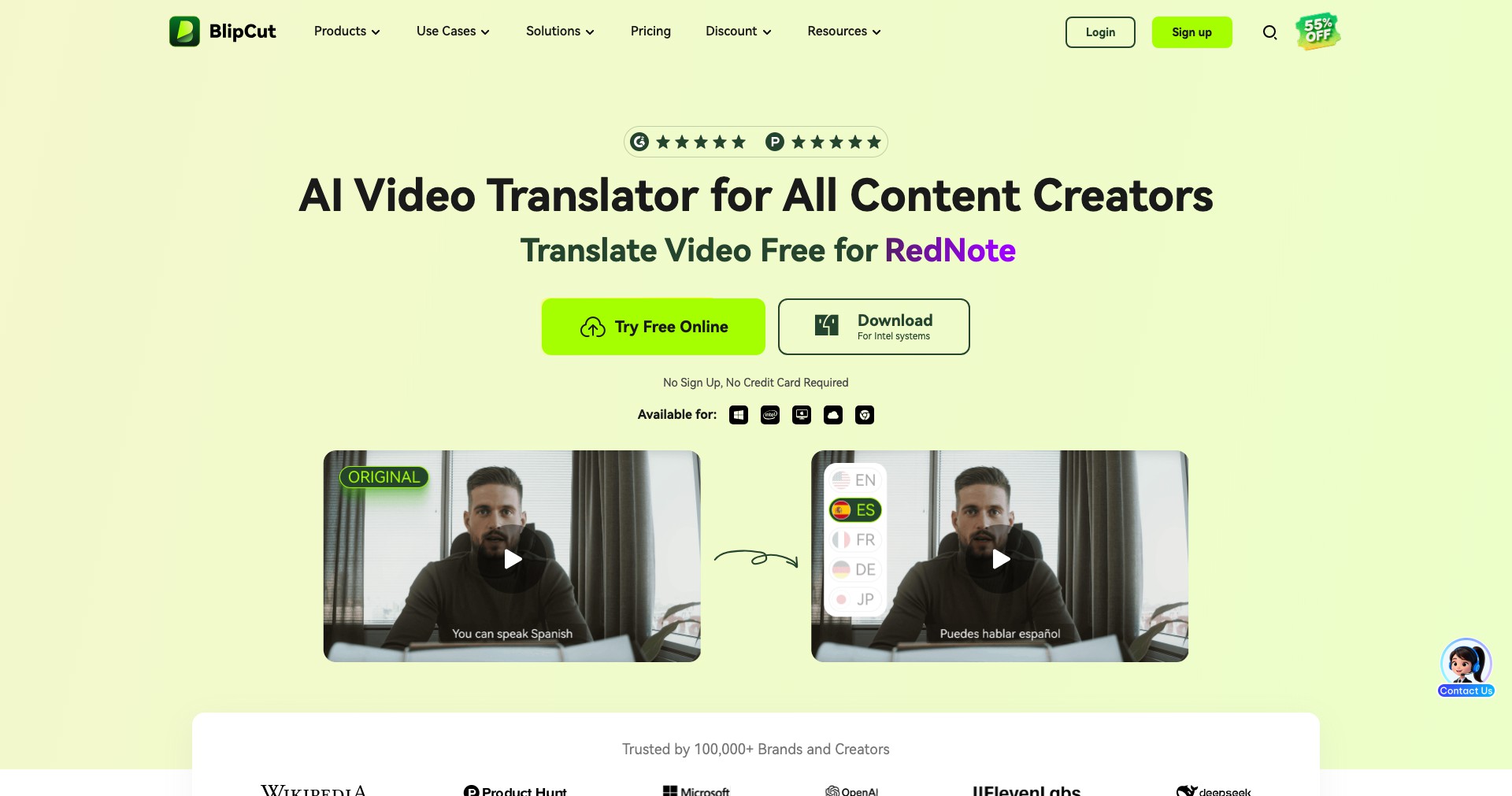
BlipCut is a cutting-edge AI tool that streamlines the creation of short-form videos from longer content. Its seamless interface empowers users to extract highlights, add captions, and produce high-impact clips in just a few minutes, making it an ideal solution for creators, social media managers, and marketing teams.
By automating the video trimming and subtitle generation process, BlipCut helps users maximize the reach of their video content across platforms like TikTok, Instagram Reels, and YouTube Shorts. Whether you’re an entrepreneur building your brand or a digital agency juggling multiple clients, BlipCut enables greater content output with less manual effort.
Key Features:
-
AI-Powered Video Trimming:
BlipCut uses artificial intelligence to automatically identify and extract the most engaging segments from long videos, saving time and ensuring consistently engaging shorts. -
Automatic Subtitle Generation:
The platform provides instantly generated, accurate subtitles that can be customized, improving accessibility and engagement for viewers who watch videos without sound. -
Multi-Platform Export Presets:
BlipCut offers export presets optimized for TikTok, Instagram Reels, and YouTube Shorts, ensuring your content looks perfect on each platform without manual resizing. -
Customizable Video Templates:
Choose from a variety of professional templates to enhance your edited shorts with branded elements, captions, and visual effects tailored to your style. -
Batch Processing:
Users can queue and process multiple videos simultaneously, making bulk content creation more efficient for agencies and high-volume creators.
What makes BlipCut unique?
What sets BlipCut apart is its highly accurate AI that not only identifies highlight moments but also intelligently formats them for shorts with minimal user input. While other tools may offer basic trimming, BlipCut’s context-aware editing ensures only the most compelling moments make it into the final cut.
Additionally, the platform’s wide range of export options and fully customizable templates go beyond generic tools. BlipCut embraces the entire short-form video workflow, from intelligent scene selection to eye-catching final exports, making it a one-stop solution for serious short-form creators.
Pros and Cons
Who is using BlipCut?
Content Creators: Influencers, YouTubers, and streamers who want to quickly repurpose long-form content for social media. They benefit from rapid editing and platform-specific optimization.
Marketing Teams: Digital marketers looking to turn webinars, interviews, or product demonstrations into engaging short videos. BlipCut helps them amplify campaign reach with minimal effort.
Agencies: Creative agencies managing multiple client accounts who need to produce high volumes of short content efficiently. Batch processing and team-oriented workflows are particularly beneficial.
Product Evolution
Since its launch, BlipCut has rapidly expanded its feature set from basic video trimming to include AI-driven highlight detection and subtitle generation, responding to the growing need for rapid content repurposing.
User feedback has driven improvements in template customization, adding branded themes and visual effects. Export presets have also expanded to support emerging social platforms as trends evolve.
Recently, BlipCut introduced batch video processing and collaborative options for agencies, showing its commitment to serving larger teams and high-output environments.
Pricing
| Plan | Price | About |
| Free | $0 | Basic usage, limited exports, and watermarked videos; intended for try-before-you-buy users. |
| Pro | $19/month | Expanded export options, increased resolution support, no watermarks, and premium template access. |
| Agency | $49/month | Batch processing, team collaboration tools, priority support, and the largest export quota. |
Verdict
BlipCut stands out as a polished, AI-empowered solution for creators and businesses seeking to maximize video ROI through short-form content. It simplifies production, delivers solid platform-specific results, and caters to a range of user needs from solo entrepreneurs to creative agencies.
While it isn’t a replacement for manual, detailed video editing in complex projects, it excels as a speed-focused, content repurposing powerhouse. Overall, BlipCut is highly recommended for marketers, creators, and teams aiming to keep up with the fast pace of social-first video.


