Dewatermark
Last updated: June 16, 2026
What is Dewatermark?
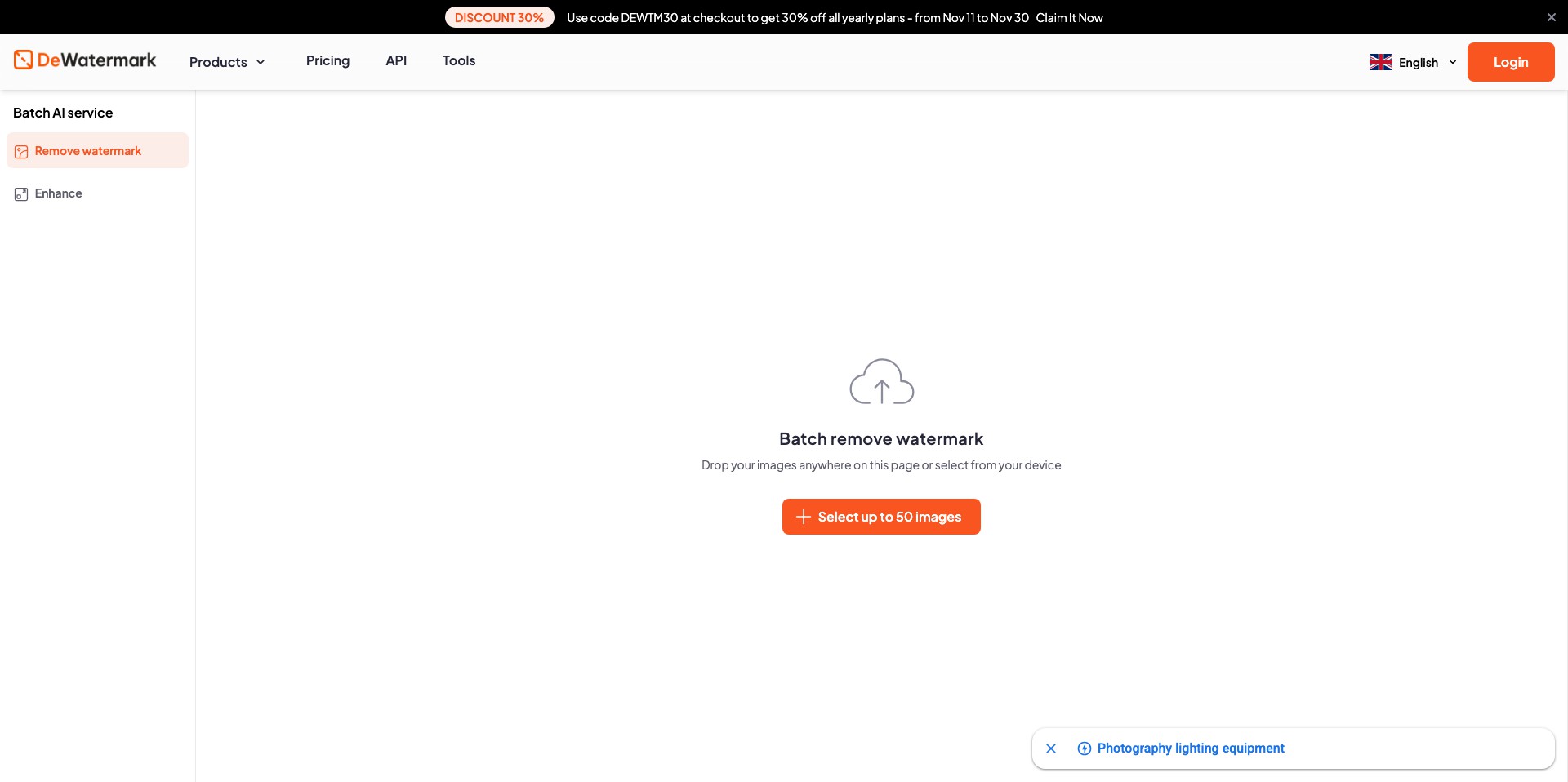
Dewatermark is a cutting-edge online tool designed to help users seamlessly remove watermarks, logos, or unwanted text from images using AI-based technology. The interface is simple: upload your image, and in seconds, receive a refined, watermark-free result ready for use in your projects.
Whether you're a professional photographer needing pristine visuals, a designer refreshing stock images, or a content creator working on marketing assets, Dewatermark combines advanced image processing algorithms with an intuitive platform to make watermark removal accessible to anyone—no Photoshop skills required.
Key Features:
-
AI-Powered Watermark Removal:
Utilizes advanced artificial intelligence to detect and intelligently remove watermarks from images, delivering high-quality, natural-looking results. -
Batch Processing:
Allows users to upload and process multiple images simultaneously, significantly reducing the time and effort required for large projects. -
Supports Common Image Formats:
Compatible with popular image types like JPG, PNG, and BMP, ensuring broad usability without the need for file conversions. -
Online and Fast:
Browser-based platform means no software installation is needed; watermark removal is performed quickly and can be accessed from any device with internet connectivity. -
User-Friendly Interface:
Designed with simplicity in mind, Dewatermark’s drag-and-drop interface and straightforward controls make it easy for users of any skill level to achieve professional results.
What makes Dewatermark unique?
Unlike traditional photo editing tools that require manual effort and expertise, Dewatermark stands out by leveraging AI to handle the intricate process of watermark detection and removal automatically. This not only saves time but also maintains the integrity and quality of the original image.
The inclusion of batch processing—a feature not commonly found in free or low-cost tools—makes Dewatermark especially valuable for users working with large image libraries. Its cloud-based approach means users aren’t tied to a specific machine or operating system.
Pros and Cons
Who is using Dewatermark?
Photographers: Photographers who need to quickly clear watermarks from images—whether for proofing, showcasing, or archiving—will find Dewatermark especially handy, saving them both time and manual effort.
Designers and Marketers: Design professionals and marketing teams often require clean visuals for advertising or brand collateral. Dewatermark provides an efficient way to prepare images for client presentations or promotional material.
Content Creators and Social Media Managers: Anyone managing social media pages, blogs, or creative content can use Dewatermark to polish images before publication, enhancing the professionalism and appeal of their posts.
Product Evolution Overview
Since its initial launch, Dewatermark has evolved from a basic watermark removal tool to an AI-powered platform, significantly increasing the quality and accuracy of its results.
Continuous enhancements have introduced batch processing and support for additional file formats, enabling users to process more images with greater flexibility.
Interface improvements and responsiveness updates have made the tool faster and more user-friendly, ensuring a smooth experience across various devices.
Pricing
| Plan | Price | About |
| Free | $0 | Includes basic features with limits on image size, quality, and number of uses. |
| Pro | Starting at $9.99/month | Unlocks higher-resolution outputs, increased batch limits, priority processing, and no watermarks on results. |
Verdict
Dewatermark provides a robust, AI-driven solution for effortlessly removing watermarks from images, making it well-suited for professionals and casual users alike. Its easy-to-use interface and cloud accessibility mean you don’t need prior editing experience or special hardware.
While limitations exist on the free plan, and complex images may sometimes require additional touch-ups, Dewatermark strikes an excellent balance between speed, quality, and accessibility. It’s a strong choice for anyone seeking quick, hassle-free image enhancement.


