Doc2Lang Online Excel Translator
Last updated: June 16, 2026
What is Doc2Lang Online Excel Translator?
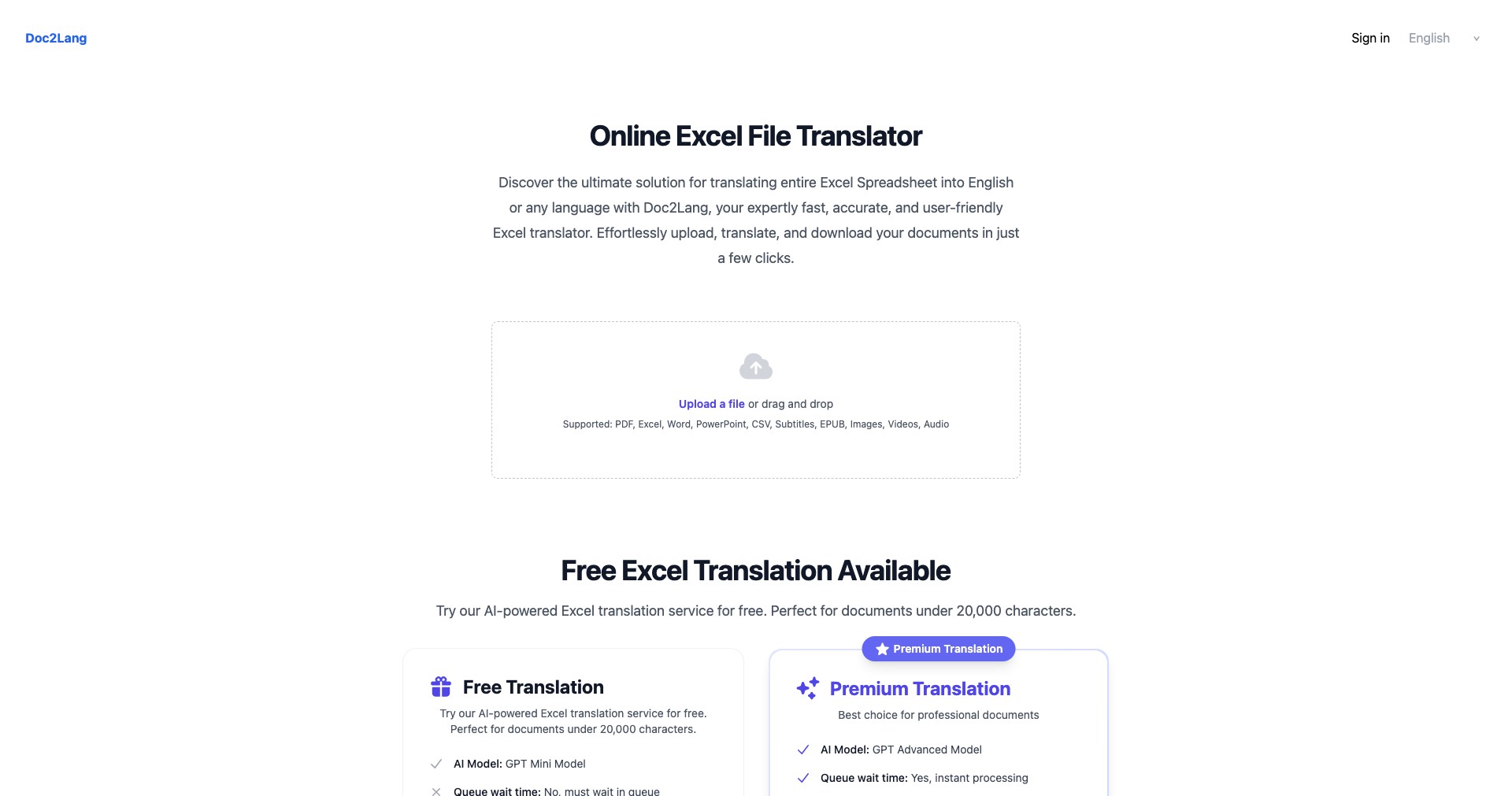
Doc2Lang Online Excel Translator is a web-based platform that leverages advanced AI technology to translate Excel files between numerous languages. It is specifically designed to maintain data integrity and formatting throughout the translation process, making it a reliable tool for global teams and individuals managing data in different languages.
Unlike traditional copy-paste solutions or manual translation, Doc2Lang streamlines the workflow by allowing users to upload complex spreadsheet files and obtain contextually accurate translations in minutes. Its user-friendly interface ensures accessibility for both beginners and experienced professionals who work with multilingual datasets.
Key Features:
-
AI-Powered Translation:
Utilizes cutting-edge AI models to provide accurate and context-aware translations of Excel files, supporting over 40 languages. This helps minimize errors and ensures the nuances of your data are preserved. -
Preserves Formatting:
Maintains the original formatting, styles, and formulas in your Excel documents, so translated files remain ready for immediate use or sharing without extra adjustments. -
Bulk Document Support:
Enables users to translate multiple Excel files in one session, dramatically improving efficiency for large projects or recurring workflows. -
Easy File Upload & Download:
Offers a streamlined upload and download system, making it simple to import your Excel files, select source and target languages, and collect your translated documents seamlessly. -
Secure & Confidential:
Implements strong data protection measures to ensure that your files are processed securely and are deleted after translation, providing peace of mind for sensitive information.
What makes Doc2Lang Online Excel Translator unique?
Doc2Lang distinguishes itself from competitors by focusing specifically on Excel and spreadsheet document translation rather than generic document converters. Its AI-driven language detection and context retention ensure higher translation quality in data-heavy environments.
Features such as formula preservation, batch translation, and a no-installation-needed approach (fully web-based) set Doc2Lang apart for organizations requiring reliable, scalable, and user-friendly solutions for their multilingual spreadsheet needs.
Pros and Cons
Who is using Doc2Lang Online Excel Translator?
Business Professionals: Global teams and multinational companies that regularly handle multilingual data in spreadsheets will benefit from streamlined translation while preserving critical financial or analytical formats.
Academics & Researchers: Researchers and academic professionals working with cross-language datasets can use Doc2Lang to broaden the accessibility of their data and collaborate internationally.
Students & Educators: Students managing group projects or educators preparing teaching materials for diverse classrooms will appreciate the efficiency and simplicity of translating large volumes of Excel data.
Product Evolution & Updates
Since its initial launch, Doc2Lang has expanded its language support, now encompassing over 40 languages to cater to a more global audience.
The platform has continually refined its AI translation models, resulting in improved contextual accuracy and better handling of specialized terminology within Excel files.
Recent updates added batch-processing capabilities and tighter security features, making it suitable for enterprise-scale workflows and GDPR-compliant usage.
Pricing
| Plan | Price | About |
| Free Plan | $0 | Allows basic document translation with some limitations (e.g., file size, usage caps). |
| Premium Plan | $9.99/month | Unlocks higher limits, priority processing, and advanced features like batch translation and enhanced data security. |
Verdict
Doc2Lang Online Excel Translator stands out as an efficient, reliable, and specialized solution for Excel file translation, balancing powerful AI capabilities with ease of use. Its focus on spreadsheet-specific requirements such as formula preservation and bulk processing makes it especially suitable for business and academic users managing large or complex data sets.
While the free tier is great for occasional or light use, frequent users or those with advanced requirements will benefit from the premium version. Doc2Lang carves its own niche by addressing the challenges unique to Excel document translation, making it a top choice for anyone facing regular multilingual spreadsheet work.


