Free AI Video Upscaler
Last updated: June 16, 2026
What is Free AI Video Upscaler?
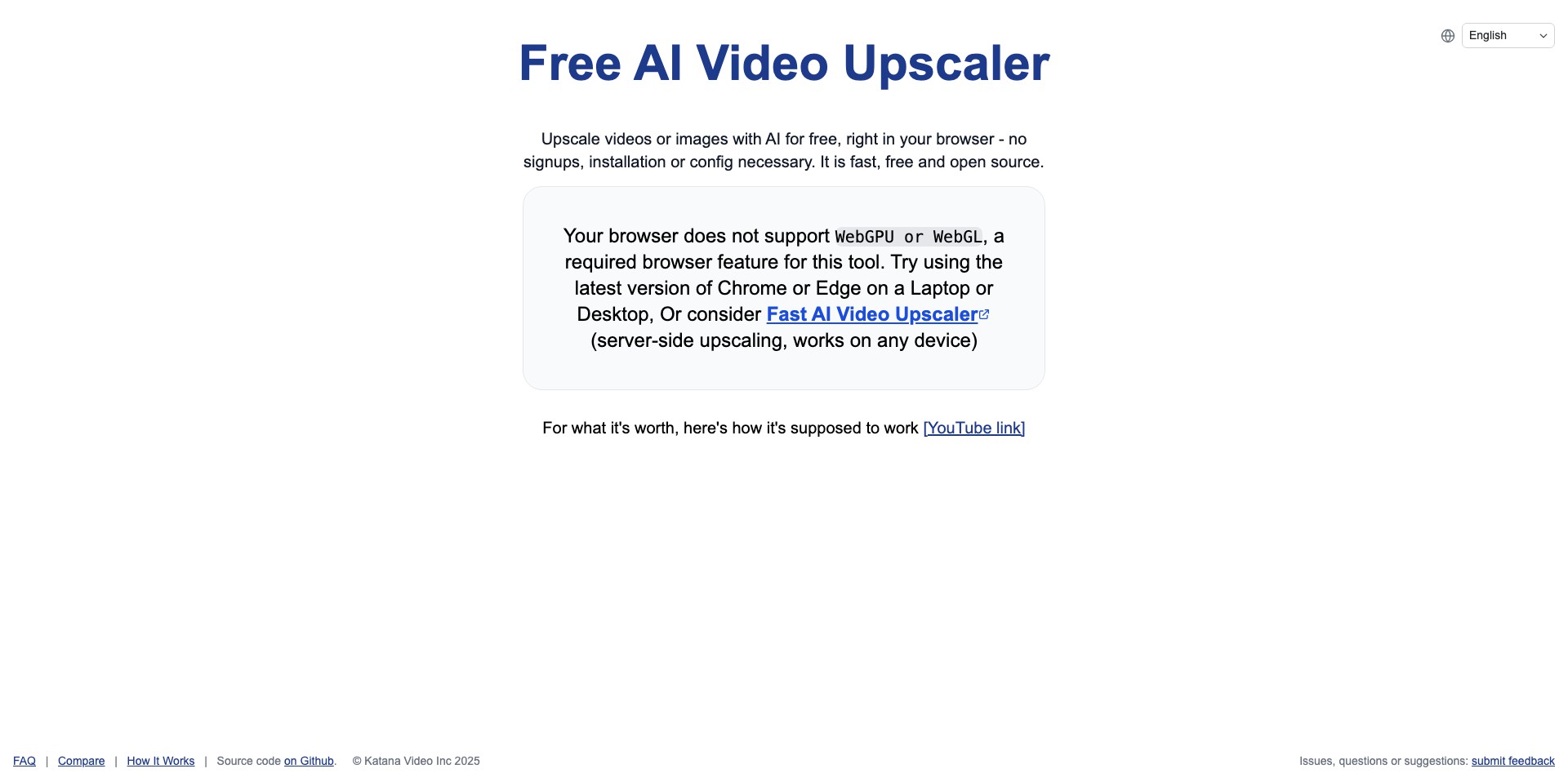
The Free AI Video Upscaler is an innovative, web-based tool that employs artificial intelligence to automatically improve the quality and clarity of your videos. Designed with ease of use in mind, it allows users to upscale low-resolution videos to high-definition formats without requiring complex editing knowledge or software installations.
This platform caters to anyone needing sharper, cleaner videos—be it YouTubers revamping old content, marketers wanting more professional presentations, or casual users hoping to restore cherished memories. By leveraging cutting-edge AI models, it takes mere moments to transform grainy, pixelated clips into visually stunning footage.
Key Features:
-
One-Click Upscaling:
Users can upscale videos to higher resolutions such as 1080p or even 4K with just a single click, streamlining the video enhancement process. -
Advanced AI Algorithms:
Utilizes deep learning algorithms to minimize artifacts, sharpen details, and improve overall visual fidelity, resulting in noticeably enhanced videos. -
Supports Multiple Formats:
Compatible with a wide array of video formats, ensuring flexibility for users regardless of their device or original file type. -
Batch Processing:
Allows users to upscale multiple videos simultaneously, saving time for those with larger projects or portfolios. -
No Watermarks:
Unlike many free competitors, this tool upsizes and enhances your content without adding disruptive watermarks, preserving a professional look.
What makes Free AI Video Upscaler unique?
What sets the Free AI Video Upscaler apart is its combination of true zero-cost access and lack of watermarks, offering features that are typically locked behind premium paywalls on other platforms. Its interface is designed for maximum accessibility, ensuring both novices and professionals can achieve striking results with minimal effort.
Moreover, its fast, cloud-based processing eliminates the need for hefty software downloads or advanced hardware, democratizing access to powerful video enhancement for users worldwide. The ability to handle batch files efficiently further streamlines complex video projects, putting advanced upscaling in everyone’s hands.
Pros and Cons
Who is using Free AI Video Upscaler?
Content Creators: YouTubers, vloggers, and social media influencers can use the tool to refresh old videos or enhance new content for improved viewer engagement.
Filmmakers and Videographers: Indie filmmakers and event videographers benefit from upscaling legacy footage or low-res clips to meet modern distribution standards.
General Public: Everyday users looking to restore family videos or personal recordings can easily enhance their media without technical expertise.
Evolution and Updates
Since its debut, the Free AI Video Upscaler has seen continuous improvements in both its AI models and website user experience. Initial versions supported only a handful of formats and lower resolution upscaling, but ongoing development has expanded compatibility and result quality.
Updates have introduced batch processing, larger file size limits, and improved AI models that better recognize and reconstruct fine details and faces. The interface has also been refined to make upscaling straightforward for all users.
The development team regularly incorporates feedback and advances in machine learning, ensuring that the product remains state-of-the-art for both casual users and professionals alike.
Pricing
| Plan | Price | About |
| Free | $0 | All features are available at no cost and without registration. |
Verdict
The Free AI Video Upscaler stands out as an accessible and effective tool for instantly improving video quality—offering capabilities usually reserved for pricey, professional-grade software. Its free, watermark-free model and batch processing features make it a top choice for creators, filmmakers, and anyone seeking higher quality video.
Limitations such as processing delays and basic customization may affect advanced users, but for the vast majority seeking quick, hassle-free video improvements, this tool’s strengths far outweigh its drawbacks. Ultimately, it democratizes powerful AI upscaling, making it available to all at zero cost.


