Github Copilot
Last updated: June 16, 2026
What is Github Copilot?
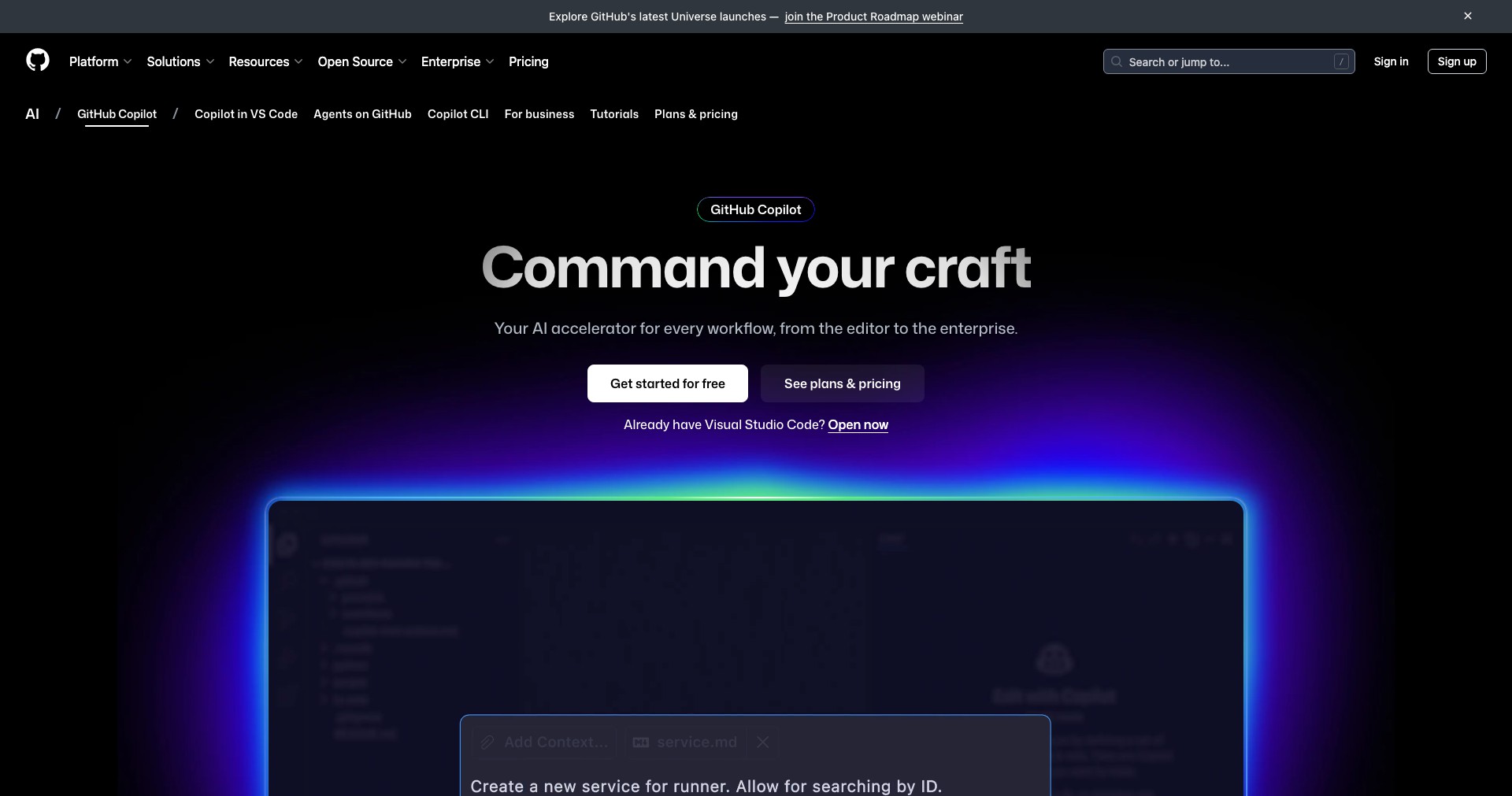
GitHub Copilot is an AI-driven code assistant that integrates seamlessly into popular code editors such as Visual Studio Code, Neovim, and JetBrains IDEs. Powered by OpenAI’s Codex, Copilot generates context-aware code suggestions to help developers write code faster, automate boilerplate, and tackle unfamiliar programming languages or frameworks with ease.
Since its launch, GitHub Copilot has rapidly become a staple in modern development workflows, offering invaluable assistance across a wide array of programming tasks. Whether you’re building applications from scratch or maintaining legacy code, Copilot is designed to boost productivity and foster a more creative, exploratory coding process.
Key Features:
-
Contextual Code Completion:
Copilot analyzes the context of your current code and provides intelligent auto-completions, entire lines, or blocks. This allows for quick function writing, reduces syntax errors, and streamlines coding workflows. -
Multi-Language Support:
Supports dozens of programming languages, including Python, JavaScript, TypeScript, Go, Ruby, Java, and more. This flexibility is perfect for polyglot developers or teams working across multiple tech stacks. -
Natural Language Prompts:
Developers can describe code in plain English, and Copilot will generate the corresponding implementation. This bridges the gap between conceptual ideas and coding, enabling rapid prototyping and easier onboarding for beginners. -
Integration with Popular IDEs:
Works natively within Visual Studio Code, JetBrains IDEs, and Neovim, making it accessible inside familiar environments without disrupting established workflows. -
Learning and Customization:
Copilot adapts over time by learning from your coding patterns and preferences, offering more relevant suggestions as you use it. It can also filter out common insecure patterns, raising the bar for code safety.
What makes Github Copilot unique?
What truly sets GitHub Copilot apart from other code assistants is its ability to generate entire functions and even solve complex problems based on minimal user context or natural language descriptions. While many code completion tools can suggest variable names or auto-complete simple statements, Copilot provides rich, multi-line scenarios and adapts its suggestions as you type.
Furthermore, its deep integration with the GitHub ecosystem, broad language support, and collaborative coding capabilities make Copilot a powerful tool for all types of developers. From open source contributors to enterprise teams, it uniquely enhances code quality and developer productivity—leveraging knowledge from billions of public code examples while respecting privacy guidelines.
Pros and Cons
Who is using Github Copilot?
Professional Developers: Software engineers and developers who need to increase productivity, rapidly prototype, or manage large codebases benefit greatly from Copilot’s AI-assisted development features. It expedites daily tasks and supports code across numerous languages.
Students and Learners: Programming students and self-learners find Copilot useful for learning syntax, exploring new languages, and understanding coding patterns. Its natural language features help bridge theory with practical implementation.
Open Source Contributors: Contributors to open source software can leverage Copilot to generate documentation, write unit tests, and update legacy projects more efficiently. The tool is especially helpful for maintainers wanting to keep projects current and robust.
Copilot's Evolution Timeline
Since its initial preview in 2021, GitHub Copilot has continuously expanded in scope, supporting more editors, languages, and coding environments based on user feedback. The AI behind it, OpenAI Codex, has improved, leading to more contextually aware and accurate code suggestions.
By early 2023, Copilot introduced features such as Copilot for Business, enabling enterprise-level collaboration, enhanced privacy controls, and admin management functionalities. The system also started offering code security filters to reduce the risk of insecure suggestions.
Recent updates have focused on refining the AI's understanding of developer intent, improving multi-line generation fidelity, and debiasing code completions to promote safer coding practices. The commitment to continuous improvement keeps Copilot at the forefront of AI-assisted development.
Pricing
| Plan | Price | About |
| Individual Subscription | $10/month or $100/year | Includes unlimited Copilot access for personal accounts. |
| Business Subscription | $19/user/month | Offers team management features, privacy controls, and advanced admin tools for organizations. |
| Free for Students and Maintainers | $0 | Verified students and popular open source project maintainers can use Copilot at no cost. |
Verdict
GitHub Copilot stands out as a powerful, efficient, and increasingly indispensable coding companion for developers—from solo coders to enterprise teams. Its strengths are rooted in accurate contextual suggestions, easy integration, and the ability to translate natural language into working code, ultimately saving time and reducing repetitive effort.
However, users should be mindful of occasional inaccuracies and potential overreliance on automated code. Copilot is best suited for those willing to use AI as a collaborative assistant, reviewing suggestions judiciously, and customizing the tool to their workflow. For anyone looking to supercharge their coding productivity, Copilot is a top-tier choice among AI development tools.


