GPTExcel
Last updated: June 16, 2026
What is GPTExcel?
GPTExcel leverages the power of AI to simplify and automate the creation of Excel formulas and complicated data tasks. By transforming plain-language instructions into accurate formulas, the tool removes much of the guesswork and manual effort typically associated with spreadsheets. Whether you're struggling with VLOOKUP, SUMIFS, or want to automate repetitive data cleaning, GPTExcel makes it accessible in seconds.
The platform is ideal for users who aren't Excel experts but still require powerful data manipulation abilities. Instead of lengthy manual searching or memorizing complex syntax, anyone can plug their problems into GPTExcel and receive instant, tailored solutions. This democratizes spreadsheet management for a wide audience, from students to business professionals.
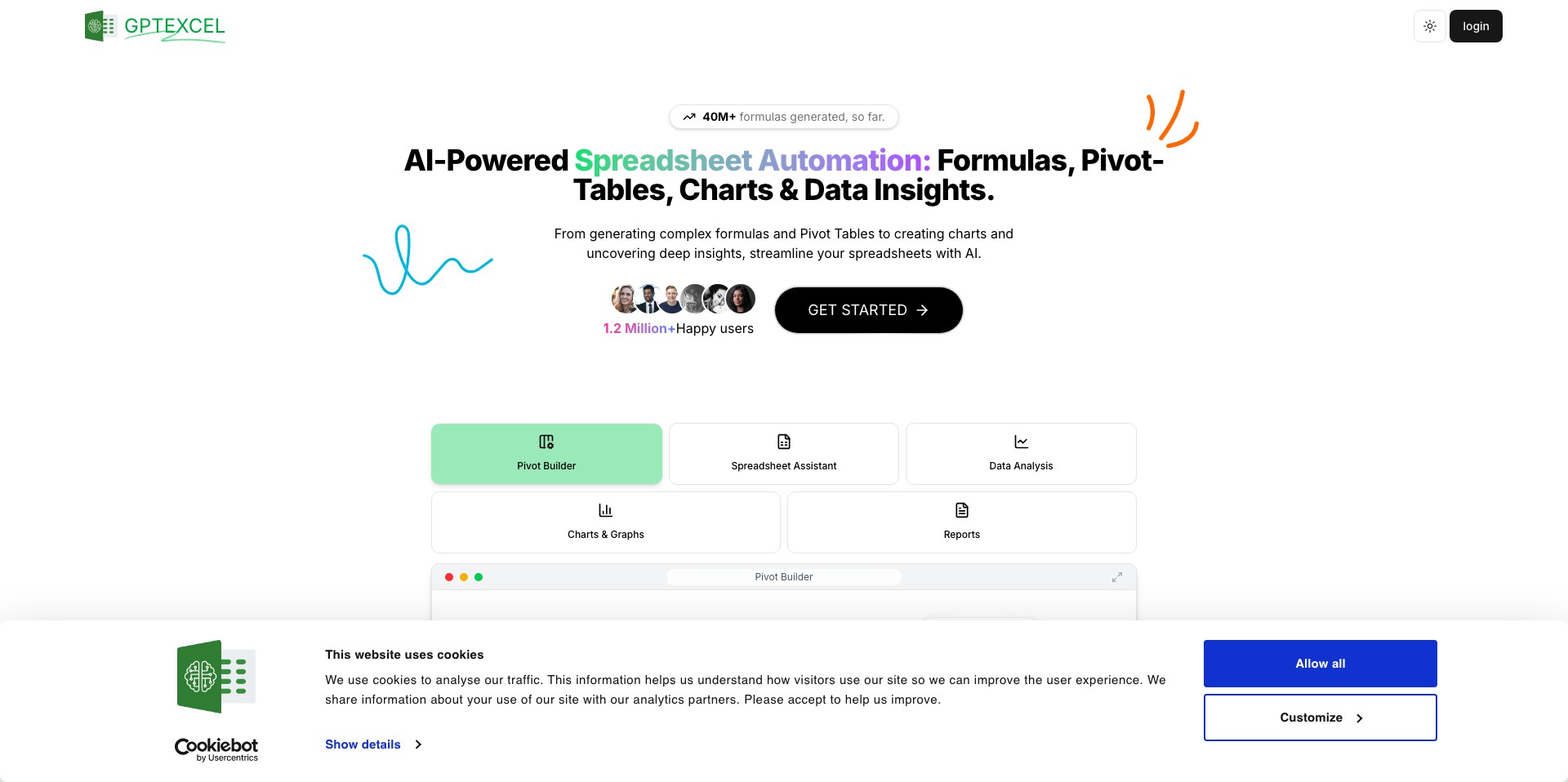
Key Features:
-
Natural Language Formula Generation:
Users can describe what they want to achieve in plain English, and GPTExcel instantly returns accurate Excel formulas, reducing time spent searching or troubleshooting. -
Instant Formula Explanations:
Paste any Excel formula to receive a clear, step-by-step explanation, enhancing understanding and enabling users to learn as they work. -
Bulk Formula Creation:
Supports multiple queries or formulas in batch, helping users manage large-scale data processing efficiently and saving significant manual effort. -
Google Sheets Compatibility:
Not limited to Excel, the tool also supports Google Sheets, broadening its appeal to those who work across different spreadsheet platforms. -
AI-Powered Data Analysis:
Offers AI suggestions for data analysis tasks, automating insights generation and identifying patterns, trends, or anomalies within datasets.
What makes GPTExcel unique?
What sets GPTExcel apart is its user-friendly, conversational approach to Excel complexity—users need absolutely no prior knowledge of formula syntax. This is amplified by reliable AI-backed outputs, which minimize errors and ensure quick turnaround times even with intricate instructions.
The batch processing and Google Sheets integration also provide unmatched flexibility, letting users manage workflows across various environments. Combined with its clear explanations and learning resources, GPTExcel stands out as an effective blend of productivity tool and educational resource.
Pros and Cons
Who is using GPTExcel?
Business Analysts: Professionals who handle large datasets and require quick, accurate data manipulation will appreciate the time-saving bulk formula creation and data analysis features.
Students and Educators: Learners at all levels benefit from instant explanations and easy formula generation, turning spreadsheets into an effective learning tool without overwhelming complexity.
Small Business Owners: Non-technical users who manage finances, inventories, or client data in Excel or Sheets can automate their workflow with less reliance on external expertise.
Product Evolution
GPTExcel launched as a straightforward formula generator, focusing on translating text requests into Excel formulas.
Over time, it expanded integration capabilities, adding Google Sheets support and enhancing bulk-processing functions for increased productivity.
Recent updates emphasize user education, offering detailed formula explanations and improved data analysis tools, closing the gap between automation and learning.
Pricing
| Plan | Price | About |
| Free Plan | $0 | Limited daily access to formula generation and basic features. |
| Pro Plan | $9.99/month | Unlimited requests, priority response times, and access to advanced AI features. |
| Enterprise Plan | Custom pricing | Bulk licensing, dedicated support, and tailored features for teams or organizations. |
Verdict
GPTExcel is an impressive productivity tool that bridges the gap between AI and ubiquitous business software. Its ease of use, educational value, and integration flexibility make it highly attractive for both novices and experienced users.
While premium features require a subscription, the core offering proves invaluable for frequent spreadsheet users seeking to save time or improve their skills. It's not a replacement for full programming or advanced Excel/VBA tasks, but for most data professionals and learners, it provides an innovative edge that simplifies day-to-day work.


