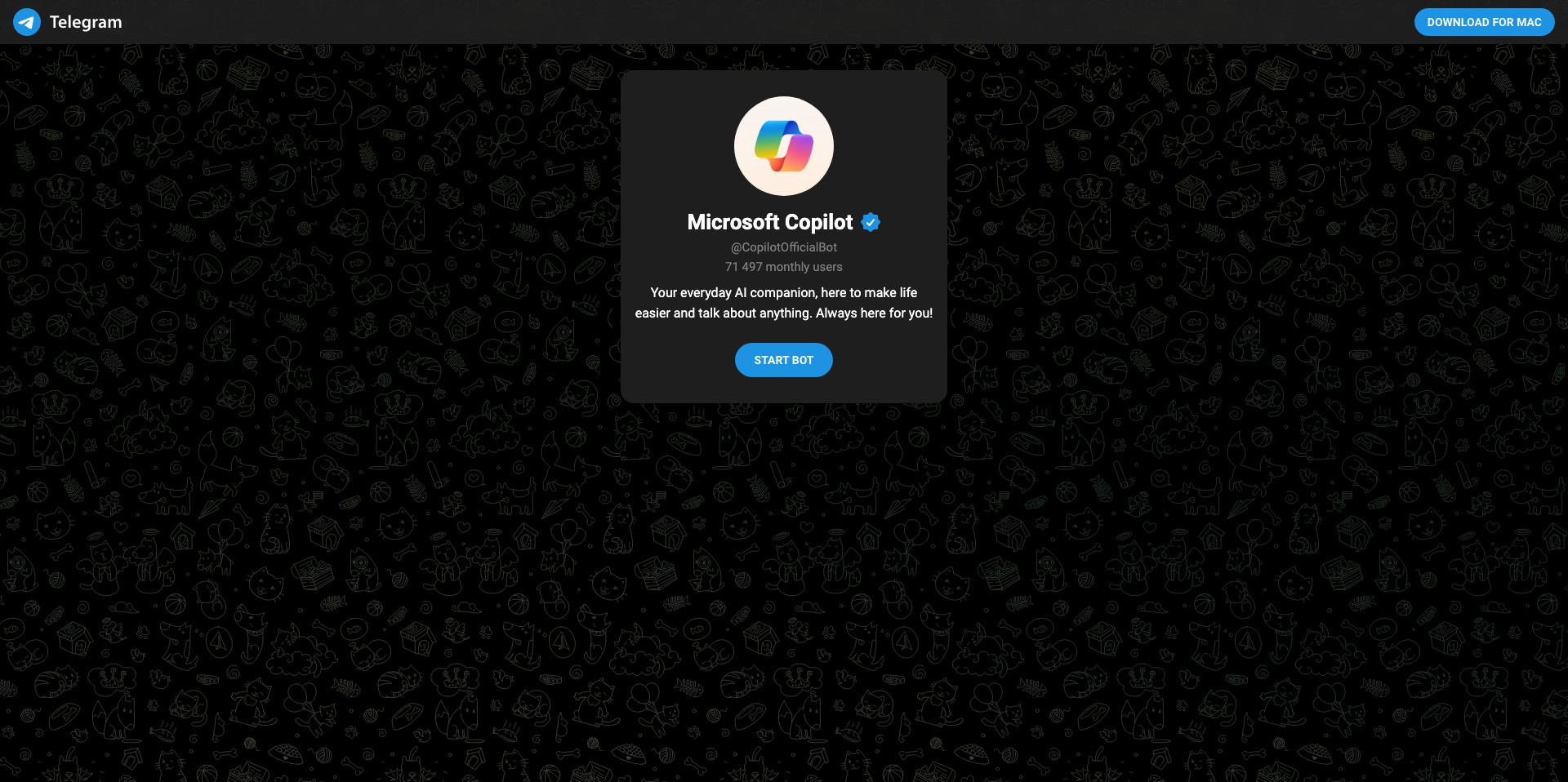
Microsoft Copilot on Telegram
Last updated: June 16, 2026
What is Microsoft Copilot on Telegram?
Microsoft Copilot on Telegram brings the power of Microsoft’s AI assistant directly to your favorite messaging app, allowing users to interact with advanced language models without leaving Telegram. The setup is straightforward—start a conversation with the Copilot bot and enjoy instant access to answers, explanations, creative content, and AI-powered productivity tools.
Whether you’re looking to brainstorm ideas, get help with research, draft emails, or simply have some fun with AI, Copilot’s integration with Telegram ensures it’s available right where your conversations happen. It bridges the gap for users who want powerful AI tools effortlessly accessible within their daily chat workflow.
Key Features:
-
Seamless Telegram Integration:
Interact with Copilot directly in Telegram, bypassing the need for separate apps or web searches. The chatbot is always at your fingertips within your chat interface for uninterrupted productivity. -
Conversational AI:
Copilot leverages Microsoft’s advanced GPT-powered models to deliver human-like, context-aware responses. Whether you need quick answers, explanations, or guidance, Copilot can handle diverse topics with natural language prowess. -
Content Generation:
Quickly generate emails, summaries, stories, or social media posts without leaving Telegram. It speeds up your writing process and sparks creativity when needed. -
Instant Information Retrieval:
Get concise answers, definitions, or overviews from the web and Microsoft sources. Copilot can summarize news, explain concepts, or provide fact-based information in seconds. -
Multilingual Support:
Supports multiple languages, making it accessible to users worldwide. You can ask questions and get responses in your preferred language, breaking down communication barriers.
What makes Microsoft Copilot on Telegram unique?
What makes Microsoft Copilot on Telegram unique is its seamless marriage of a robust, enterprise-level AI assistant with one of the world’s most popular messaging platforms. Unlike standalone AI apps requiring separate logins or browser tabs, this bot lives directly within your daily chat conversations, ensuring that productivity help, creativity tools, and knowledge are always just a message away.
Moreover, Microsoft’s Copilot is powered by proprietary, constantly updated large language models, giving it access to both Microsoft’s deep knowledge base and the latest advancements in responsible AI. Its smooth, chatbot-like experience offers both casual and professional users an accessibility and ease-of-use often unmatched by competitors.
Pros and Cons
Who is using Microsoft Copilot on Telegram?
Students and Researchers: Those needing quick answers, explanation of complex topics, or content summarization will benefit from Copilot’s instant responses. The bot can streamline study sessions or information gathering within academic chat groups.
Busy Professionals: Professionals looking to draft quick emails, summarize long documents, or brainstorm ideas can boost productivity by letting Copilot handle routine queries and creative assistance inside their daily communication tool.
Casual and Everyday Users: Anyone who enjoys experimenting with AI, playing games, or asking fun questions can use Copilot as a conversational partner. Its simplicity inside Telegram makes it easy for all experience levels to engage with AI technology.
Evolution and Enhancements
The Copilot ecosystem first emerged as Microsoft’s response to the growing popularity of AI chat assistants, aiming to enhance productivity and creativity across its products.
After initial launches within Microsoft 365, Copilot has continued evolving—adopting newer language models, improved integration features, and wider accessibility, including platforms like web, Edge browser, and ultimately, messaging platforms such as Telegram.
With regular updates rolled out by Microsoft, Telegram users now benefit from the latest advancements in Copilot’s AI, including better context understanding, multi-language support, and a user experience tuned for mobile and chat-based workflows.
Pricing
| Plan | Price | About |
| Free | $0 | All features are currently available at no cost to users interacting via Telegram. |
Verdict
Microsoft Copilot on Telegram is a game-changer for those seeking instant, AI-powered assistance embedded in their everyday conversations. It brings best-in-class language models to a widely-used messaging app and lowers access barriers for a broad spectrum of users.
While it may not offer all the deep integrations available in Microsoft’s enterprise products, its strengths—ease of use, conversational speed, and cost-effectiveness—make it an excellent tool for students, professionals, and curious minds alike.


