NameDrop
Last updated: June 16, 2026
What is NameDrop?
NameDrop is an AI-powered meeting assistant focused on transforming spoken conversations into actionable knowledge. Whether from Zoom calls, Google Meet sessions, or uploaded audio and video recordings, NameDrop leverages advanced speech-to-text and natural language processing to extract key points, summarize discussions, and create shareable notes in moments.
With rising demand for efficient remote collaboration, NameDrop targets busy professionals, teams, and project managers who want to stop wasting time on manual note-taking and instead focus on what matters most: decision-making and collaboration. The platform seamlessly integrates with popular conferencing tools and provides a user-friendly interface to keep teams in sync.
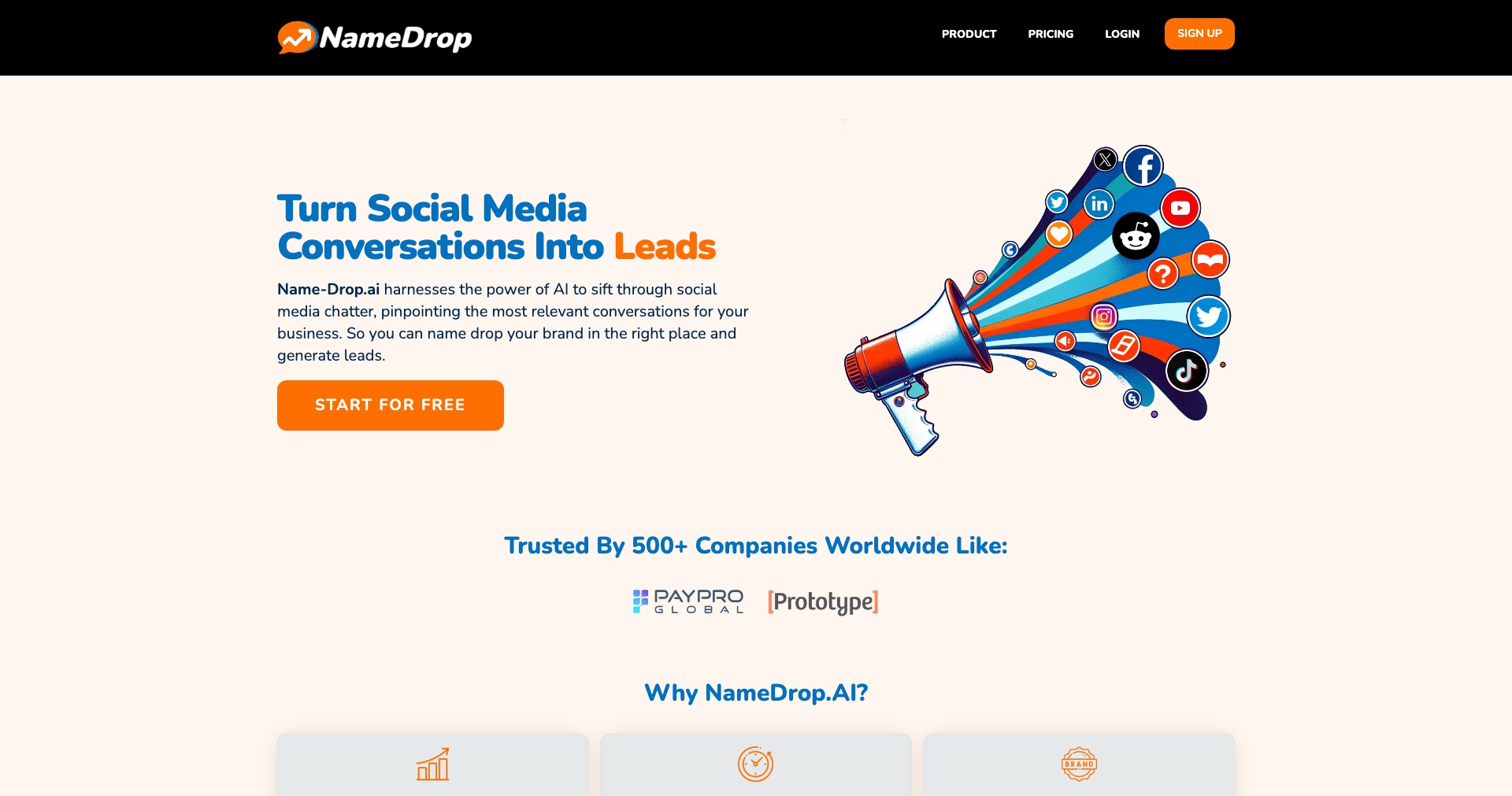
Key Features:
-
Automated Transcription:
Uses state-of-the-art AI to convert meetings, interviews, and webinars into accurate, searchable transcripts for effortless documentation and recall. -
AI Summaries:
Automatically generates concise and coherent summaries of meetings, highlighting action items, key decisions, and follow-ups to accelerate task management. -
Shareable Notes:
Creates easy-to-share meeting notes that can be distributed within teams or with stakeholders, ensuring everyone has access to essential information. -
Seamless Integrations:
Connects with major platforms like Zoom, Google Meet, and Microsoft Teams, allowing users to capture and organize content from their favorite meeting apps without switching contexts. -
Speaker Identification:
Identifies who said what with speaker labeling, making transcripts and notes clear and actionable especially in multi-participant environments.
What makes NameDrop unique?
NameDrop distinguishes itself with its real-time processing speed, delivering accurate summaries and notes often within seconds of meeting completion. Unlike many competitors, it supports both live and post-recording uploads, offering flexibility for varying workflows.
Its intuitive interface, robust integrations, and advanced AI-driven extraction of action items and follow-ups mean that it's not just a transcription service, but an intelligent collaborator—the kind that replaces notetakers and transforms captured conversations into value for teams, managers, and solo professionals alike.
Pros and Cons
Who is using NameDrop?
Remote Teams: Distributed workforces using video conferencing benefit from instant recaps, collaborative notes, and seamless integration with existing workflows.
Project Managers: Project leads can use NameDrop to ensure action items are captured, decisions are documented, and nothing critical slips through the cracks in follow-up.
Interviewers and Researchers: Those conducting interviews or focus groups can quickly summarize audio content for qualitative analysis, making research workflows faster and more reliable.
Steady Product Evolution
Initially, NameDrop began as a basic transcription and note-sharing tool, but quickly evolved as the market demanded smarter, more context-aware solutions for meetings.
Recent updates brought AI-powered summarization and task extraction, addressing common feedback around the need for actionable insights, not just transcripts.
Ongoing development continues to enhance integrations, improve the accuracy of speaker attribution, and add capabilities like sentiment analysis and advanced compliance for regulated industries.
Pricing
| Plan | Price | About |
| Free Tier | $0 | Basic note-taking and limited transcription for occasional, light users. |
| Pro | $19/month | Adds unlimited transcriptions, advanced summaries, integrations, and more robust export options for individuals or power users. |
| Team | $49/month | Collaboration tools, organization-wide integrations, and administrative controls designed for teams and businesses. |
Verdict
NameDrop offers an elegant solution to the familiar pain of capturing, organizing, and sharing meeting knowledge. Its accurate transcription, robust AI-powered summaries, and seamless integrations make it a valuable productivity booster for remote teams, managers, and professionals juggling multiple calls a week.
While it shines in speed and ease of use, users seeking deep customization, offline workflows, or handling highly sensitive data will want to assess its limitations. For most teams aiming to streamline their meeting management and boost collaboration, NameDrop is an excellent investment that pays dividends in saved time and improved alignment.


