PaperClip
Last updated: June 16, 2026
What is PaperClip?
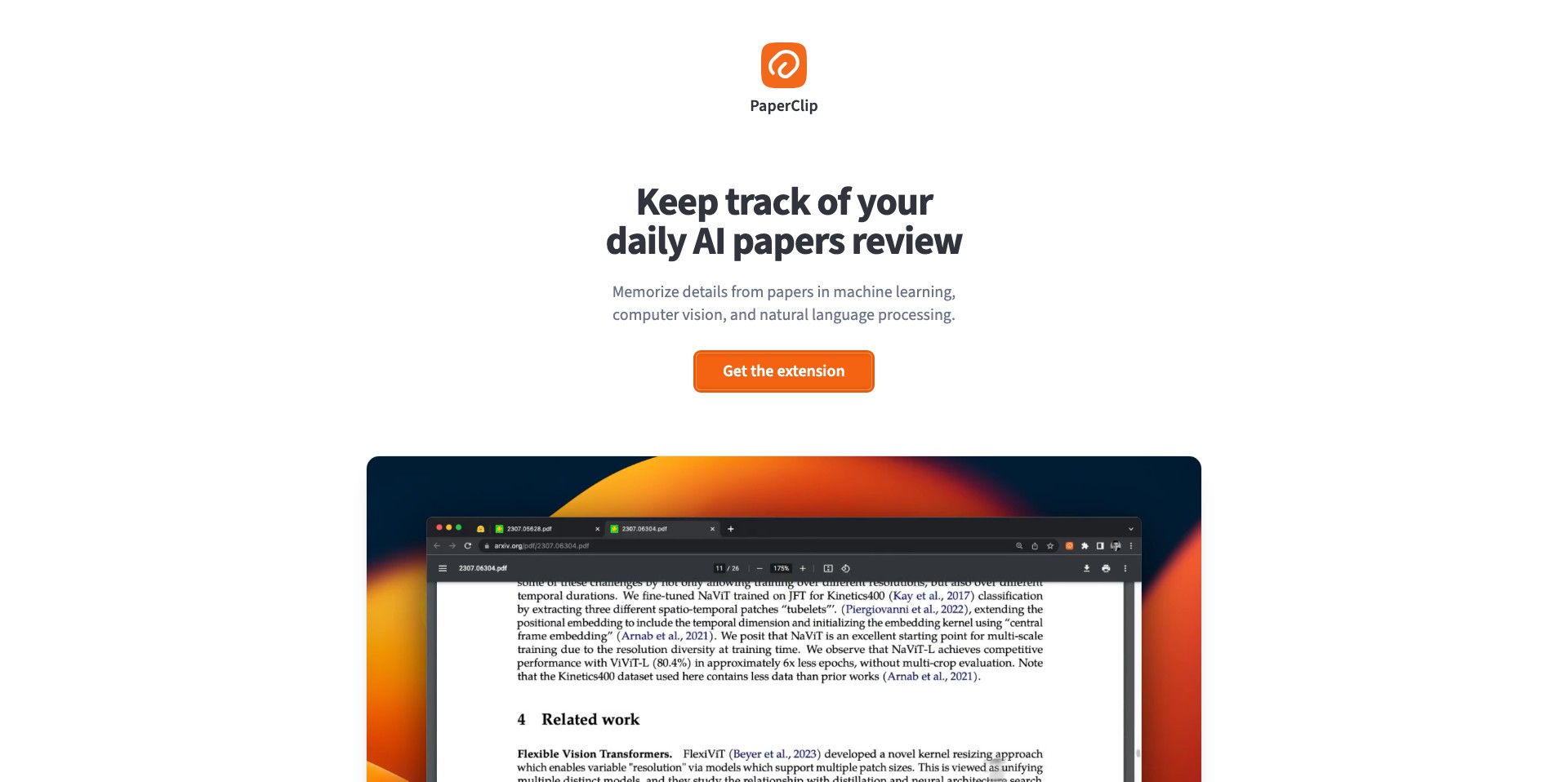
PaperClip is a modern productivity platform intended to simplify document organization and team collaboration. By blending familiar user interfaces with advanced task management capabilities, it positions itself as a reliable digital workspace for individuals and organizations alike.
Whether you're a freelancer managing multiple gigs or a business leader overseeing complex projects, PaperClip helps you stay on top of your workflow. With its seamless integration options and user-friendly features, it eliminates friction in organizing, sharing, and collaborating on documents and tasks.
Key Features:
-
Centralized Document Storage:
PaperClip provides a secure hub for all your files, making it easy to upload, organize, and retrieve documents quickly. Its intuitive folder structures and search functionalities save you time and reduce clutter. -
Collaborative Workspaces:
Users can create shared workspaces for different projects or teams, providing real-time editing, commenting, and file sharing. This enhances communication and streamlines project collaboration. -
Task and Deadline Tracking:
With robust task lists, reminders, and calendar integrations, PaperClip ensures nothing falls through the cracks. Visual progress trackers and notifications keep everyone aligned and on schedule. -
Seamless Integrations:
PaperClip connects with popular tools such as Google Drive, Slack, and Microsoft Teams, allowing users to embed their productivity suite with minimal setup. This fosters greater workflow continuity. -
Customizable Templates:
The platform offers a variety of templates for notes, project plans, and reports, enabling users to hit the ground running and maintain consistency across documents.
What makes PaperClip unique?
PaperClip stands out with its balance between simplicity and robust functionality. Many productivity platforms can be overwhelming with features, but PaperClip keeps its interface clean while providing deep collaboration tools when you need them.
Its strong focus on integrations ensures that users can easily connect their preferred tools without sacrificing performance or security. This makes it highly adaptable to different workflows, unlike competitors that are often locked in to their ecosystems.
Pros and Cons
Who is using PaperClip?
Small Business Teams: For startups and SMEs, PaperClip provides a unified space to collaborate on documents, assign tasks, and track progress, minimizing the need for multiple separate tools.
Freelancers and Independent Professionals: Freelancers benefit from PaperClip's document organization and customizable templates, helping them structure client projects and workflow effortlessly.
Educational Groups and Students: Students and educators can use PaperClip to work collectively on assignments, share resources, and keep track of deadlines in a straightforward digital environment.
Continual Feature Enhancements
Since its release, PaperClip has consistently added new features based on user feedback and industry trends, such as improved document tagging and advanced permission settings.
Collaboration features have been continually optimized, now including real-time co-authoring and chat functions to provide a seamless team experience.
Recent updates have focused on cloud storage integration and mobile accessibility, ensuring that users can stay productive both in the office and on the go.
Pricing
| Plan | Price | About |
| Free | $0 | Basic features with limited storage and collaboration options. |
| Pro | $8/month | Unlocks advanced collaboration, integrations, and increased storage. |
| Business | $20/user/month | Includes full company administration tools and priority support. |
Verdict
PaperClip is an outstanding choice for individuals and teams seeking an all-in-one productivity and document management platform. Its blend of an intuitive interface, powerful collaboration tools, and robust integration capabilities makes it a versatile solution.
While some limitations in the free plan and mobile experience exist, the platform's frequent updates and flexible pricing options make it well suited for small businesses, freelancers, and educational users looking for scalable productivity improvements.


