PDF to Calendar
Last updated: June 16, 2026
What is PDF to Calendar?
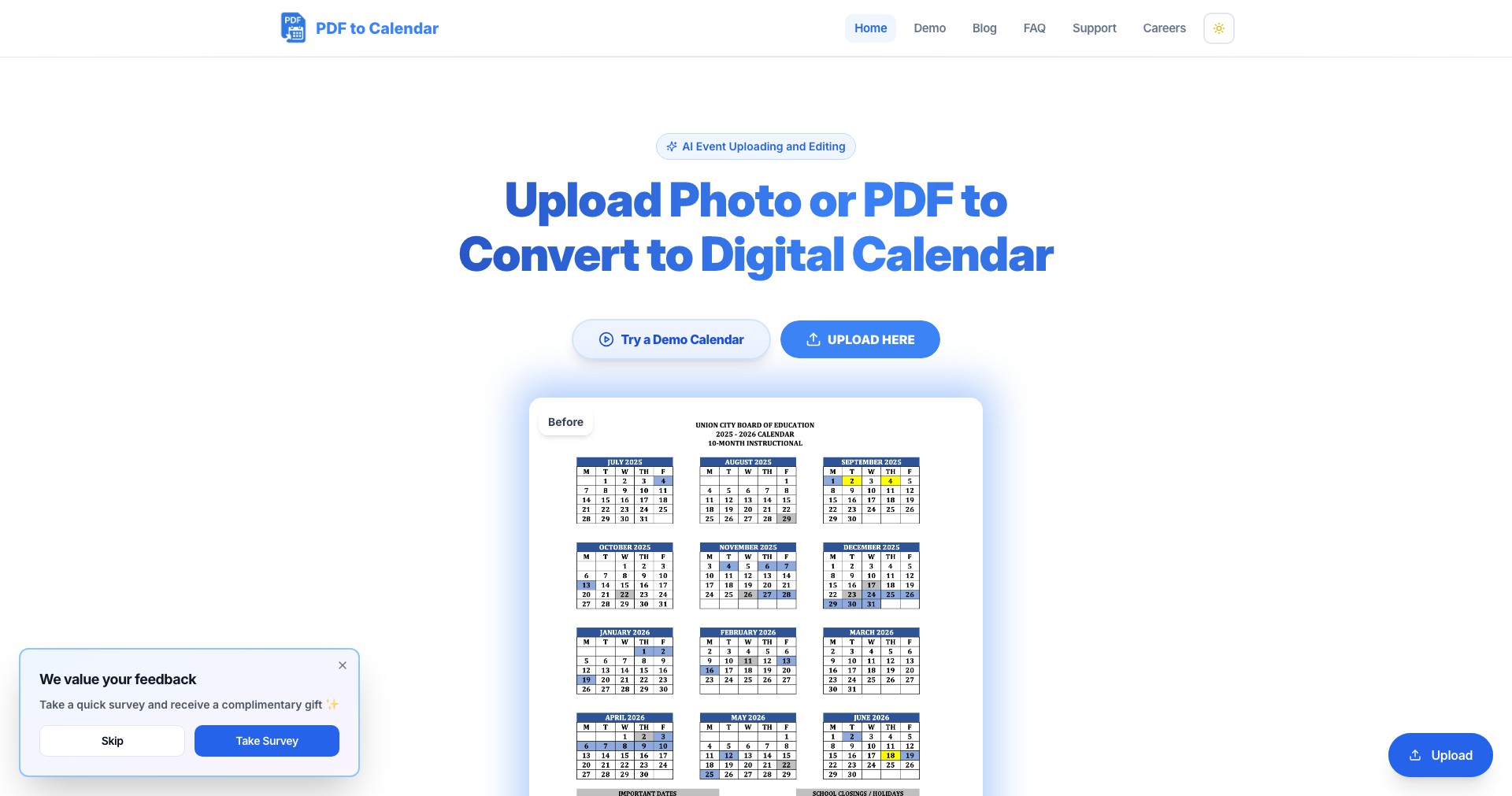
PDF to Calendar is an innovative web-based solution created to turn any PDF-based schedule into actionable calendar entries with minimal effort. Whether you receive conference agendas, travel itineraries, or class schedules in PDF format, this tool automatically parses and imports key dates, times, and event details into your preferred calendar app.
By eliminating the tedious manual entry of event data, PDF to Calendar empowers busy professionals, students, and event organizers to save valuable time while reducing errors. Its intuitive interface, robust parsing algorithms, and wide compatibility make it a must-have productivity enhancer for anyone regularly working with PDF schedules.
Key Features:
-
Automatic PDF Parsing:
Utilizes advanced text recognition to extract dates, times, and event names from a variety of PDF layouts. This automates the setup process and supports diverse document formats. -
Multiple Calendar Integration:
Allows direct transfer of parsed events into popular calendar platforms such as Google Calendar, Apple Calendar, and Outlook, streamlining synchronization across devices. -
Batch Processing:
Enables users to upload multiple PDF files at once, converting them simultaneously—ideal for bulk scheduling or managing several documents at the same time. -
Customizable Event Details:
Lets you review, edit, and enrich extracted events with additional details, reminders, or notes before finalizing the calendar import, ensuring accuracy and personalization. -
Secure and Privacy-Focused:
Processes files locally or with strict privacy protocols, safeguarding sensitive information in your schedules and ensuring that documents are not stored longer than necessary.
What makes PDF to Calendar unique?
While several tools offer PDF to text or Excel conversions, PDF to Calendar stands out by directly bridging PDF documents with digital calendars. Its focus on contextual understanding of event data—such as parsing times, descriptions, and locations accurately—delivers a more seamless and relevant user experience than generic file converters.
Additionally, its batch processing and robust calendar integrations cater specifically to productivity-focused users, making it a practical solution for professionals and organizations who frequently receive schedules in static formats.
Pros and Cons
Who is using PDF to Calendar?
Busy Professionals: Project managers, executives, and consultants who regularly receive meeting agendas or event itineraries in PDF form can automate their scheduling, minimizing errors and maximizing efficiency.
Students and Educators: Students juggling multiple class timetables or educators managing academic schedules will find it invaluable for quickly importing course dates and deadlines into their digital calendars.
Event Planners and Travelers: From conferences to travel itineraries, organizers and attendees can convert static plans into dynamic reminders, ensuring nothing is overlooked during busy periods.
Evolving Feature Set
Initially, PDF to Calendar focused on basic extraction and Google Calendar integration. Early adopters appreciated the time savings, but suggested improvements in parsing for more complex formats.
Responding to user feedback, the platform introduced batch processing, customization abilities, and support for additional calendar services such as Outlook and Apple Calendar, broadening its applicability.
The most recent updates have prioritized user security, implementing stricter privacy protocols and adding offline/local processing options for sensitive files, keeping pace with evolving compliance expectations.
Pricing
| Plan | Price | About |
| Free | $0 | Basic PDF to calendar conversion with limited event uploads per month. |
| Premium Subscription | $7.99/month | Unlocks unlimited conversions, priority support, batch processing, and advanced integration options. |
Verdict
PDF to Calendar addresses a common pain point by transforming the often tedious transfer of schedules from PDFs to digital calendars into a streamlined, accurate process. Its strength lies in intelligent parsing and broad calendar compatibility, making it valuable for anyone managing event-heavy documents.
While its effectiveness depends on PDF formatting and advanced features require a premium plan, its time-saving benefits and user-focused design position it as a top choice for professionals, students, and organizers seeking productivity gains from document automation.


