QPNnotes
Last updated: June 16, 2026
What is QPNnotes?
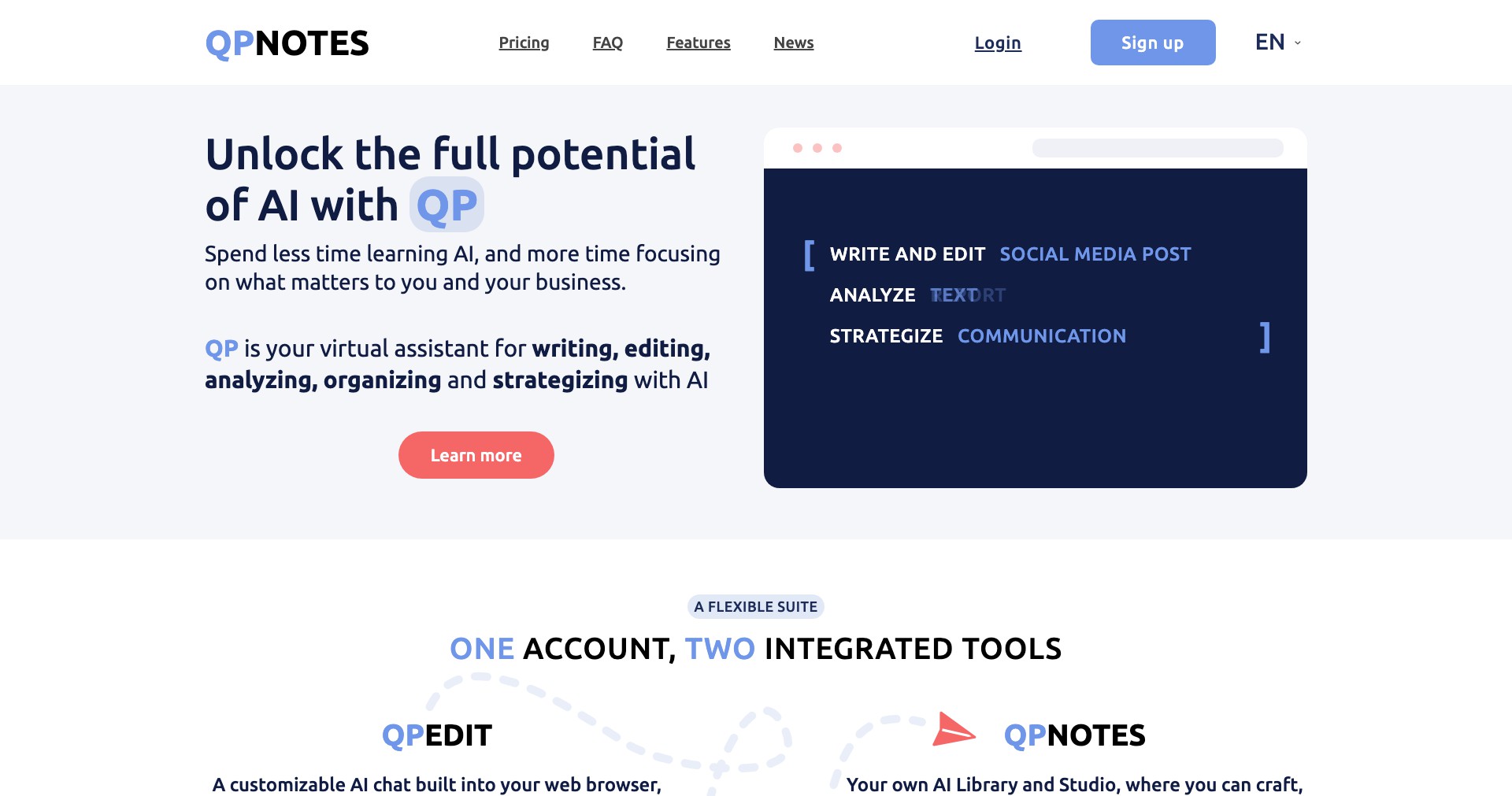
QPNnotes is an innovative note-taking solution aimed at users who need to efficiently organize, search, and manage digital notes. Designed with both students and professionals in mind, it combines intuitive features with a user-friendly interface to simplify the workflow of capturing and retrieving information.
This platform stands out by offering comprehensive functionalities, such as tagging, smart search, cloud syncing, and rich text formatting—all geared towards boosting productivity. Whether you’re attending lectures, managing meeting notes, or collecting research, QPNnotes promises to streamline your documentation and help you stay organized.
Key Features:
-
Tagging and Organization:
Users can categorize notes using customizable tags, making it easy to organize by subject or priority. This enables rapid sorting and efficient retrieval, especially beneficial for large volumes of notes. -
Powerful Search Function:
QPNnotes offers a robust search engine capable of instantly locating notes by keywords, tags, or content. This drastically reduces time spent searching and enhances productivity. -
Cloud Synchronization:
With seamless cloud syncing, your notes remain updated and accessible across multiple devices, ensuring you never lose track of important information and can access your content on the go. -
Rich Text Editing:
The platform supports advanced formatting options, including bullet points, headers, and highlighting. This helps users create structured, visually appealing notes tailored to their needs. -
Collaboration Tools:
QPNnotes allows for sharing notes and collaborative editing, making it perfect for group projects, team meetings, or study groups. Real-time updates ensure everyone stays on the same page.
What makes QPNnotes unique?
What sets QPNnotes apart from its competitors is its intuitive tagging combined with a powerful search engine. Unlike many note-taking apps that offer only basic folders or simplistic tagging, QPNnotes lets users create highly granular tags and instantly retrieve any piece of information, even in large databases.
Additionally, the seamless integration of cloud syncing and real-time collaboration tools makes it especially attractive for teams or students working on joint projects. The balance between rich formatting and ease of use ensures that users of all technical backgrounds can benefit from the platform without a steep learning curve.
Pros and Cons
Who is using QPNnotes?
Students and Academics: Ideal for those attending lectures, managing class notes, or conducting research. QPNnotes’ organizational tools help them keep all subject materials easily accessible and searchable, enhancing studying and reference.
Business Professionals: Perfect for managers, team members, or project leads who need to track meeting notes, project progress, or create shared documents. The collaborative features simplify teamwork and ensure alignment.
Writers and Researchers: Writers, bloggers, or researchers who juggle multiple ideas or references can use QPNnotes for source collection, brainstorming, and structuring articles or papers.
Continuous Improvement Track
Since its launch, QPNnotes has consistently evolved to meet user demands. Early versions focused on basic note creation and organization, establishing a solid but straightforward platform foundation.
Over time, the developers have added advanced features such as multi-device cloud syncing and rich text editing, bolstering both accessibility and usability. Regular updates have introduced smarter search capabilities, finer tagging, and improved UI based on user feedback.
The platform’s integration of real-time collaboration marked a significant shift, making it suitable not just for individual users but also for teams and study groups. The growing range of formatting and customization options continues to push its utility ahead of many basic note-takers.
Pricing
| Plan | Price | About |
| Free Plan | $0 | Basic features with limited storage and access. |
| Premium Plan | Varies (e.g., $4.99/month) | Expanded storage, advanced search, offline access, and priority support. |
Verdict
QPNnotes emerges as a robust, user-friendly platform for anyone looking to organize and leverage digital notes effectively. Its standout features—like comprehensive tagging, powerful search, and seamless cloud connectivity—appeal to a broad audience, from students to professionals.
While some limitations exist in the free version, and integrations remain limited, QPNnotes’s steady improvements and strong core features make it a top contender for modern digital note-taking needs, especially for collaborative or highly-organized workflows.


