Spike
Last updated: June 16, 2026
What is Spike?
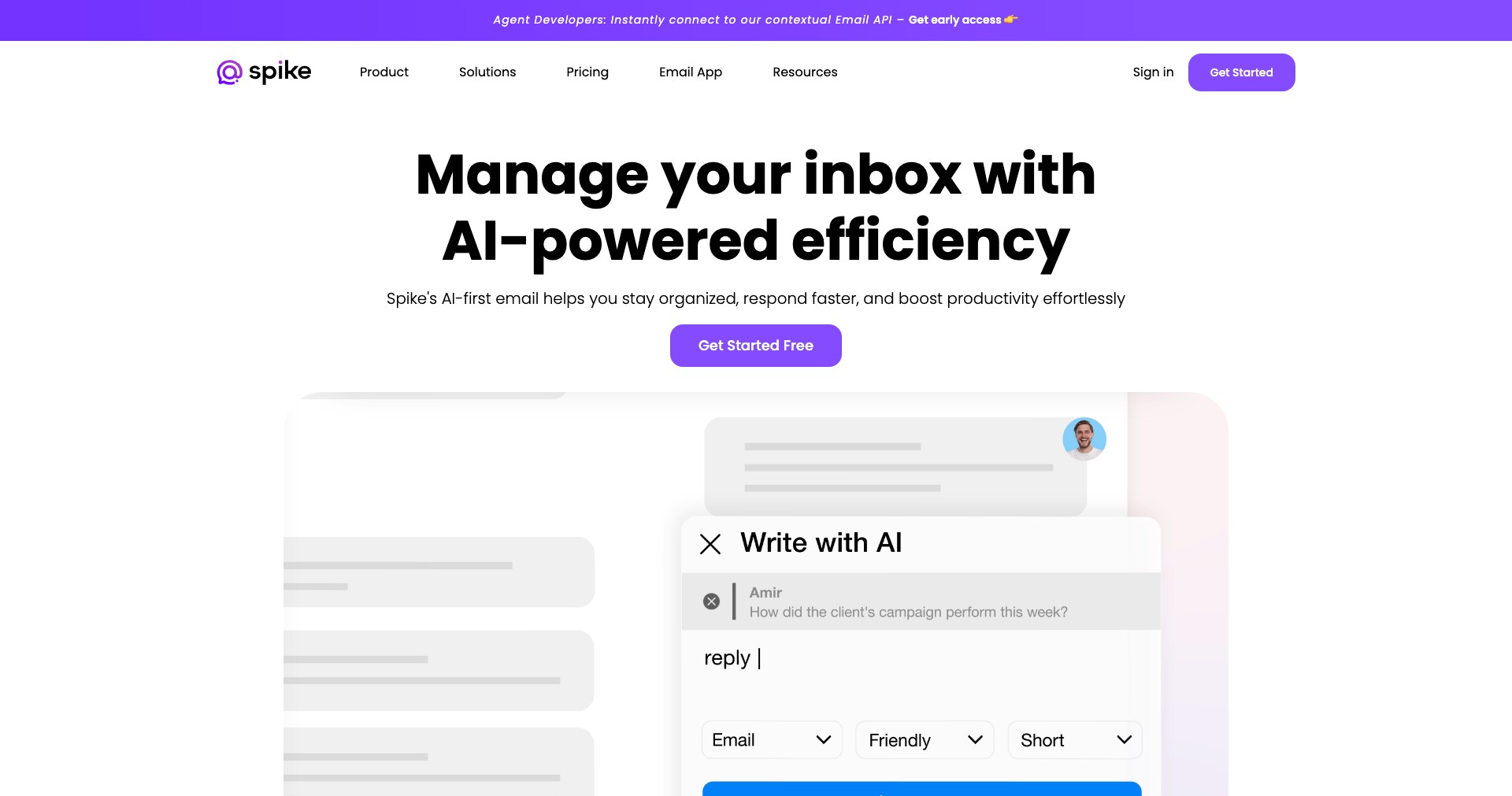
Spike is a modern conversational email client designed to transform the traditional email experience into something more natural, fast, and collaborative. Merging the best of emails, instant messaging, collaboration tools, and video calls, Spike is tailored for professionals, teams, and anyone looking to boost productivity by centralizing their communication. Its chat-like interface and innovative approach aim to cut through the clutter, making it easier to manage threads, share files, and get work done.
With Spike, users can manage their emails, chat with colleagues, create and assign tasks, collaborate on documents, schedule meetings, and even take video calls — all from a single app. Whether you're a freelancer managing clients, a startup founder driving team alignment, or part of a remote team striving for seamless communication, Spike offers a unified hub to keep everything organized and efficient.
Key Features:
-
Conversational Email View:
Transforms emails into a chat-like format, allowing for more natural and streamlined communication. This reduces clutter by showing only what matters—making following threads much easier and less time-consuming. -
Integrated Collaboration Tools:
Offers built-in tools like notes, tasks, and to-do lists, enabling users to manage projects directly in their inbox. Collaboration is real-time, supporting teamwork without needing to switch between applications. -
Unified Calendar and Scheduling:
Provides a powerful calendar integrated within the app, allowing users to schedule meetings, set reminders, and share availability without leaving their email client. -
Video and Voice Meetings:
Allows users to initiate video and voice calls straight from their inbox, making real-time collaboration and meetings more accessible and fluid. No external tools or downloads are needed. -
Priority Inbox and Smart Sorting:
Automatically filters emails, surfacing the most relevant messages while keeping less important emails tucked away. This intelligent focus feature ensures you're never distracted by low-priority content.
What makes Spike unique?
What sets Spike apart from conventional email clients is its radical reimagining of the email interface. By converting email threads into real-time conversations, it bridges the gap between email and modern messaging apps, making workplace communication faster and more context-rich. Its combination of email, team chat, video meetings, collaborative notes, and tasks in one platform is rare in the crowded productivity sphere.
Spike also focuses heavily on intuitive usability—requiring minimal setup and offering seamless compatibility with existing email accounts across devices. Its robust cross-platform support (Windows, macOS, iOS, Android, and web) ensures users can stay connected wherever they are, further cementing its role as an all-in-one communication powerhouse.
Pros and Cons
Who is using Spike?
Small Business Teams: Teams in startups or small businesses benefit from having email, chat, tasks, and meetings all under one roof—streamlining workflows and reducing app fatigue.
Remote and Distributed Workers: Remote professionals and distributed teams utilize Spike to centralize communication, stay connected, and collaborate in real time with fewer barriers.
Freelancers and Consultants: Independent workers use Spike to manage client conversations, organize tasks, and keep their projects on track without juggling multiple apps or losing track of threads.
Steady Innovation Trajectory
Since its launch, Spike has consistently introduced new features aimed at simplifying workplace communication. Initially starting as a conversational email client, it has grown into a full-fledged productivity suite offering integrated calendars, to-do lists, and note-taking functionality.
The platform has rolled out improvements based on user feedback, such as enhanced collaboration tools, advanced search features, and smart priorities for improved organization. This responsiveness has cemented its place as a flexible, user-driven solution.
More recently, Spike added video and voice meeting capabilities, reinforcing its commitment to unifying communication. Ongoing updates hint at more sophisticated integrations with third-party services and enhanced AI-driven features on the horizon.
Pricing
| Plan | Price | About |
| Free | $0 | Includes core conversational email, calendar, and limited collaboration features; suitable for personal and light professional use. |
| Pro | $6/user/month (annual billing) | Adds unlimited history, advanced collaboration, custom domains, and priority support; tailored for professionals and growing teams. |
| Business | $12/user/month (annual billing) | Offers advanced admin controls, custom branding, compliance features, and enhanced security; ideal for larger teams and businesses. |
Verdict
Spike stands out as a transformative email client and productivity platform, perfect for users who want to declutter communication and centralize their work life. Its conversational interface and blend of email, chat, and collaboration tools make it especially valuable to small teams, remote workers, and productivity-minded freelancers.
While some advanced features are paywalled and users used to classic email may face an initial adjustment, Spike's innovative approach and responsive development make it a solid choice for those aiming to work smarter, not harder. Ultimately, its strengths in conversation management, cross-platform availability, and all-in-one functionality position it as a worthy contender for anyone seeking to modernize their digital workspace.


