Uniconverter AI Video Enhancer
Last updated: June 16, 2026
What is Uniconverter AI Video Enhancer?
Uniconverter AI Video Enhancer is a cutting-edge tool by Wondershare that leverages artificial intelligence to automatically elevate the quality of your videos. Whether dealing with low-resolution clips, shaky footage, or old family videos, this product is built to make visual enhancement seamless and accessible.
The enhancer integrates robust machine learning models that intelligently analyze and improve video elements—such as sharpness, color, and clarity—without requiring advanced technical know-how. It serves hobbyists and professionals alike, offering a straightforward, high-impact solution for superior video content.
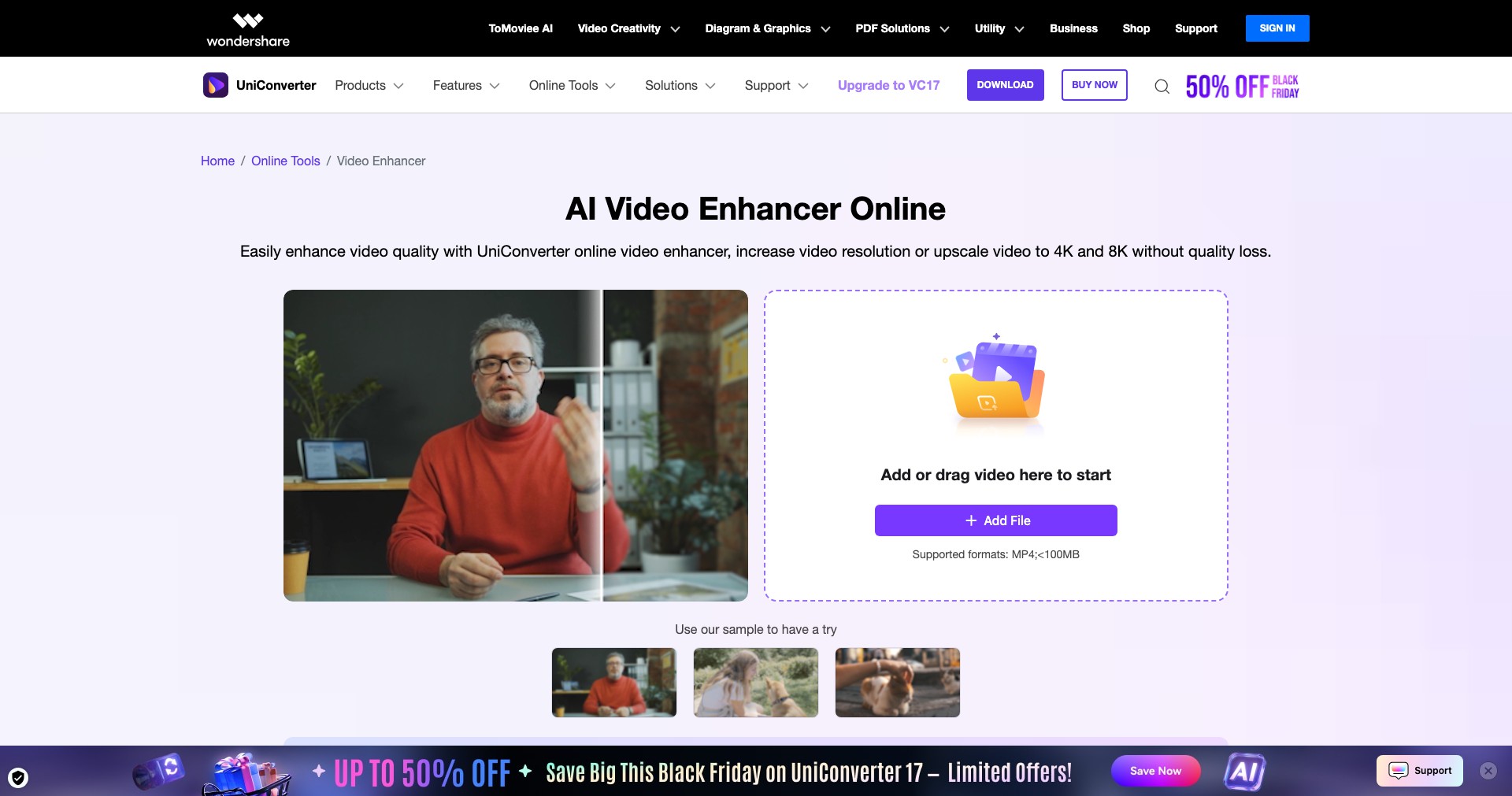
Key Features:
-
AI Upscaling:
Uses advanced AI algorithms to convert lower-resolution videos into crisp HD or even 4K, preserving details while minimizing artifacts or blurriness. -
Video Denoising:
Automatically cleans up grainy or noisy footage, especially in low-light conditions, to produce clearer and smoother visuals. -
Color Enhancement:
AI adjusts color balance and vibrancy, restoring faded colors and ensuring footage looks vivid and lifelike. -
One-Click Enhancement:
With a single click, users can apply all core improvements, streamlining workflow for bulk or single video optimization. -
Batch Processing:
Efficiently enhance multiple videos at once, saving time for professionals working with sizable media libraries.
What makes Uniconverter AI Video Enhancer unique?
Uniconverter AI Video Enhancer stands apart by combining intuitive usability with powerful AI-driven automation. Unlike many manual editing tools that require technical skill, this product offers a hands-off, efficient approach to video restoration and upscaling.
Its flexible pricing, compatibility across platforms, and support for a multitude of video formats further differentiate it, making it accessible to a wide range of users from casual creators to seasoned editors. Ongoing updates ensure the AI models keep pace with evolving industry standards.
Pros and Cons
Who is using Uniconverter AI Video Enhancer?
Content Creators: YouTubers, vloggers, and TikTokers can quickly enhance footage, ensuring their content looks polished and professional with minimal effort.
Video Editors & Professionals: Editors working with client or legacy media benefit from fast, bulk improvements and upscaling tools that save time without sacrificing quality.
General Consumers: Everyday users wanting to revive old home videos or improve vacation clips find the one-click restoration features approachable and impactful.
Product Evolution History
Originally a simple format converter, Uniconverter has expanded significantly, adding robust video enhancement features powered by the latest AI models.
Updates have consistently introduced better denoising, sharper upscaling results, and more accurate color adjustments, demonstrating Wondershare's commitment to relevancy and user feedback.
Recent releases have improved processing speed, expanded supported formats, and integrated cloud-based enhancements, allowing users to leverage the power of AI regardless of their device capabilities.
Pricing
| Plan | Price | About |
| Free | $0 | Limited features, watermarked exports, suitable for testing basic functions. |
| Subscription | $39.99/year | Full access to AI enhancement tools, regular updates, and cloud features; monthly and yearly plans available. |
| One-Time Purchase | from $59.99 | Buy a perpetual license for core features without recurring fees. |
Verdict
Uniconverter AI Video Enhancer strikes an excellent balance between accessibility and advanced results. Its application of AI to common video problems, such as low-resolution or graininess, makes it invaluable for a wide array of users, from beginners to professionals.
While some power users may wish for deeper manual controls, the overall ease of use, continuous improvement, and flexible pricing make it a top recommendation for anyone seeking to uplift their video output quickly and effectively.


