UniFab Studio
Last updated: June 16, 2026
What is UniFab Studio?
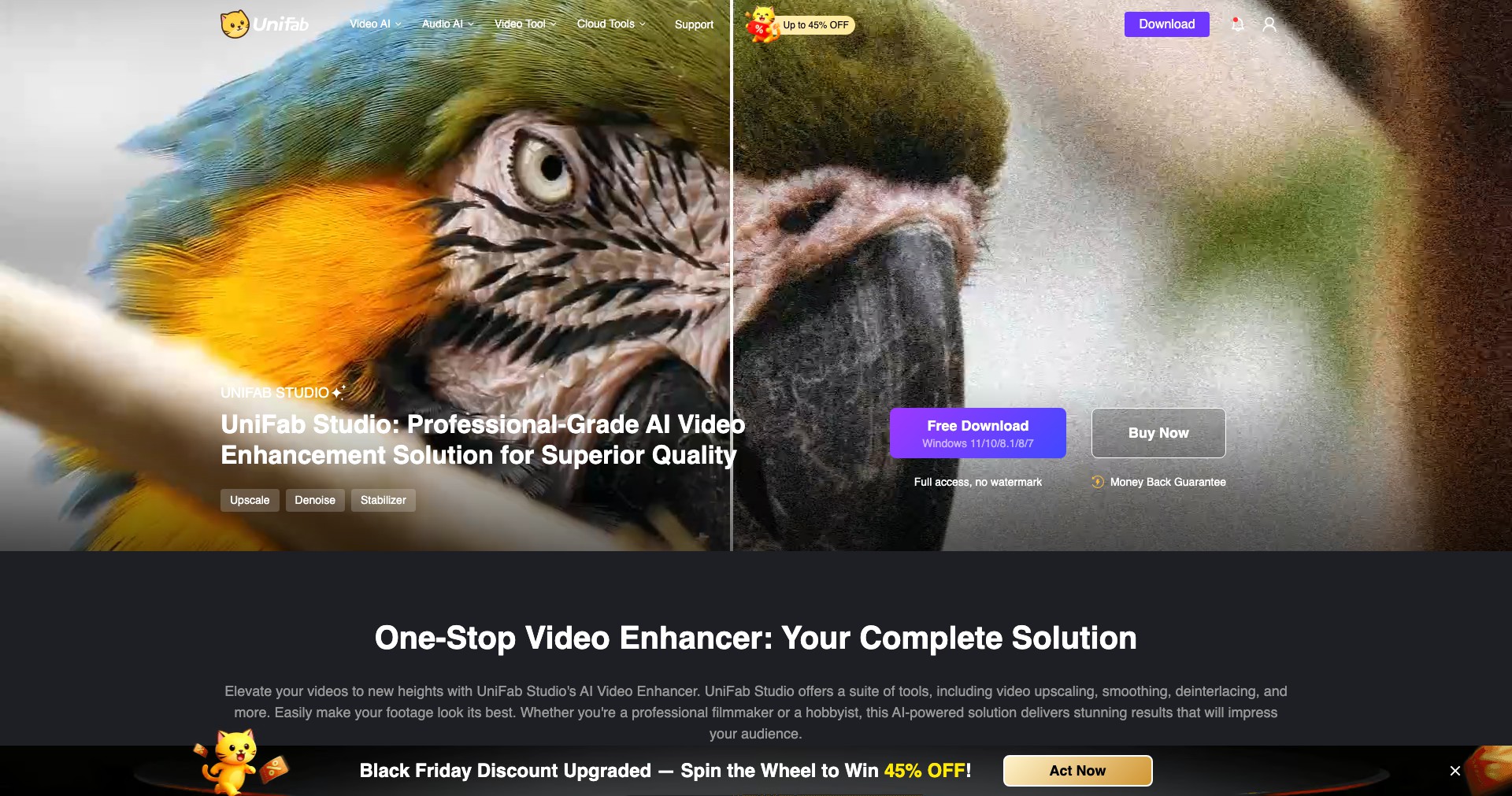
UniFab Studio is a comprehensive AI-driven tool built to breathe new life into your videos, whether you're a professional videographer, content creator, or an enthusiast looking to enhance home movies. Developed by DVDFab, the platform integrates cutting-edge artificial intelligence technology to automate otherwise time-consuming and complex video processing tasks.
With UniFab Studio, users gain access to an all-in-one video toolbox for upscaling low-resolution videos, removing noise, repairing old or damaged footage, and performing style transfers with a single click. Its intuitive interface and batch processing capabilities make it accessible to both beginners and professionals alike, streamlining video enhancement like never before.
Key Features:
-
AI Video Upscaling:
Increase your video's resolution from SD to HD or up to 4K using advanced AI models. This preserves details, sharpness, and minimizes artifacts—perfect for revitalizing older or low-resolution footage. -
Denoising and Deblurring:
Automatically remove noise, grain, and motion blur from videos. The AI engine distinguishes between noise and real image data, providing clearer, cleaner results without sacrificing important details. -
Frame Interpolation:
Boost your video's frame rate for smoother playback and slow-motion effects. AI predicts and generates intermediate frames, making motion appear more natural and fluid. -
Color Enhancement and Restoration:
Restore faded colors and correct color imbalances caused by old age or poor lighting. The AI analyzes each frame to ensure natural color gradations and a visually pleasing result. -
Batch Processing:
Process multiple videos or long projects at once with batch capabilities. This saves time and allows creators to maintain consistent quality across their content with minimal manual intervention.
What makes UniFab Studio unique?
What sets UniFab Studio apart is its seamless integration of diverse AI enhancement technologies in one unified application. Unlike competitors that split upscaling, deblurring, and restoration into separate modules or products, UniFab Studio provides a cohesive workflow that tackles all major video improvement needs in a singular, streamlined environment.
Its broad device compatibility—including support for Windows and Mac—and the ongoing release of new AI models and improvements ensure users always have access to the latest video enhancement capabilities. The simple user interface conceals a highly technical foundation, allowing users of all skill levels to unlock professional-grade results with minimal effort.
Pros and Cons
Who is using UniFab Studio?
Content Creators and YouTubers: Digital content makers looking to upgrade the quality of their videos for platforms like YouTube, TikTok, or Vimeo. They benefit from automated upscaling, denoising, and style enhancements that improve production value without extensive manual editing.
Filmmakers and Archivists: Professionals digitizing or restoring archival footage, old family movies, or films. Their workflows are streamlined with batch processing and advanced AI restoration features that bring new life to historical or damaged material.
Marketing Teams and Educators: Teams or individuals producing promotional, instructional, or educational videos that need to ensure consistent high quality across diverse source materials. They benefit from the software's ability to standardize and enhance various types of footage quickly.
Continuous Platform Evolution
Since its launch, UniFab Studio has rapidly expanded its suite of AI-powered capabilities, moving from basic upscaling to incorporate denoising, deblurring, and even frame interpolation. The software has consistently adopted emerging AI technologies, staying ahead in the video restoration field.
Updates have improved both processing speed and output quality, thanks to the optimization of AI models and better GPU utilization. This evolution has also enabled support for more video formats and larger file sizes, making it a more versatile solution for various user needs.
Most recently, UniFab Studio introduced deeper batch processing features and expanded platform support, bringing its cutting-edge tools to Mac users and enhancing workflow automation. Frequent user feedback is actively integrated, ensuring the application continues to address real-world challenges faced by its diverse user base.
Pricing
| Plan | Price | About |
| Free Version | $0 | Access to basic enhancement features with limited resolution and watermark on output. |
| Monthly Subscription | $19.99/month | Unlocks all features, higher output resolutions, removes watermark, and includes regular updates. |
| Annual Subscription | $89.99/year | Full access at a discounted rate compared to the monthly plan, ideal for frequent users. |
| One-time Purchase | $139.99 | Lifetime license with all features and updates, suitable for professionals and long-term users. |
Verdict
UniFab Studio stands out as an all-in-one solution for video enthusiasts and professionals seeking AI-powered video quality enhancement. Its wide selection of restoration features—backed by an intuitive interface and ongoing updates—ensures users can achieve professional-level results with minimal skill barrier.
While it does require a powerful computer and some investment for full functionality, the value provided, especially in comparison to costly manual video restoration services, makes it a top contender in the AI video enhancement market. Users from content creation to film preservation will find its features transformative and worth integrating into their workflow.


