Unscreen Pro
Last updated: June 16, 2026
What is Unscreen Pro?
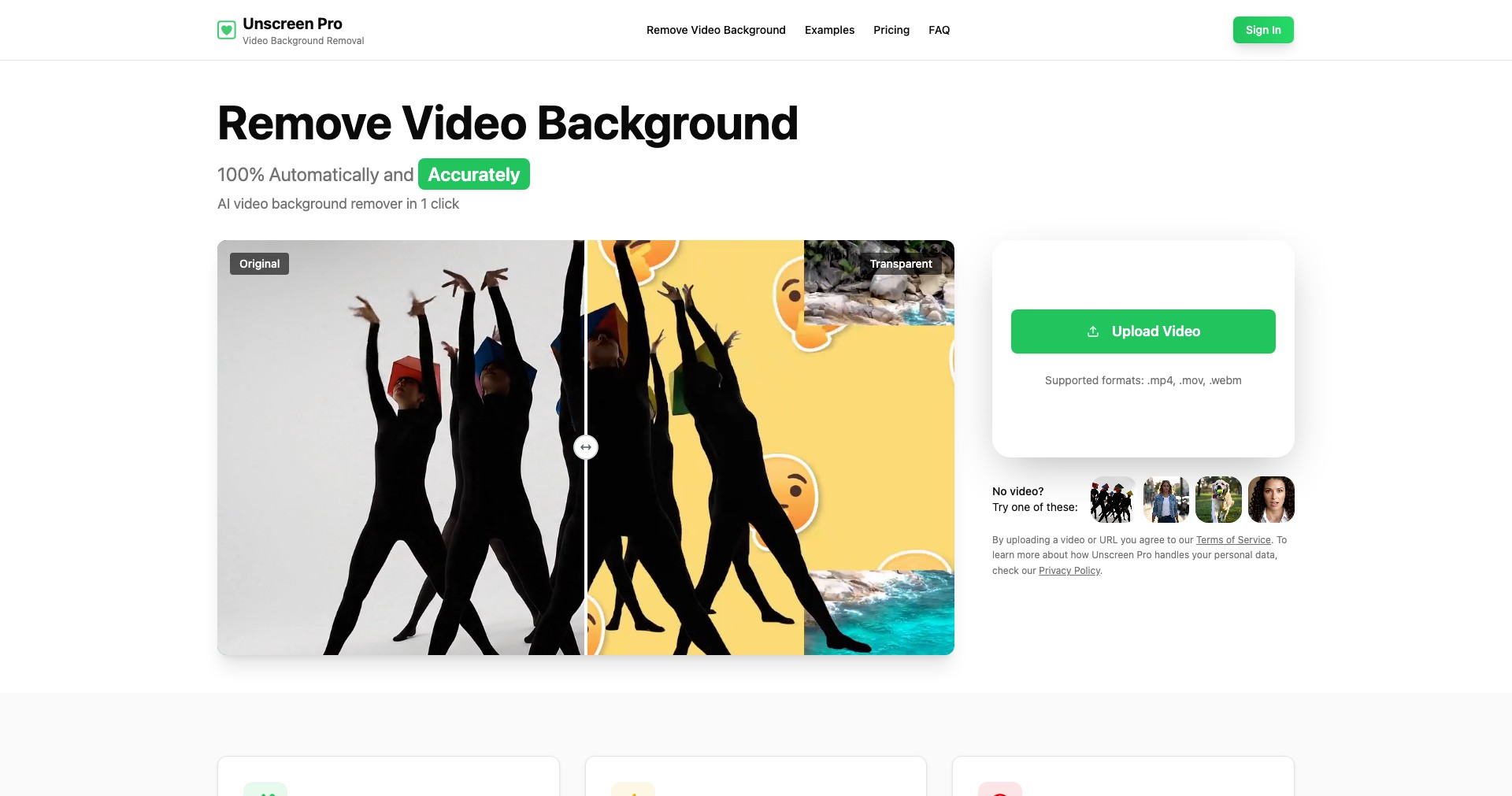
Unscreen Pro is an advanced online platform that leverages AI technology to remove backgrounds from videos in just a few clicks, eliminating the need for green screens or manual frame-by-frame editing. Developed by Kaleido AI, the same team behind the popular remove.bg, Unscreen Pro addresses the long-standing challenge of effortlessly isolating video subjects across a spectrum of creative applications.
Tailored for creators, media professionals, businesses, and educators, Unscreen Pro offers both a web-based interface and desktop integrations, making it accessible regardless of user expertise level. Its cloud-powered engine delivers high-precision results, even with complex backgrounds, and supports a wide range of export formats for seamless workflow integration.
Key Features:
-
Automated Background Removal:
Unscreen Pro uses robust AI algorithms to detect and remove backgrounds from videos without the need for green screens. This saves countless hours compared to manual masking or chroma keying. -
High-Resolution Output:
Exports are available up to full HD and higher resolutions, ensuring professional results suitable for social media, presentations, or commercial use. -
Batch Processing:
Users can upload and process multiple videos in one go, streamlining workflow for large projects or bulk content creation. -
No Watermarks with Pro:
Unlike the free version, Unscreen Pro removes all watermarks, providing clean, ready-to-use video outputs for commercial and professional purposes. -
Integration and Export Options:
Unscreen Pro supports a variety of formats, such as GIF, APNG, Pro Video (MOV), and can be integrated with tools like Adobe Premiere Pro via plugins for seamless editing workflows.
What makes Unscreen Pro unique?
What sets Unscreen Pro apart is its AI-driven approach to background removal that works without a green screen, outperforming many competitors that still rely on chroma keying or tedious manual editing. Its cloud-based processing ensures users always have the latest AI improvements without needing to install heavy software updates.
Additionally, Unscreen Pro's batch-processing capabilities and plugin-based integrations for industry-standard editing suites make it a flexible choice for individual creators and production teams alike. Its attention to resolution, export formats, and watermark-free results further distinguish it as a professional editing solution.
Pros and Cons
Who is using Unscreen Pro?
Content Creators & Influencers: YouTubers, streamers, and social media creators benefit from Unscreen Pro's quick background removal to enhance their video production without the need for specialized hardware or expertise.
Marketing & Advertising Professionals: Agencies and marketers save time by producing engaging promotional videos with clean backgrounds and custom overlays, helping brands stand out without technical barriers.
Educators & Corporate Trainers: Teachers and trainers can create clear, distraction-free instructional content, making remote learning videos more professional and visually appealing.
Product Evolution
Since its launch, Unscreen Pro has continuously improved both its AI accuracy and processing speed. Early versions focused mainly on basic background removal, but recent updates now support higher resolutions, better edge detection, and more reliable handling of complex or moving backgrounds.
The platform has introduced plugins for Adobe Premiere Pro and After Effects, streamlining the workflow for video professionals and making integration into existing pipelines much easier. Batch processing and expanded export options have also been added in response to user feedback.
Going forward, Unscreen Pro continues to update its AI models, ensuring better results for hair, moving subjects, and various lighting conditions, keeping it on the cutting edge of automated video editing solutions.
Pricing
| Plan | Price | About |
| Pro Subscription | From $9.00/month | Provides unlimited watermark-free exports and full access to all premium features. |
| Pay As You Go Credits | Starting at $1.99 per minute | Ideal for occasional users; purchase credits for only the minutes needed. |
Verdict
Unscreen Pro stands out as a leading solution for hassle-free, professional video background removal, thanks to its AI-powered automation, support for high-resolution exports, and flexible integration options. It offers a significant productivity boost for creators and businesses looking to streamline their video production workflows.
While the pricing may be better suited for regular or professional users, the tool’s accuracy, speed, and ease of use make it a worthwhile investment for anyone requiring frequent background removal or high-quality video content. If you're seeking top-tier results without investing in complex video software or green screens, Unscreen Pro is a valuable addition to your toolkit.


