UpScreen
Last updated: June 16, 2026
What is UpScreen?
UpScreen brings a new level of efficiency and flexibility to the world of screen recording by harnessing the power of AI. Tailored for trainers, educators, marketers, and technical teams, UpScreen goes beyond traditional screen capture, making the video creation process more dynamic and collaborative than ever before.
It simplifies recording, editing, and sharing content by offering advanced features such as automatic transcription, smart editing, and branded customization. Whether you’re building tutorials, product demos, or knowledge base articles, UpScreen’s intelligent workflows help you produce professional-looking videos with minimal effort.
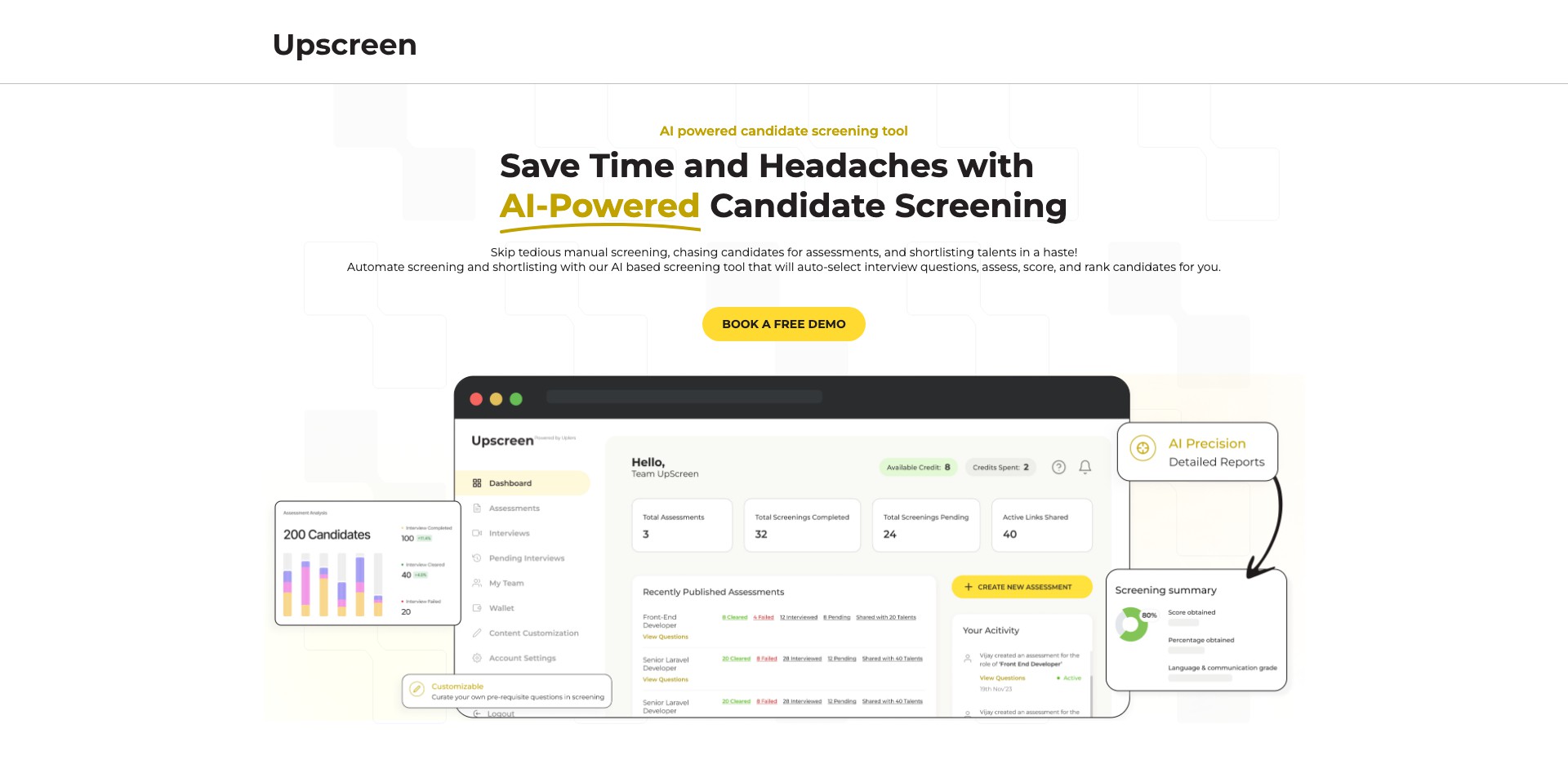
Key Features:
-
AI-Generated Video Chapters:
Automatically divides your recordings into logical chapters using AI, making navigation and information retrieval easy for viewers and enabling more organized content. -
Interactive Editing Tools:
Edit recordings directly in the browser with easy-to-use, drag-and-drop tools—trim clips, overlay annotations, blur sensitive information, and adjust audio seamlessly. -
Instant Transcripts & Captions:
Generates accurate, searchable transcripts and captions using AI for improved accessibility, content search, and internationalization. -
Smart Sharing & Embedding:
Share secure video links, embed videos in knowledge bases or websites, and control access with permissions and password protection. -
Team Collaboration Features:
Invite team members to comment, review, and edit videos collaboratively with version history and easy sharing within organizations.
What makes UpScreen unique?
Unlike many screen recording tools that simply capture video, UpScreen leverages AI to structure, annotate, and even edit recordings, creating instantly usable content. Its chaptering and transcription features are standout differentiators, boosting viewer engagement and improving discoverability.
UpScreen's browser-based, no-software-needed approach frees users from downloads and installations. Its focus on meeting the needs of teams—through collaboration, annotation, and permissions—sets it apart from more solo-focused alternatives.
Pros and Cons
Who is using UpScreen?
Educators and Trainers: Teachers, corporate trainers, and online instructors benefit from UpScreen's ability to quickly produce instructional content complete with transcripts and chapters, streamlining course development.
Product and Support Teams: Teams creating walkthroughs, demos, and support resources can save time with automatic chaptering and easy collaboration, ensuring accurate knowledge sharing.
Content Creators & Marketers: YouTubers, marketers, and bloggers can use UpScreen to create polished screen recordings for content marketing, tutorials, and product highlights with minimal post-production work.
Continual Feature Expansion
Since launch, UpScreen has rapidly added more AI-driven features, such as smart editing suggestions and auto-generated video outlines, to streamline content creation.
Its UI has become more intuitive, adding real-time collaboration, commenting, and secure sharing, making it easier for teams to manage large libraries of instructional videos.
Recent updates have focused on deeper integrations with popular platforms like Slack and Notion, improved export quality, and expanded security features, keeping UpScreen relevant for professional use.
Pricing
| Plan | Price | About |
| Free Plan | $0 | Limited recording time and features, suitable for individuals trying out the platform. |
| Pro Plan | $15/month | Unlimited recordings, higher quality export, advanced editing, and team collaboration. |
| Team Plan | $30/month/user | Geared for organizations, adds advanced permissions, integrations, and priority support. |
Verdict
UpScreen excels at making screen recording and editing accessible, efficient, and collaborative. Its AI-driven features automate repetitive tasks, making professional video creation possible for users without specialist video-editing skills.
While some features are paywalled and it relies on a steady internet connection, UpScreen is an outstanding choice for educators, teams, and content creators looking to enhance productivity and accessibility in video communication.


