Voicenotes
Last updated: June 16, 2026
What is Voicenotes?
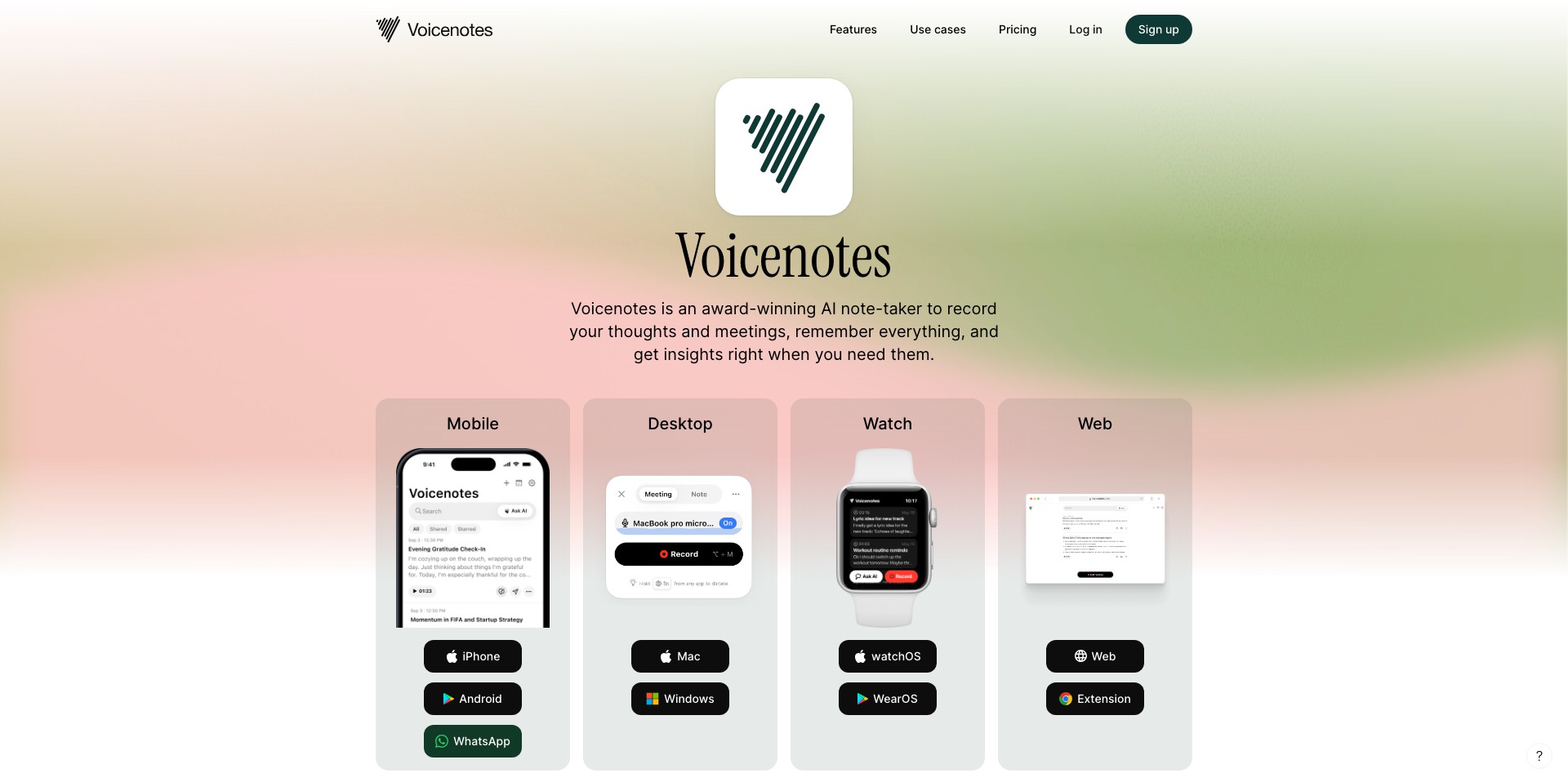
Voicenotes is a smart, voice-to-text productivity tool that allows users to quickly record spoken ideas, reminders, and to-dos and automatically transcribes them into organized, searchable text notes. Whether you’re a business professional, student, creative, or anyone needing to jot down spontaneous thoughts, Voicenotes streamlines the capture process, ensuring that no brilliant idea goes unrecorded.
Leveraging AI-driven transcription and organization, Voicenotes makes it easy not just to record information, but to sort, categorize, and act on it. With robust sharing and integration features, it’s built to fit seamlessly into both individual and team workflows, offering a reliable alternative to manual note-taking.
Key Features:
-
AI-Powered Transcription:
Voicenotes uses advanced AI speech recognition to transcribe spoken words into accurate, readable text, minimizing manual corrections and saving users time. -
Automated Organization:
Notes are intelligently organized by topic, keyword, or project, so users can instantly retrieve information without combing through unstructured recordings. -
Multi-Device Sync:
Voicenotes syncs across smartphones, tablets, and desktop, ensuring access to your notes wherever you are and whatever device you’re using. -
Task and Reminder Integration:
Users can tag parts of their notes as actionable tasks or reminders, automatically syncing with calendar and productivity apps for better follow-through. -
Real-Time Collaboration:
Share notes or collaborate on live voice recordings and transcriptions with team members, making meetings and group brainstorms more efficient.
What makes Voicenotes unique?
What distinguishes Voicenotes in a crowded field of voice recording and transcription apps is its focus on intelligent, actionable note-taking. Instead of just creating raw transcripts, Voicenotes' AI categorizes, tags, and turns your voice input into reminders or to-dos, transforming casual audio into a productivity asset.
Additionally, Voicenotes stands out for its real-time collaboration features—a rarity among note-taking tools—allowing teams to simultaneously contribute, comment, or organize live transcriptions. This dynamic approach makes it especially valuable for remote workers, fast-paced professionals, and anyone who needs efficient asynchronous communication.
Pros and Cons
Who is using Voicenotes?
Busy Professionals: Executives, managers, and entrepreneurs benefit from quickly turning meetings, calls, and on-the-go thoughts into structured, actionable notes for efficient productivity.
Creatives and Ideators: Writers, artists, designers, and other creatives use Voicenotes to capture inspiration and brainstorms instantaneously without breaking their flow.
Students and Researchers: Students, researchers, and academics leverage Voicenotes to record lectures, interviews, or research insights, organizing them for easy review and study.
Product Evolution Timeline
Voicenotes started as a simple audio recorder with basic transcription capabilities, rapidly gaining popularity among students and solo professionals who needed to capture thoughts quickly.
As the user base grew, the developers introduced AI-driven categorization and search, making note retrieval and organization more powerful and intuitive. Integration with third-party apps like calendar and task management tools further enhanced its value proposition.
The most recent updates have added real-time collaboration, advanced security settings, and expanded device compatibility, positioning Voicenotes as a versatile platform for both individuals and teams.
Pricing
| Plan | Price | About |
| Free Tier | $0/month | Basic speech-to-text, limited storage, and core features. |
| Premium Subscription | $7.99/month or $69.99/year | Unlimited transcriptions, advanced organization, integrations, and priority support. |
Verdict
Voicenotes excels as a user-friendly, AI-powered note-taking and productivity companion, particularly shining with its accuracy, automated organization, and collaborative advantages. Its intuitive interface and cross-device support make it ideal for busy professionals, creative thinkers, and students alike.
While the free version provides enough features for casual users, accessing the most powerful functions requires a premium subscription. Users needing seamless workflow integration and robust collaboration will find Voicenotes a strong contender among productivity apps, though those with specialized privacy or language requirements may encounter limitations.


