Whiteboard
Last updated: June 16, 2026
What is Whiteboard?
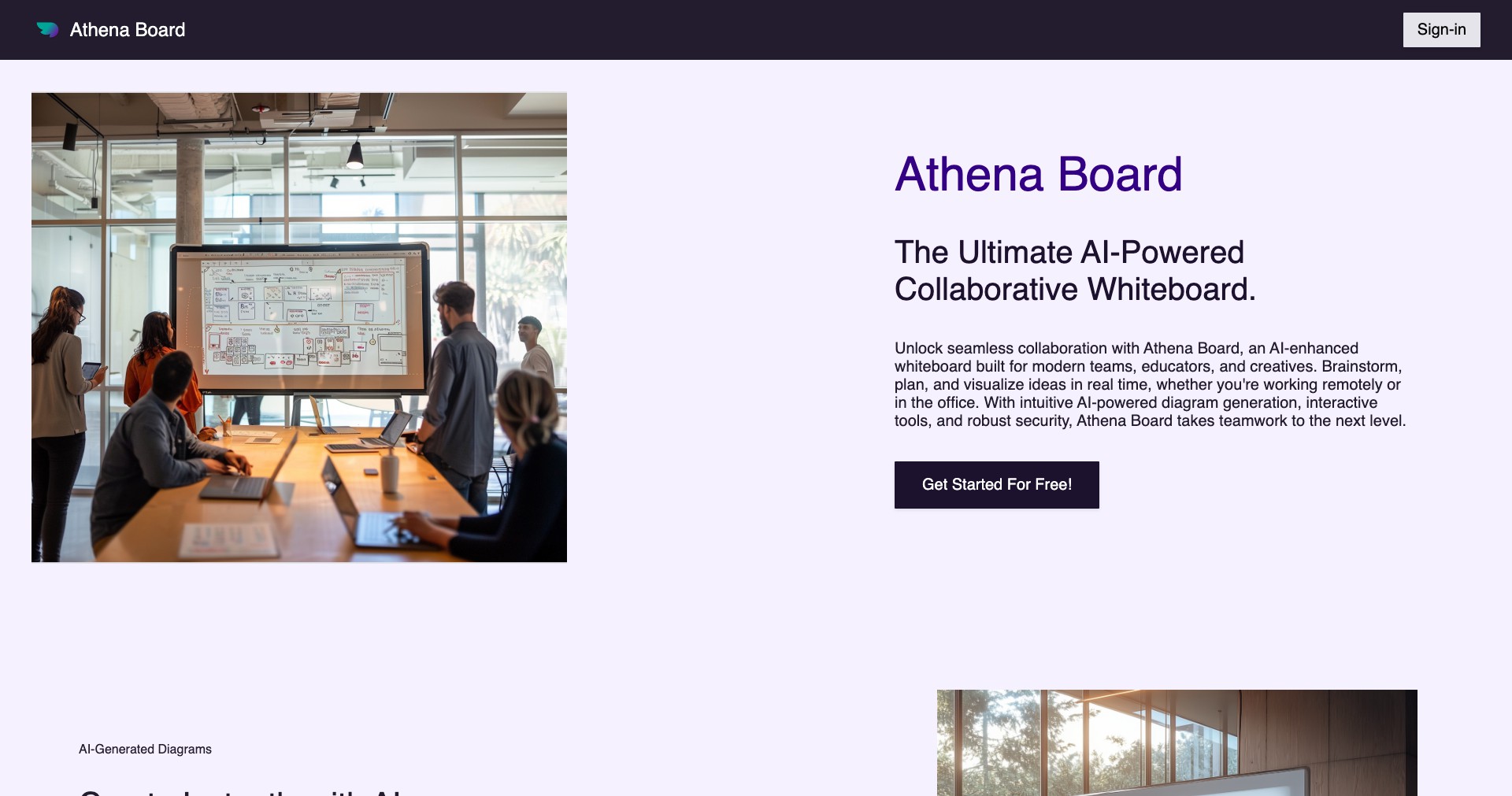
Whiteboard is a versatile online collaboration tool built to replicate and enhance the physical whiteboard experience. It offers a digital space where teams, educators, and creatives can brainstorm, map out ideas, and collaborate in real time from anywhere in the world. As remote work and online learning become increasingly prevalent, Whiteboard bridges the gap, making collaboration seamless and visually engaging.
With its intuitive drag-and-drop interface and broad integration capabilities, Whiteboard empowers users to organize ideas, structure projects, and visually communicate complex concepts. Whether used for sprints, workshops, teaching, or daily stand-ups, it brings together distributed teams in a shared creative space, supporting innovation and productivity.
Key Features:
-
Real-Time Collaboration:
Allows multiple users to work simultaneously on the same board, viewing each other's changes live. This fosters teamwork and ensures everyone is always up-to-date. -
Intuitive Interface:
Drag-and-drop elements, sticky notes, and customizable templates make it easy to start brainstorming or mapping ideas with minimal learning curve. -
Multimedia Support:
Users can insert images, documents, and links, making it possible to enrich boards with relevant resources and varied content formats. -
Extensive Integrations:
Connects with popular tools like Slack, Microsoft Teams, Google Drive, and more, streamlining workflows and embedding the whiteboard into daily routines. -
Infinite Canvas:
No creative limits—users can pan and zoom across an unlimited space to accommodate brainstorming, detailed diagrams, or long-term project maps.
What makes Whiteboard unique?
Whiteboard stands out for its emphasis on seamless, latency-free real-time collaboration—ensuring a fluid experience even when multiple users are editing simultaneously. Its blend of simplicity and power makes it accessible to new users, while advanced features and integrations cater to professionals managing complex projects.
Unlike many competitors, Whiteboard offers a highly flexible infinite canvas, not restricted by preset boundaries or fixed slides. Additionally, it supports a richer set of integrations and multimedia capabilities, letting users incorporate a wide array of inputs directly onto the board.
Pros and Cons
Who is using Whiteboard?
Remote Teams and Businesses: Distributed teams use Whiteboard for ideation, project planning, and sprint retrospectives, fostering engagement and clarity in hybrid environments.
Educators and Students: Teachers and students leverage the platform for interactive teaching, digital classrooms, and collaborative projects, making lessons more engaging and participatory.
Designers and Creatives: Creative professionals use Whiteboard to sketch concepts, develop wireframes, and share visual feedback in real time, speeding up the creative workflow.
Evolving with Collaboration
Whiteboard initially launched with foundational features for digital brainstorming and straightforward real-time collaboration. Early versions focused on providing an easy transition from physical to virtual whiteboarding for remote teams.
Over time, the platform expanded its integrations, adding support for tools like Slack, Trello, and Google Drive. The introduction of templates, advanced drawing tools, and multimedia support made it a go-to for more diverse use cases, from education to enterprise project management.
Recent updates have prioritized performance improvements, enhanced security features, and API access for custom integrations. The ongoing addition of organization-level controls and SSO (Single Sign-On) support reflects Whiteboard’s focus on serving business and educational institutions at scale.
Pricing
| Plan | Price | About |
| Free Tier | $0 | Core features for individuals and small groups; limited boards and collaborators. |
| Pro Tier | $8/user/month | Advanced features including unlimited boards, priority support, and integrations. |
| Enterprise Tier | Custom pricing | Organization-wide controls, enhanced security, and dedicated onboarding. |
Verdict
Whiteboard excels as a flexible, powerful digital collaboration tool, striking a balance between ease of use and depth of features. It’s especially valuable for remote teams and educators looking to boost engagement and creativity through visual collaboration.
While its premium features require a subscription, the robust free tier makes it accessible for casual users and smaller teams. Its unique infinite canvas, deep integrations, and continuous product evolution distinguish it from competitors, making Whiteboard a smart choice for organizations prioritizing collaborative innovation.


