Wondershare Filmora
Last updated: June 16, 2026
What is Wondershare Filmora?
Wondershare Filmora is a popular video editing software that has carved a niche for itself among both novices and experienced creators. With its balance between simplicity and robust functionality, Filmora enables users to craft visually appealing videos without steep learning curves. The program supports multiple platforms including Windows and Mac, and its drag-and-drop interface means anyone can produce compelling content quickly.
Filmora comes equipped with a variety of customizable templates, a rich effects library, and advanced audio tools, making it suitable for everything from social media content to instructional videos and marketing materials. Its approachable pricing and ever-expanding suite of features ensure it remains a top choice for users looking for a cost-effective way to enhance their video production.
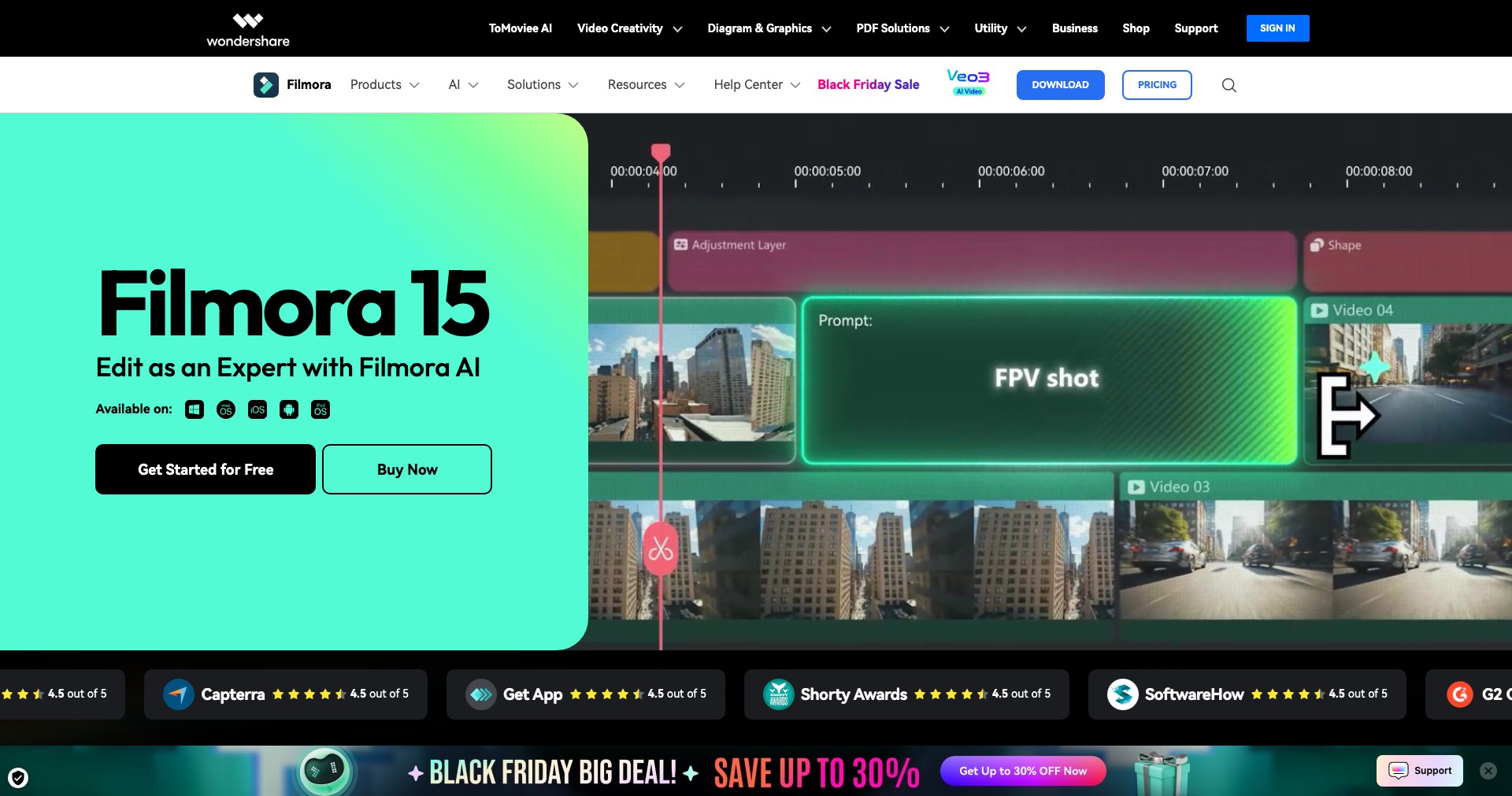
Key Features:
-
Drag-and-Drop Interface:
The intuitive drag-and-drop timeline allows users to easily assemble and rearrange clips, effects, and transitions, significantly reducing the editing time and complexity. -
Rich Effects Library:
Filmora boasts a vast library of effects, transitions, titles, and stickers, with new additions regularly released, allowing creators to add professional polish and unique flair to their projects. -
Advanced Audio Tools:
Audio features include noise removal, audio ducking, and keyframe adjustments, giving creators fine control over sound elements and ensuring videos sound as good as they look. -
AI-Powered Features:
Recent updates have implemented AI tools like AI Smart Cutout and AI Portrait, which automatically detect and process subjects or backgrounds, cutting down manual editing tasks. -
Built-in Export Optimization:
Filmora supports exporting in multiple formats and offers direct uploading to YouTube, Vimeo, or other platforms, as well as instant device optimization for mobile viewing.
What makes Wondershare Filmora unique?
What sets Filmora apart from other editing platforms is its seamless blend of simplicity and depth. While many editors either cater exclusively to professionals or oversimplify for casual users, Filmora manages to offer advanced features like motion tracking, AI tools, and keyframe animation within an interface that remains approachable and non-intimidating.
Another stand-out feature is its commitment to constant innovation, frequently releasing new effects packs, updates, and AI functionalities. Integration with the Filmstock effects store gives users access to an ever-expanding asset library without needing to rely on third-party tools.
Pros and Cons
Who is using Wondershare Filmora?
Content Creators & Influencers: YouTubers, social media influencers, and digital storytellers benefit immensely from Filmora’s rapid editing, built-in export tools, and template-rich environment to quickly produce polished content.
Educators & Businesses: Teachers and businesses can easily create educational videos, tutorials, presentations, or promotional materials, thanks to Filmora’s simplified yet powerful feature set.
Hobbyists & Beginners: Casual users and those new to video editing find Filmora welcoming due to its easy learning curve, built-in guides, and community support, enabling them to produce quality videos without professional training.
Continuous Product Evolution
Since its inception, Filmora has undergone significant transformations, steadily expanding from a basic video editor to a comprehensive multimedia solution with both basic and sophisticated capabilities.
Major updates in recent years have introduced advanced tools like motion tracking, keyframe animation, and AI-powered features, responding directly to evolving user needs and advances in video editing technology.
The addition of the Filmstock library, enhanced export options, and platform performance optimizations have made Filmora more versatile and appealing across different user segments.
Pricing
| Plan | Price | About |
| Annual Subscription | $49.99/year | Unlimited access to all standard features and updates as long as the subscription is active. |
| Perpetual License | $79.99 one-time | One-time purchase for lifetime access to core features, with limited updates. |
| Monthly Subscription | $19.99/month | Short-term access option for users who prefer to pay monthly. |
| Free Trial | $0 | Full feature access but adds a watermark to exported videos. |
Verdict
Wondershare Filmora is a standout choice for those who want a straightforward yet powerful video editing solution without facing the complexity or cost of professional-grade tools. Its wide array of effects, AI features, and regular updates make it an attractive option for content creators, educators, and beginners alike.
While it may not satisfy the demands of high-end film producers or users needing deep color grading and industry-standard workflows, Filmora excels at democratizing video editing and making polished content creation accessible to all. Its flexible pricing and perpetual license option further enhance its value proposition for a wide audience.


