Workbookpdf
Last updated: June 16, 2026
What is Workbookpdf?
Workbookpdf is an innovative online platform that allows users to transform standard PDFs into interactive, fillable workbooks. By adding form fields, quizzes, and response areas, it turns traditional documents into dynamic learning tools. This solution is especially attractive for teachers, tutors, training coordinators, and educational publishers looking to deliver engaging and personalized learning experiences.
With a focus on accessibility and ease-of-use, Workbookpdf helps educators create hands-on materials without advanced technical skills. Its streamlined workflow accommodates a variety of use cases—from classroom assignments and self-study guides to corporate training manuals—helping bridge the gap between static documents and active learning environments.
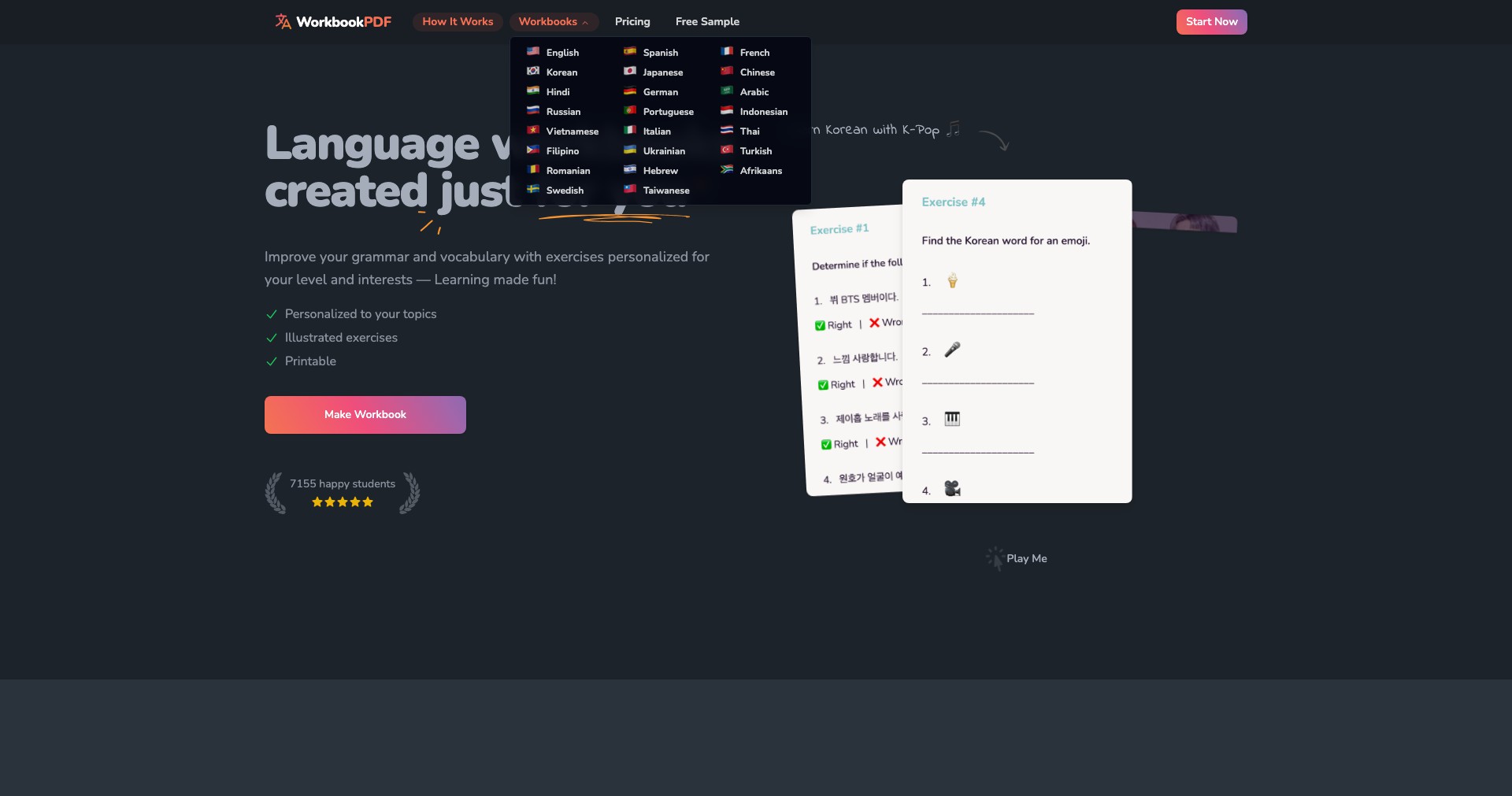
Key Features:
-
PDF to Workbook Conversion:
Seamlessly transforms standard PDF files into fillable, editable workbooks. This allows users to quickly adapt existing content without starting from scratch, saving time and increasing resource flexibility. -
Interactive Field Integration:
Allows adding a wide range of interactive fields including text boxes, checkboxes, dropdowns, and even quiz elements. This makes learning materials more engaging and supports various assessment techniques. -
Template Library:
Offers a library of ready-to-use templates for educational and training use, reducing the design burden and speeding up content creation for common scenarios. -
Real-Time Collaboration:
Supports multi-user editing and sharing, making it possible for educators or teams to co-develop and refine workbooks in real time. This feature is particularly useful for remote teams or multi-teacher classrooms. -
Student Progress Tracking:
Allows creators to track learner responses and completion rates, offering valuable insights for assessment and instructional adjustment.
What makes Workbookpdf unique?
Workbookpdf stands out due to its highly focused approach to transforming static educational content into interactive, fillable resources. Unlike generic PDF editors, it is tailored to the needs of the educational and training sector, with specialized tools for learning assessment and collaboration. The ease with which users can add interactive elements—without steep learning curves or complex software—makes it more accessible to non-technical educators.
Its commitment to real-time collaboration is also noteworthy, enabling simultaneous editing and review, which is rare among PDF-centric platforms. By providing both content creation and analytics capabilities, Workbookpdf bridges the gap between content delivery and learner evaluation—a feature seldom found in standard PDF tools.
Pros and Cons
Who is using Workbookpdf?
Teachers and Educators: Ideal for school teachers, college instructors, and private tutors who need to create engaging assignments, digital worksheets, or home study guides. Enables easy adaptation of existing content to suit diverse learning needs.
Corporate Trainers and HR Coordinators: Useful for professionals organizing onboarding, ongoing staff training, or compliance education. Transforms corporate resources into interactive modules for remote or hybrid teams.
Content Creators and Publishers: A valuable tool for those creating and distributing educational materials, study guides, or training manuals. It supports both self-publishing and collaborative development, speeding up the production cycle.
Product Evolution Timeline
Since launch, Workbookpdf has gradually expanded from simple PDF-to-form conversion to offering a suite of templates designed for common educational scenarios. Early adopters benefited from foundational features like fillable text fields and basic sharing options.
As educators' needs evolved, the platform introduced real-time collaboration and more diverse field types, responding to the growth of remote teaching and distributed teams.
Most recently, features like student progress analytics and integration with cloud storage solutions have further streamlined assessment and resource management workflows, making the tool more robust and versatile for educators and trainers.
Pricing
| Plan | Price | About |
| Free Tier | $0 | Allows limited workbook creation with basic interactive features to test core functionalities. |
| Premium Subscription | From $9/month | Unlocks advanced interactive fields, analytics, extended collaboration, and priority support for professionals and institutions. |
Verdict
Workbookpdf delivers significant value to educators, trainers, and content creators—especially those looking to breathe new life into static resources. Its intuitive interface and specialized features make it a strong contender for anyone seeking to digitize and enhance instructional materials without learning complex software.
Though it lacks some advanced customization and may not fully replace enterprise-level PDF editors or comprehensive LMSs, its focus and affordability make it a compelling choice for small to medium educational organizations, independent tutors, or training professionals. In sum, Workbookpdf is a thoughtfully designed tool that effectively bridges the gap between static content and interactive learning.


