YouTube Transcripts
Last updated: June 16, 2026
What is YouTube Transcripts?
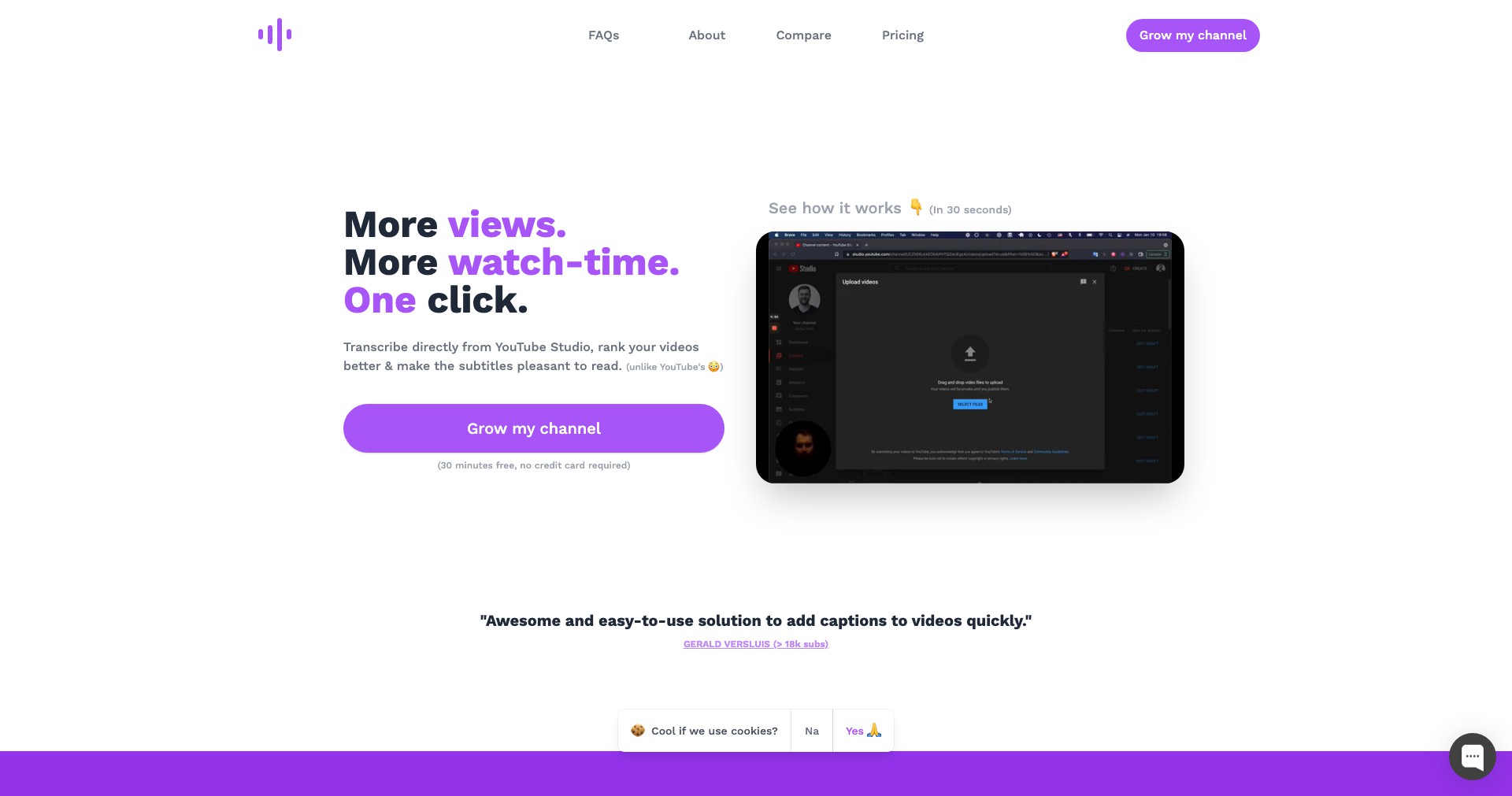
YouTube Transcripts is a digital tool designed to effortlessly convert YouTube video audio into text. By simply inputting the video URL or using a browser extension, users can obtain accurate, timestamped transcripts in seconds, making video content more accessible and searchable.
This service is tailored for a wide audience, ranging from students needing lecture notes to content creators who want to repurpose or subtitle their videos. With user-friendly features and support for multiple languages, YouTube Transcripts streamlines the process of capturing, editing, and exporting transcripts for any purpose.
Key Features:
-
Instant Transcript Generation:
Simply paste a YouTube URL or use the extension to receive a text transcript in seconds. This feature saves users the manual effort of transcribing large volumes of audio. -
Multiple Language Support:
Supports transcription for dozens of popular languages, catering to a global audience and aiding language learners and international teams. -
Timestamped Output:
Transcripts include accurate timestamps, allowing users to locate specific sections in the video easily or synchronize subtitles. -
Download and Export Options:
Users can export transcripts in various formats such as .txt, .docx, or .srt, making it flexible for sharing, editing, or subtitling. -
AI-Powered Accuracy:
Leverages advanced AI models to improve transcription accuracy and handle diverse accents and noisy environments more effectively than traditional methods.
What makes YouTube Transcripts unique?
What sets YouTube Transcripts apart is its seamless integration with YouTube, allowing for one-click transcript extraction directly from the platform or via browser extension. This direct connection eliminates the need for downloads, uploads, or complicated processes found in some competing solutions.
Another standout factor is its AI-driven language model, which continually improves transcription quality while supporting a wide range of languages. The powerful and intuitive user interface, along with customizable export formats, enables tailored workflows for educators, businesses, and accessibility advocates.
Pros and Cons
Who is using YouTube Transcripts?
Content Creators & YouTubers: Video creators who want fast, accurate transcripts for their video uploads, enhancing accessibility and enabling easy caption creation for wider reach.
Students & Educators: Learners and teachers who require transcripts for lectures, research, language learning, or accessibility accommodations.
Researchers & Professionals: Anyone needing documented references from video interviews, tutorials, or webinars, improving their workflow with quick, exportable text records.
Evolving Accuracy and Features
Initially, YouTube Transcripts started with basic online text conversion for a limited set of languages and simple .txt exports. Its usability was focused primarily on individual users with straightforward transcription needs.
Over time, the platform incorporated advanced AI models for greater transcription accuracy, added support for significantly more languages, and introduced timed segments in the transcripts. Browser extension integration was also launched, streamlining access for regular users.
Recent updates have brought premium features like batch processing, team collaboration, and broader file export formats, keeping pace with user demands from various professional and academic segments.
Pricing
| Plan | Price | About |
| Free Tier | $0 | Limited daily transcriptions with basic features and formats. |
| Premium Subscription | $9.99/month | Unlimited transcription, batch processing, advanced export formats, and priority support. |
Verdict
YouTube Transcripts is a reliable, intuitive tool for fast and accurate transcription of YouTube video content, offering significant utility to creators, students, and professionals alike. Its AI-driven approach ensures continual improvement in both ease-of-use and transcription accuracy.
While the free tier is suitable for occasional users, power users and organizations stand to benefit most from the premium subscription, especially those needing frequent bulk transcriptions or collaborative workflow. Some limitations with specialized terminology and audio quality remain, but overall, it stands out as a valuable addition to the modern digital toolkit.


