Giving away your old TV? You should wipe it just like you would your phone
Try to make sure your device isn’t too smart.
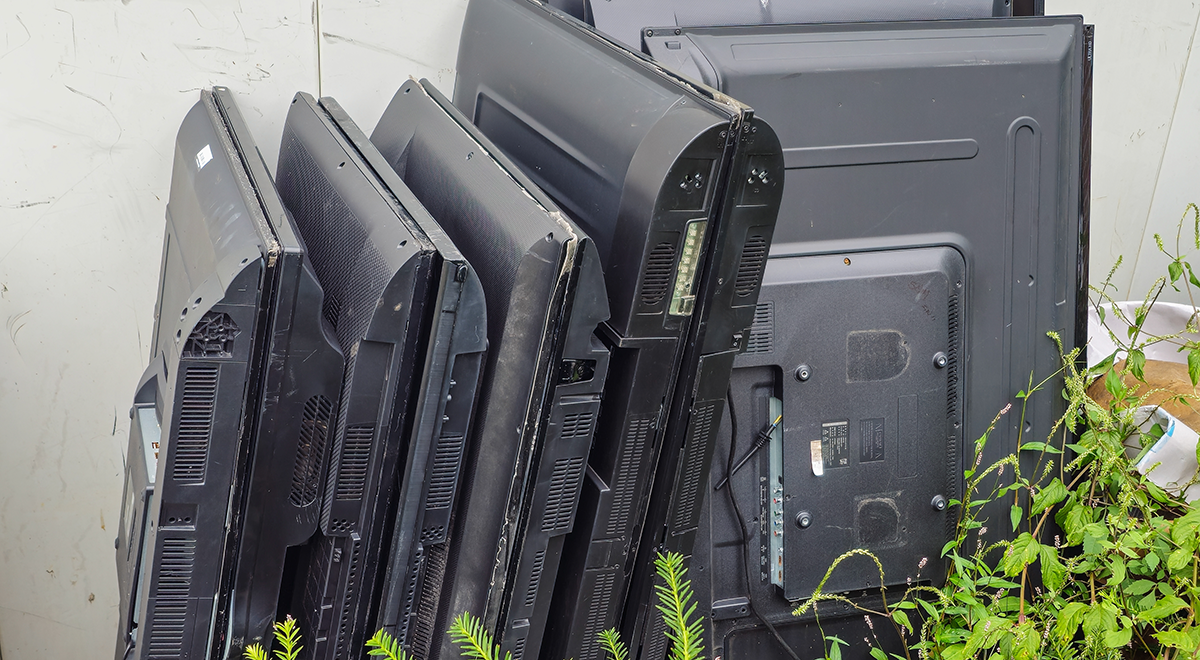
Old abandoned LED TVs. By Shutterstock

 Follow us
- Smart TVs can store streaming logins, WiFi details, viewing preferences, and links to other home devices.
- A factory reset is the main first step, but some brands may not erase network settings.
- Sign out of apps, remove USB storage, and unlink the TV from registered device lists before disposal.
- If you already gave away the TV, remote account tools can still cut off access.
Key Takeaways by nexos.ai, reviewed by Cybernews staff.
Most of us wouldn't dream of handing over an old smartphone without wiping it first. There are messages, photographs, and accounts on it that we wouldn't want a stranger to get their hands on. But when the time comes to replace the television in our living room, we aren't always quite so careful.
That's a mistake. Today's smart TVs are computers in all but name, and they accumulate personal information over the years we spend using them.
We spend perhaps as much time inputting our own interests into a smart TV as we do a smartphone, between YouTube searches, logged-in accounts on streaming services with associated passwords and banking details, and much more.
It all means that if you're selling, donating, or recycling one, simply unplugging it and handing it over could leave more behind than you bargained for.
Web-connected wonders
A resold or scrapped smart TV can retain the streaming apps, account logins, viewing preferences, and details of the WiFi networks it's connected to – all of which are potential plunder for hackers.
Beyond that, most smart TVs also have web browsers, voice assistants, and links to other connected devices in your home. Exactly what's stored varies from one manufacturer and model to another.
Users might think knowing that you’ve spent an unhealthy amount of time watching Netflix might not seem like the world's biggest privacy threat, but access to an account can be more consequential. Someone using a TV you've left logged in could spend their free time browsing your profiles, meddling with your recommendations, or using services you've paid for.
And given the way in which streaming platforms are cracking down on account sharing, that matters enormously.
There's a broader privacy issue to think about, too. Smart TVs have an awkward history of monitoring what their owners watch. In 2017, US regulators reached a $2.2 million settlement with one provider, Vizio, over allegations that software on 11 million of its televisions collected viewing data without consumers' knowledge or consent.



Stay updated with our latest stories and follow us on social media
Be the first to discover new stories, ideas, and updates from our team.
How do you wipe one properly?
So once you’ve recognized the risk, the next step is to do something about it.
The starting point before handing over any device is a factory reset, which should return the TV to its original setup state and remove local accounts and settings. But exactly what gets erased varies by manufacturer, as does where you find it.
On Google TV, the route is generally Settings > System > About, then Factory reset.
Roku owners can find the option under Settings > System> Advanced system settings.
LG's instructions for many recent models say you can find it by going from General > System > Reset to Initial Settings. There are a few traps, though. On some recent LG models, you can choose to reset everything except the network settings. That's designed to be convenient if you’re fixing a software problem, but it doesn’t wipe some of the most important bits if you're giving the television away.
Samsung's own instructions say its TV factory reset excludes network settings, so those should be cleared separately.
Your own checklist
So what should you do to properly wipe your TV?
Before getting rid of it, sign out of important apps where possible. Make sure you’ve removed any attached USB storage (which could contain files you didn’t want to share more widely), and disconnect it from services that list your registered devices.
Netflix, for instance, lets subscribers review signed-in devices and remotely sign them out. Roku also allows owners to remove a device from their account.
If you've already handed the set over, using those account management tools is still worth it because they can cut off access even after the physical television is no longer yours.
But just remember, wiping a TV doesn't erase information that streaming providers or manufacturers have already collected and stored elsewhere – you need to use their separate privacy and account controls to deal with that.