
Your TV is spying on you: here’s how to make it stop
Smart TVs are a little too smart when it comes to data collection and use.
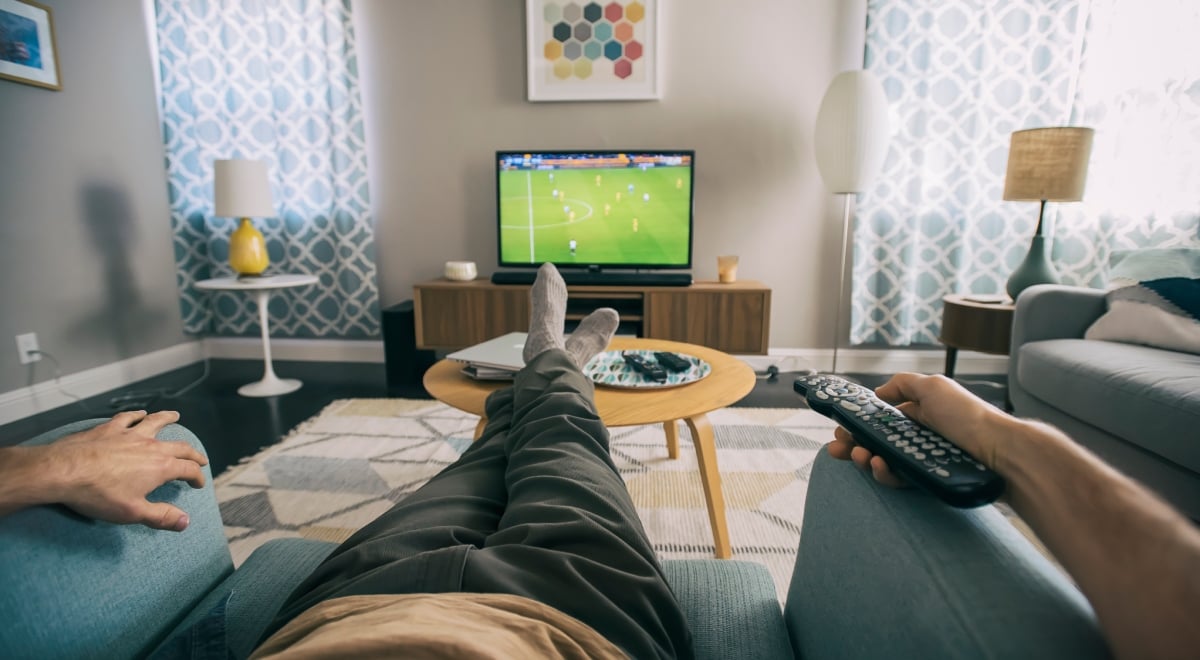
Man watching football on tv. Superb Images/Getty Images.

 Follow us
- Some smart TVs can identify what you watch, even when used as displays for HDMI devices.
- Automatic content recognition creates fingerprints from screen pixels or audio to match programs, games, and ads.
- LG, Samsung, Roku, and Amazon Fire TV users can limit tracking through privacy settings.
- Turning off ACR does not stop streaming apps or connected services from collecting some data.
Key Takeaways by nexos.ai, reviewed by Cybernews staff.
Plug a games console into a smart TV and, reasonably enough, you might assume the television is a simple screen that broadcasts what you’re playing. But in some cases, it is still watching what you watch.
Researchers who tested Samsung and LG televisions found that a technology called automatic content recognition, or ACR, could identify content even when the sets were being used as “dumb” displays for devices connected over HDMI.
However, the same study found something more reassuring: when users opted out, the ACR traffic stopped.
The data a smart TV can collect goes beyond whether you opened Netflix or YouTube. ACR is designed to help manufacturers – and the wider industry – work out what’s actually appearing on the screen. Depending on the manufacturer, it does that by producing a fingerprint from either the pixels or audio, then matching it against a database of known programs, films, games, and adverts.
The result is a TV that knows far more about its owner’s viewing than its owner might expect.
An eye-opening revelation
The issue has come under renewed scrutiny after LG was accused this month of collecting more data through its units than users realized.
LG pushed back, saying its TVs do not continuously record or transmit conversations and that features including ACR, voice recognition, and interest-based advertising are optional and disabled by default. Its ACR system, the company says, uses audio fingerprints rather than recordings of the screen.
But the controversy over LG’s features makes it worth reviewing your TV’s settings and deciding how much you want to share with the manufacturer.
Where users have agreed to the relevant terms, ACR information can be used to analyze audiences and viewing trends, while separate consent can allow it to feed interest-based and cross-device advertising.



Stay updated with our latest stories and follow us on social media
Be the first to discover new stories, ideas, and updates from our team.
LG is far from alone in tracking this kind of data. Samsung says its optional ACR system can collect viewing history – including the programs watched and how long they were watched for – alongside TV identifiers and an IP address.
Roku’s version generates a fingerprint from the pixels on the screen and tries to match it against a catalog of programs, games, and adverts to understand what’s being watched and when.
Stopping the tracking
If you’re uncomfortable with that level of analysis, there are ways to opt out or have the systems stop taking ACR information.
On LG televisions, users can open Settings > Privacy & Terms > User Agreements and look for the Viewing Information Agreement. Withdrawing from that disables ACR. LG has a separate agreement for interest-based and cross-device advertising, which can also be rejected in the same menu.
Samsung owners can find the same information under Viewing Information Services in their television’s privacy settings. Samsung says ACR runs only when a user has opted into the service and can be switched off again in Settings.
Roku users need to go to Settings > Privacy > Smart TV Experience and disable Automatic Content Recognition (ACR). Roku warns that turning it off stops future ACR collection, but information collected while it was enabled may still be retained.
If you’re the owner of an Amazon Fire TV, the setting is slightly more buried in the menus. Under Settings > Preferences > Privacy Settings, Amazon allows users to turn off processing of Device Usage Data for marketing and product improvement, stop Collect App Usage Data, and disable Interest-based Ads. Some Fire TV televisions also have a separate control for over-the-air viewing data.
No smoking gun
Turning off those options doesn’t make a smart TV private in the way an old CRT set was yours alone. While the devices themselves may stop tracking, streaming apps have their own data collection, and television manufacturers still process some information needed to make their connected services work. That’s part and parcel of the modern-day viewing experience.
The conversation on this topic is live. Join in the discussion.
If that still worries you, there is another, altogether more effective way to stop the television itself sending anything anywhere: disconnect it from the internet.
At that point, however, your smart TV is nothing like a smart TV. But if you’re just playing games or are happy to watch terrestrial programming instead of smart TV apps and services, that may not be such a bad thing.