Best VPS for Orca in 2026
Our in-house experts conduct independent, hands-on testing and transparent reviews of VPS hosting providers by using real server environments, and industry-recognized benchmarking methods to ensure impartial and evidence-based assessments
Using the same criteria for all VPS services, we share our detailed methodologies and testing practices to help customers compare performance, reliability, scalability, and overall value before choosing a virtual private server.
Learn more

Orca is a tool used by developers to coordinate AI coding agents and development tasks in one place. Although you can run Orca on your own hardware, a VPS can provide a remote environment where your agents and worktrees continue running when your laptop is offline. The best VPS for Orca should also provide enough CPU, RAM, and storage to handle multiple agents and development tasks simultaneously.
If you’re a developer looking to run Orca remotely on a reliable VPS, this guide can help you find the right option. I tested and compared the top 6 VPS providers for Orca to see which ones offer the best balance of performance, flexibility, and price. I evaluated them based on Orca setup, SSH connectivity, available resources, multi-agent performance, customization and scalability, and overall value.
6 best VPS hosting providers for Orca (in short)
- Hostinger – best all-around VPS for Orca
- Kamatera – most scalable VPS for Orca
- DigitalOcean – developer-friendly VPS for Orca
- Vultr – GPU-powered VPS for Orca
- Hetzner – high-performance VPS for Orca
- OVHcloud – high-bandwidth VPS for Orca



Our in-house VPS research team and expert writers work together to regularly test VPS hosting services across different use cases and provide accurate, up-to-date insights. Learn more about how we test and evaluate virtual private servers.
What is Orca, and why do you need VPS hosting for it?
Orca is an agentic development environment (ADE) that lets you run and manage multiple AI coding agents side by side. You can view it as a control center for organizing agents, Git worktrees, terminals, and development workflows. Instead of running each coding agent and project manually, Orca brings them together into a single centralized environment.
One of Orca’s key features is its use of parallel worktrees. Each task has its own worktree and agent terminal, so you can work on different coding tasks simultaneously. This helps prevent agents from changing the same project files and interfering with each other’s work.
While you can run Orca on your own computer, doing so can be inconvenient if you need your agents and projects to remain available when your computer is offline. This is where VPS hosting can help, assuring remote and continuous use. Your Orca environment can stay available on a remote server even when your personal computer is turned off, allowing you to connect to your agents and development environment remotely.
Another benefit of a VPS is that it gives you an isolated virtual environment with allocated resources and much more control than shared hosting. You typically get root access, so you can install the software and development tools you need to configure the server for your Orca workflow.
Lastly, a VPS offers flexibility to scale your resources as your workload grows. If you start running more agents or larger-scale projects simultaneously, you can increase CPU, RAM, and storage without replacing your personal computer.
Best VPS hosting providers for Orca in 2026 – detailed reviews
Our research team and I tested a range of VPS providers to identify the options best suited to running Orca. Below are the providers that stand out for their straightforward remote setup, strong resource options for running multiple agents and worktrees, flexible scalability, and competitive pricing (with choices to suit different Orca workloads and budgets).
1. Hostinger – best overall Orca hosting

| Rating: | |
| Setup time: | 10–25 minutes |
| Starting price for Orca: | $8.99/month |
| Money-back guarantee: | ✅ Yes, 30 days |
| Special deal: | Get up to 73% OFF Hostinger VPS |
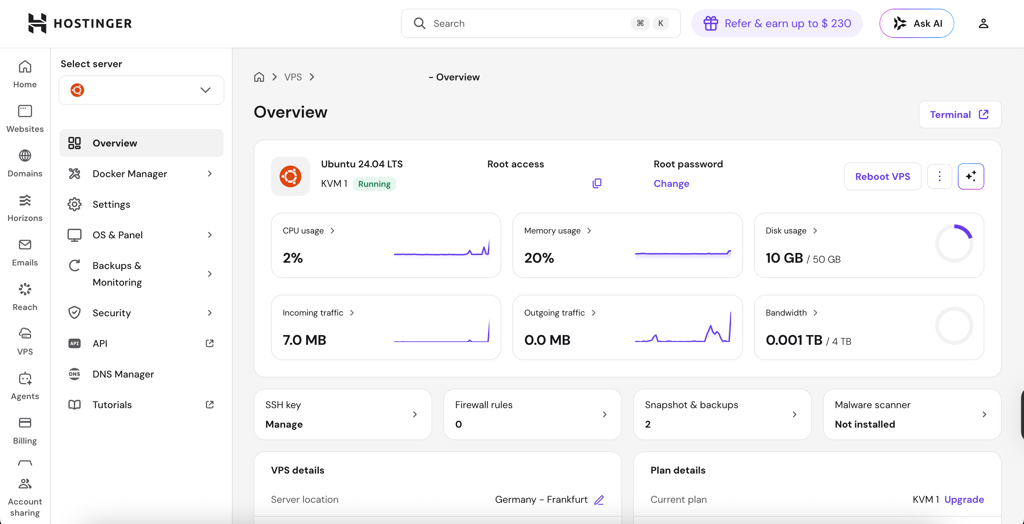
Hostinger is my overall top choice for Orca. I also found it to be an affordable option, especially given the resources you get even with Orca's starting plan. The setup was straightforward and beginner-friendly, while its KVM VPS plans provide the root access and resources needed to run Orca remotely. Here are the main reasons why I recommend it:
- Fast and straightforward Orca setup: you can install orca serve on your VPS, with setup taking around 10–25 minutes based on my testing
- SSH Worktree support: you can connect the VPS directly to Orca’s SSH Worktrees, so it’s really convenient to manage remote coding tasks
- Full root access: gives you complete control over the server environment, so you can install Orca, development tools, and dependencies exactly as you need
- High-RAM KVM VPS plans: Hostinger offers resourceful configurations with enough CPU and RAM for both smaller setups and more demanding multi-agent workloads
- No restrictive port blocks: useful when connecting Orca to your remote VPS and running your development environment over SSH
- NVMe storage: faster storage can be useful when working with repositories, dependencies, build files, and multiple worktrees
- Good value: while Hostinger's KVM 1 is the starting plan at $6.49/month, I recommend KVM 2 for Orca, which costs $8.99/month and includes 2 vCPUs, 8GB RAM, 100GB NVMe storage, and 8TB bandwidth
2. Kamatera – scalable VPS for Orca

| Rating: | |
| Setup time: | 10–15 minutes |
| Starting price for Orca: | $14.00/month |
| Money-back guarantee: | ❌ No |
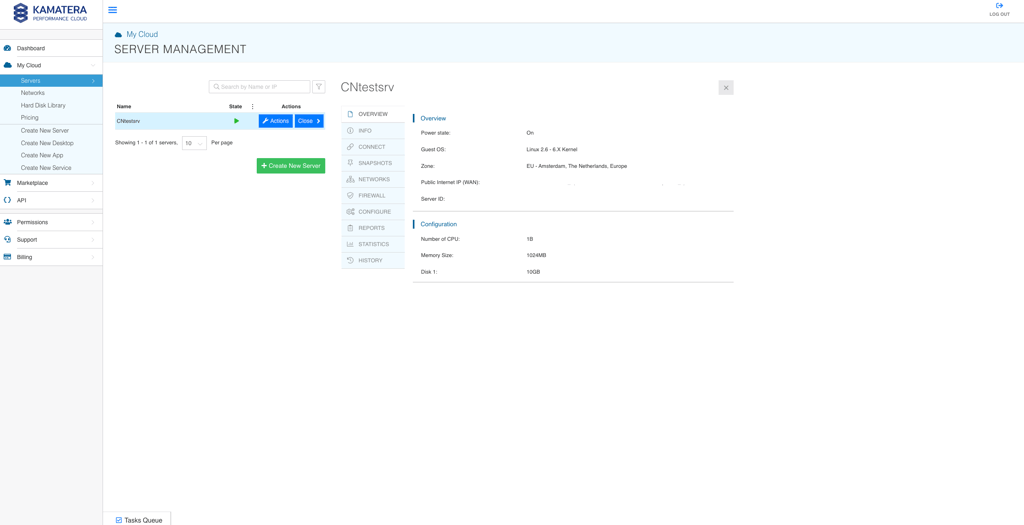
What I like about Kamatera is its high scalability. This makes it a good fit for complex multi-agent projects and experimentation. I found it particularly useful for developers who need to temporarily increase their resources when running multiple agents and demanding projects in parallel. Here are the main reasons I recommend it:
- Highly scalable resources: you can scale up to 104 vCPUs and 512GB RAM – plenty of headroom for heavy multi-agent workloads
- Flexible configurations: you can adjust your server resources to match your current Orca workload without paying for a large setup all the time
- Quick setup: in my testing, Kamatera VPS was quick to set up, taking around 10–15 minutes
- Full root access: you have complete control over the server environment and can install Orca, development tools, dependencies, or any other software
- Well-suited to parallel workloads: higher-resource configurations can handle multiple agents, worktrees, builds, and tests running at the same time
- Scale down when workloads drop: after finishing a demanding project or build, you can reduce your resources instead of keeping an oversized VPS
3. DigitalOcean – developer-focused VPS for Orca
| Rating: | |
| Setup time: | 15–20 minutes |
| Starting price for Orca: | $24.00/month |
| Money-back guarantee: | ❌ No |
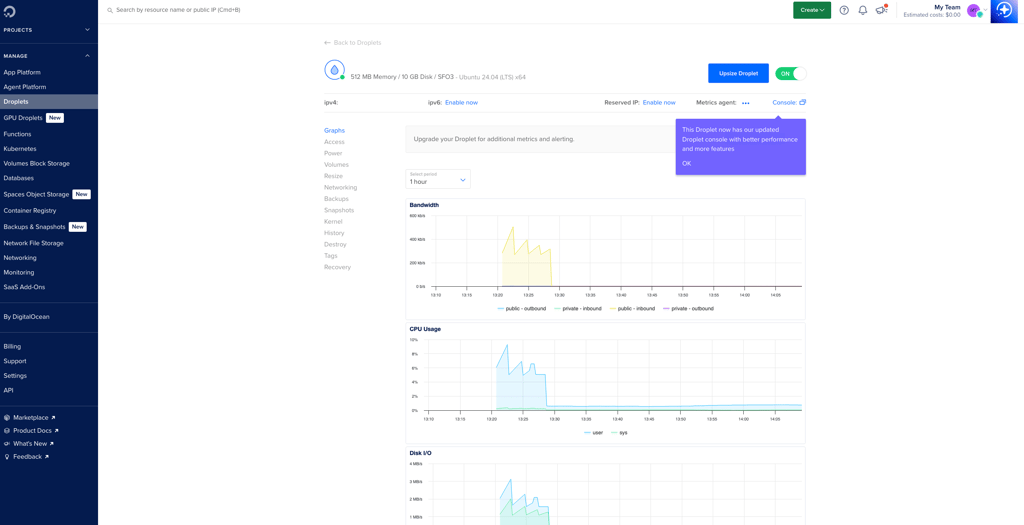
DigitalOcean is a developer-oriented VPS provider that offers a convenient environment for running Orca remotely. What I appreciated most was its Droplets, which provide simple SSH setup, API tools, and easy resource scaling. Here are the main reasons I recommend it:
- Easy SSH setup: SSH key management is straightforward, so you can easily connect your Droplet to Orca’s SSH Worktrees
- Simple Orca deployment: in my testing, I installed and configured Orca through the command line without complicated server preparation in just 15–20 minutes
- Developer-friendly tools: you get API access and other tools that make managing Droplets and automating server tasks easier
- Flexible resource scaling: you can increase your Droplet’s CPU, RAM, and storage as your Orca workload grows
- Root access: you can control your server environment, installing Orca and any other development tools you need
- Multiple Droplet configurations: you can choose a setup based on the number of agents and workloads you plan to run
4. Vultr – GPU-ready VPS hosting for Orca

| Rating: | |
| Setup time: | 10–20 minutes |
| Starting price for Orca: | $20.00/month |
| Money-back guarantee: | ❌ No |
| Special deal: | Available now for only $2.50! |
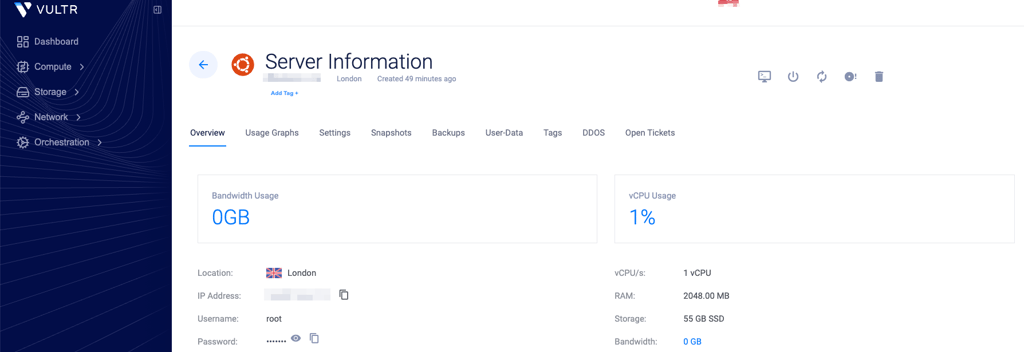
Vultr is a performance-focused VPS provider and a good option for Orca if you plan to run local AI models or other GPU-heavy workloads. It offers standard virtual machines alongside GPU options, including fractional GPU configurations. This gives you more flexibility when you need extra processing power. Here are the main reasons I recommend it:
- GPU options for AI workloads: fractional GPU instances can be useful if your Orca agents need to run local AI models or heavy embeddings
- Flexible compute choices: you can choose between standard VPS configurations and GPU-powered instances based on your workload
- Straightforward setup: the initial VPS setup is quick, taking around 10–20 minutes in my testing
- Full root access: gives you control over the server environment, so you can install Orca, dependencies, and development tools
- Suitable for complex workloads: GPU-backed instances provide additional processing power for workloads that go beyond typical coding and development tasks
5. Hetzner – high-performance VPS hosting for Orca

| Rating: | |
| Setup time: | 15–20 minutes |
| Starting price for Orca: | $23.59/month |
| Money-back guarantee: | ✅ Yes, 14 days |
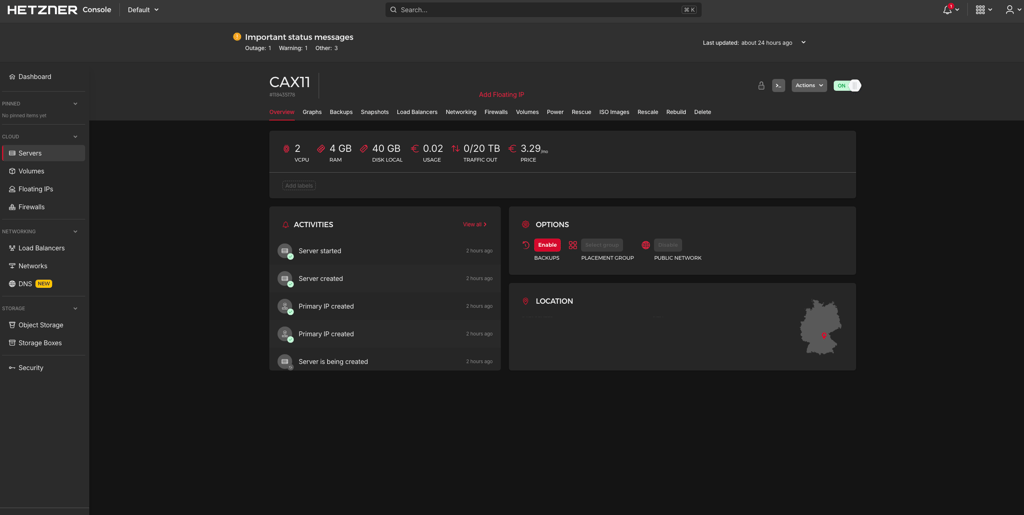
Hetzner Cloud is a capable VPS provider for CPU-heavy Orca workloads. I particularly like it for developers who need reliable CPU performance for compiling code, running tests, and handling multiple worktrees without paying a premium. Here are the main reasons I recommend it:
- Dedicated CPU resources: Hetzner offers cloud plans with dedicated vCPUs for workloads that require consistent CPU performance
- Good fit for development workloads: dedicated CPU resources are useful for compilation, testing, and other CPU-intensive development tasks
- Generous resources: although Hetzner offers cheaper cloud plans, I recommend its CPX22 plan for $23.59.month for Orca because it provides more generous CPU and RAM resources
- Flexible configurations: you can choose a server based on the number of agents, worktrees, and development tools you plan to run
- Full root access: you have control over the server environment and can install Orca and the tools your workflow requires
6. OVHcloud – unmetered-bandwidth VPS hosting for Orca

| Rating: | |
| Setup time: | 10–15 minutes |
| Starting price for Orca: | $8.50/month |
| Money-back guarantee: | ✅ Yes, 14 days |
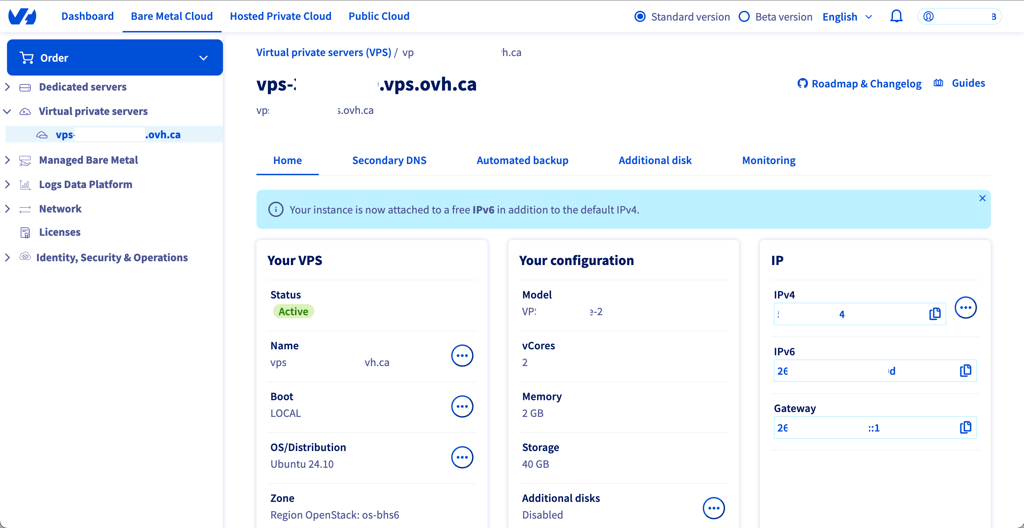
OVHcloud is a high-bandwidth VPS provider and a good fit for Orca if you regularly work with large repositories, dependencies, or build files. Its high-spec KVM VPS plans with unmetered public bandwidth can be particularly useful when your Orca environment needs to transfer a lot of data over SSH. Here are the main reasons I recommend it:
- Unmetered public bandwidth: useful for syncing large repositories, downloading dependencies, and transferring build artifacts without worrying about bandwidth-based overage fees
- Good fit for remote development: generous bandwidth can make working with remote Git repositories and Orca SSH Worktrees more convenient
- High-spec KVM VPS options: you can choose configurations with more CPU, RAM, and storage for demanding Orca workloads
- Full root access: gives you control over the server and lets you install Orca, development tools, and dependencies
What kind of resources does Orca need?
The resources needed for Orca depend on how many AI agents and development tasks you plan to run at the same time. The more complex your project is, the more resources it requires. Let’s say, a single-agent setup with one worktree can work fine with a modest VPS, but running several agents, worktrees, terminals, and browser sessions in parallel requires more CPU and RAM. Now, let’s go through different Orca setups and what you might need to run them smoothly.
Note that Orca doesn’t publish fixed minimum VPS requirements, so the configurations below are my recommended starting points based on workload size rather than official system requirements.
Small Orca setups
If you’re planning to run one or two agents at a time and work on lightweight coding projects, a small Orca setup might be enough. For example, it could suit an individual developer who wants to run a coding agent remotely on a VPS while working on a small website, script, or other simple project.
Suggested VPS configuration:
- 2 vCPUs
- 4GB RAM
- 40–80GB SSD storage
Small setups offer fewer resources but are also the most affordable option, costing $8.00–$25.00/month depending on the provider. However, your actual requirements will depend on the agents and development tools you use. Storage needs can also increase quickly if you maintain several worktrees, repositories, dependencies, and build artifacts on the same server.
Medium Orca setups
A medium setup might be more convenient if you regularly run several agents and worktrees in parallel. For example, if you’re a developer working on a larger application, this configuration allows you to run several agents at the same time. Each agent can handle a different coding task while using terminals and browser sessions in isolated worktrees, helping prevent agents from modifying the same files or interfering with each other’s changes.
Suggested VPS configuration:
- 4 vCPUs
- 8–16GB RAM
- 80–160GB SSD or NVMe storage
Medium setups are more expensive because they provide additional resources, costing $25.00–$65.00/month. If you need this, I recommend choosing dedicated or high-performance CPU resources, especially when agents are compiling code or running tests. NVMe storage is also worth considering if you frequently create worktrees, install dependencies, or work with large repositories.
Large Orca setups
If you have several complex and demanding projects, you might need a large setup. You can use it to run multiple coding agents alongside builds, tests, browser sessions, and other development tools. In this case, having the right amount of CPU and RAM is crucial to keeping concurrent workloads running smoothly, while an easily scalable VPS gives you the flexibility to increase resources as your workload grows.
Suggested VPS configuration:
- 8+ vCPUs
- 16–32GB+ RAM
- 160GB+ NVMe storage
Large setups can get pricey, costing anywhere from $65.00 to more than $200.00 per month, depending on the resources you need. Orca doesn’t have a fixed maximum resource requirement because its needs vary with the number of agents and tasks you run simultaneously. If you expect heavy workloads, choose a provider that lets you easily scale CPU, RAM, and storage without moving to another server.
For most users, a large VPS isn’t necessary, especially if you’re just getting started with Orca. A smaller setup should be enough for one or two agents, while users who plan to run multiple agents in parallel should consider a VPS with more CPU and RAM headroom.
Deploying Orca on a VPS vs cloud vs dedicated hosting
On the whole, Orca can run on a VPS, cloud instance, or dedicated server. However, the right option for you depends on your workload, budget, and the level of control you want over the server. The main factors you should consider are resource availability, scalability, pricing, and server management.
For most cases, I recommend choosing a VPS solution – it’s affordable and easily customizable. VPS providers give you a dedicated portion of a physical server’s resources for a set monthly price. You also get root access on most VPS plans, which gives you full control over the software and development environment. Overall, a VPS is best if you plan to keep Orca running continuously without worrying about hourly charges.
If your Orca workload changes frequently, cloud hosting might be a better option. In my experience, cloud providers make it easier to scale up or down CPU, RAM, and storage as your project grows, and many offer hourly billing. Therefore, it makes the most sense if you need a powerful environment for occasional heavy workloads. Though running a high-spec cloud instance continuously can become more expensive than a VPS with a fixed price.Finally, dedicated hosting is best for complex Orca workloads that require massive resources. Since you rent an entire physical server, you get access to all of its CPU, RAM, and storage without sharing it with others. On the downside, dedicated servers can get expensive. Therefore, I’d only consider it if you’re running many agents and resource-heavy projects simultaneously.
In short, for most individual Orca users, a VPS offers the best value for price, control, and resources. Cloud hosting is more flexible if your project is unpredictable or still grows, while dedicated hosting is worth considering when you consistently need high-end hardware and maximum server resources.
Final thoughts
No single VPS plan is suitable for all Orca setups because the right choice depends on your workload, budget, and the number of agents and development tasks you plan to run simultaneously. However, based on my testing, Hostinger is the closest all-around solution, ticking the boxes for performance, resources, flexibility, and price.
Other VPS providers on my list can also be useful for specific use cases. Here’s my final recommendation list based on different Orca scenarios:
- Best all-around VPS for Orca – Hostinger
- Most scalable VPS for Orca – Kamatera
- Developer-friendly VPS for Orca – DigitalOcean
- GPU-powered VPS for Orca – Vultr
- High-performance VPS for Orca – Hetzner
- High-bandwidth VPS for Orca – OVHcloud
FAQ
Can I host Orca on a VPS?
Yes, you can use a VPS as an SSH target for Orca or run a Remote Orca Server on a VPS you control, allowing agents and worktrees to run on the remote machine.
How much RAM does Orca need?
Orca doesn’t specify a minimum RAM requirement, so the amount you need depends on how many agents, worktrees, browser tabs, and other development tools you run simultaneously. Orca notes that layouts with many browser tabs can be among the biggest RAM users, while keeping fewer active worktrees can also reduce memory usage.
Can I self-host Orca?
Yes, Orca can be self-hosted on a machine you control, such as a VPS, home server, or other remote computer, and you can use orca serve to run it on a headless Linux server.
Can I host Orca on shared hosting?
No, typical shared hosting is unlikely to be suitable for Orca because its remote setups require control over the underlying machine, such as SSH access or the ability to run an Orca Server. A VPS is a better fit because you have the server access and control that Orca's remote deployment requires.
Is cloud hosting better than VPS hosting for Orca?
It depends on how you plan to use Orca. A VPS is well-suited to a persistent, always-on environment, while Orca can also use disposable cloud VMs when you want isolated compute for individual workspaces.
What operating system is best for Orca hosting?
Linux is a practical choice for hosting Orca on a VPS, particularly for headless deployments. Orca specifically documents using orca serve on headless Linux servers, while remote SSH targets can also include other operating systems.