CodeMaker
Last updated: June 16, 2026
What is CodeMaker?
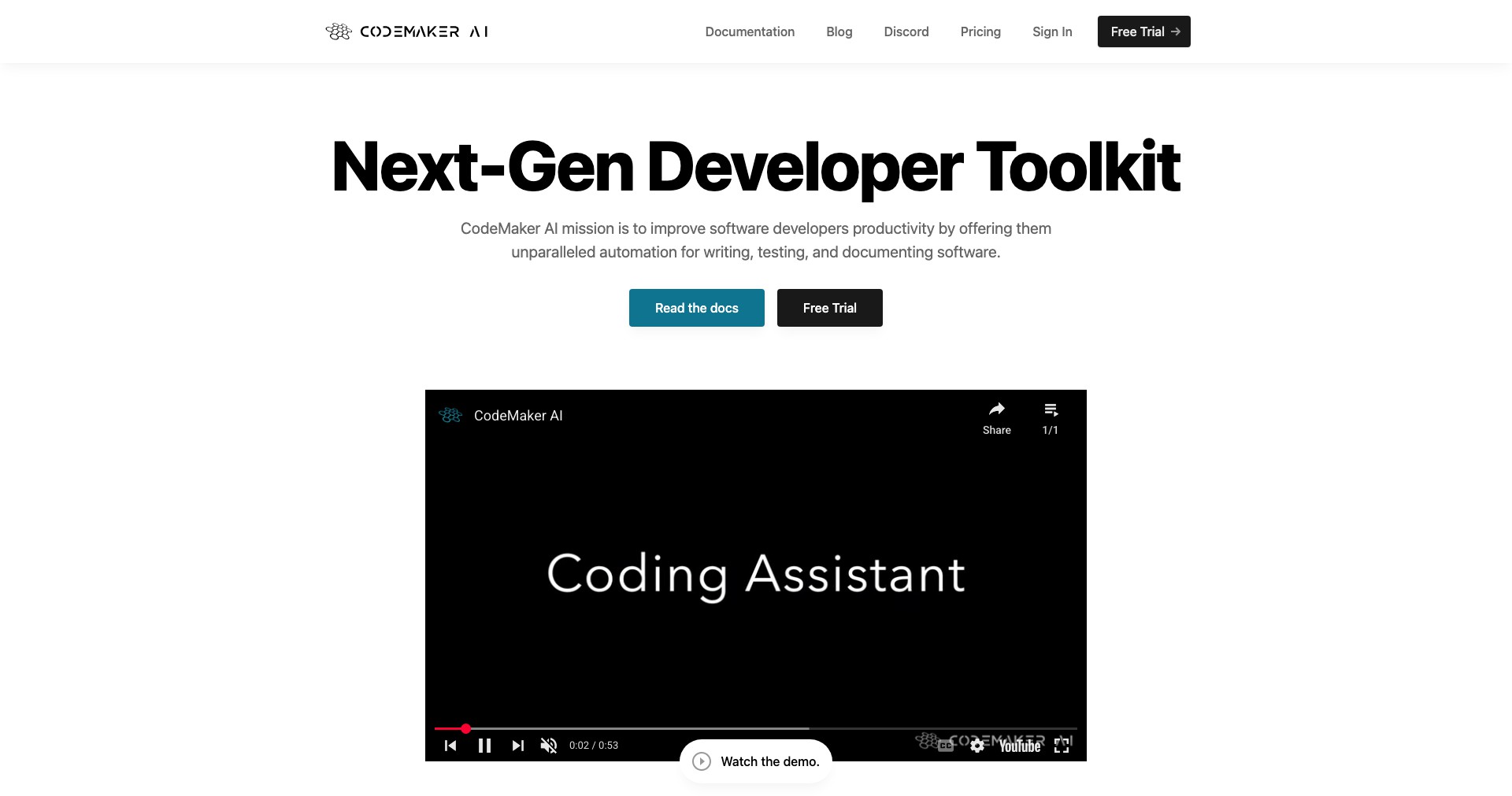
CodeMaker is a cutting-edge AI coding assistant that aims to transform the way developers write, debug, and optimize their code. Leveraging advanced machine learning algorithms, it not only generates code snippets but also provides smart recommendations, automates repetitive tasks, and assists in debugging.
Designed for both seasoned professionals and beginners, CodeMaker seamlessly integrates with popular code editors and supports multiple programming languages. Its user-friendly interface and robust AI engine make it an invaluable tool for enhancing productivity and code quality across teams and solo developers alike.
Key Features:
-
Multi-Language Support:
CodeMaker supports a wide array of programming languages including Python, JavaScript, Java, C#, and more. This flexibility allows developers to use it across various projects without needing multiple tools. -
Smart Code Generation:
The tool intelligently generates code snippets based on user input or requirements. It understands context, making the generated code relevant and ready to use, reducing development time significantly. -
Automated Refactoring:
CodeMaker can analyze existing code and suggest or apply refactoring to improve readability, efficiency, and maintainability, ensuring that best practices are consistently followed. -
Error Detection and Debugging:
It automatically detects common bugs and provides suggestions or fixes, helping developers catch issues early in the development process and maintain robust applications. -
IDE Integration:
CodeMaker integrates directly with popular IDEs like Visual Studio Code and JetBrains products, allowing developers to access its features without leaving their development environment.
What makes CodeMaker unique?
What makes CodeMaker stand out is its deep integration into daily development workflows, offering real-time AI-driven code suggestions and error checking as developers work. Unlike many competitors which function as separate platforms, CodeMaker operates as a natural extension of the coding environment, minimizing context switching.
Additionally, CodeMaker's sophisticated understanding of code context allows it to not only generate code but also explain suggestions, making it a great tool for learning and code review. Its balanced approach between automation and developer control sets it apart in a market crowded with more generic code generators.
Pros and Cons
Who is using CodeMaker?
Professional Developers: Seasoned professionals benefit from faster prototyping, refactoring, and debugging, enabling them to focus on complex logic and application design rather than repetitive coding tasks.
Beginner Programmers: Novice developers gain from context-aware suggestions and step-by-step code explanations, making CodeMaker a helpful learning companion and reducing the barrier to entry for new languages or frameworks.
Development Teams: Collaborative teams use CodeMaker to standardize code quality, enforce best practices, and enhance productivity during code reviews and pair programming sessions.
Product Evolution
Since its launch, CodeMaker has undergone regular updates focused on expanding language support and deepening integration with industry-leading IDEs. Initial versions offered basic code generation and completion in a handful of languages.
Subsequent updates introduced advanced capabilities like automated refactoring, smarter debugging tools, and context-aware suggestions tailored to specific project structures.
Most recently, CodeMaker has added AI-driven documentation generation and enriched its collaborative features, enabling better team workflows and knowledge sharing directly within code projects.
Pricing
| Plan | Price | About |
| Free Tier | $0/month | Provides access to basic code generation and error detection features with limitations on usage per month. |
| Pro Subscription | $20/month | Unlocks full access to all features including unlimited code generation, advanced debugging, and priority support. |
Verdict
CodeMaker is a robust and versatile AI assistant for developers seeking to speed up their workflows, enhance code quality, and automate menial tasks. Its real-time integrations and context-sensitive features make it particularly attractive to both individual programmers and teams.
While the free version offers great value, unlocking its full potential requires a subscription, and users may encounter minor issues with complex scenarios. Overall, CodeMaker is a forward-thinking addition to the developer’s toolkit, delivering efficiency and improved coding experiences.


