DocComment
Last updated: June 16, 2026
What is DocComment?
DocComment is an innovative document collaboration platform that brings context-rich commentary and streamlined feedback directly into your workflow. Built for teams seeking to bridge the gap between creating and reviewing documents, it allows users to easily exchange ideas, ask questions, and make decisions—all within the document itself.
Whether you’re an editor, content creator, researcher, or part of a cross-functional team, DocComment offers the tools you need for more efficient, transparent, and unified collaboration. No longer will feedback get lost in long email threads or separate chat tools—instead, everything stays right where it’s most needed.
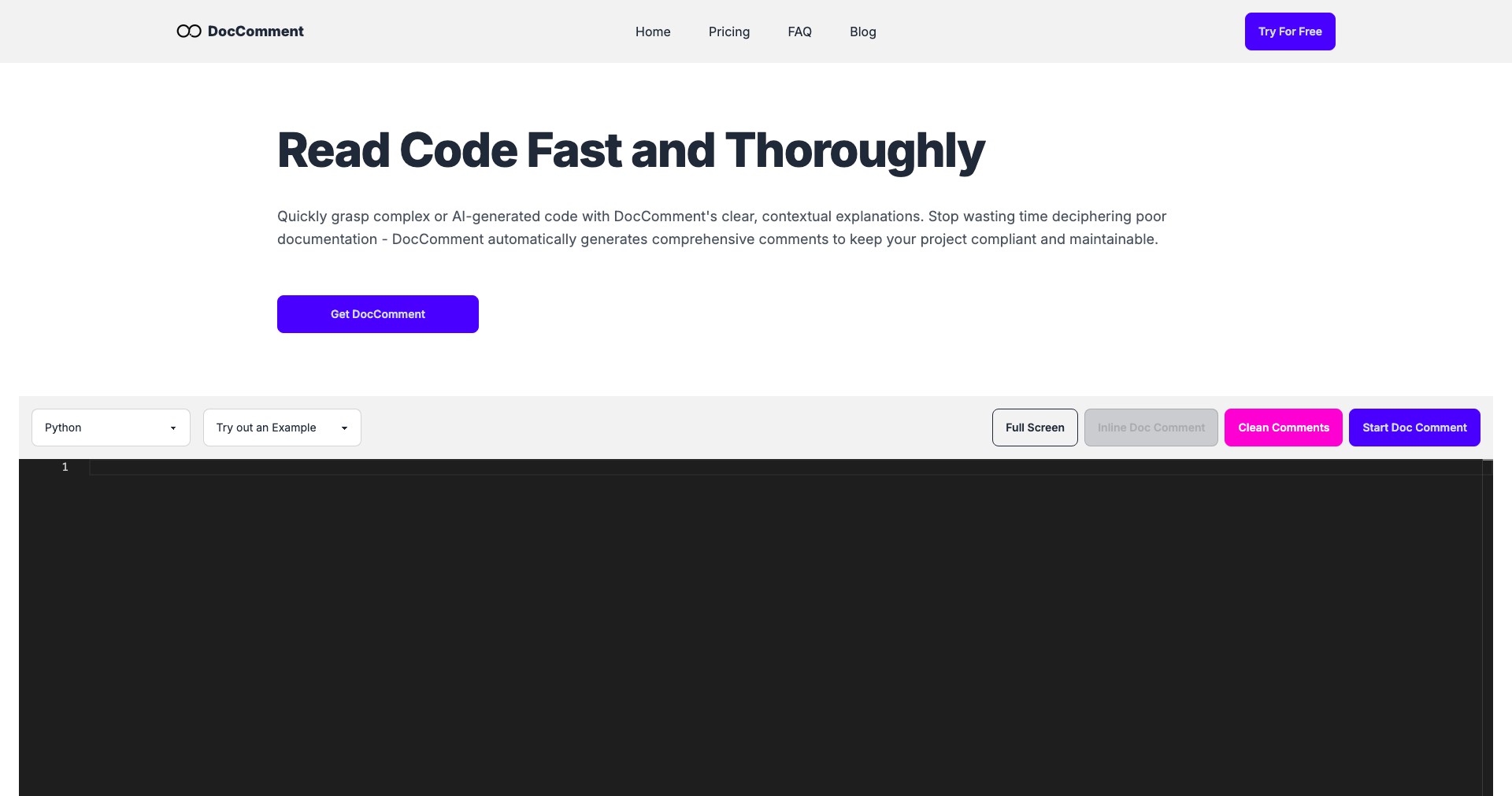
Key Features:
-
Contextual Inline Comments:
Users can leave comments anchored directly to specific text or sections, ensuring all feedback is precise and easy to reference. This makes reviewing and editing documents much more efficient and less ambiguous. -
Real-Time Collaboration:
Multiple collaborators can edit, comment, and discuss in real-time, seeing each other’s changes and feedback instantly. This boosts productivity by reducing lag and eliminating the need for endless version updates. -
Threaded Discussions:
Comments can be expanded into threaded conversations, allowing users to reply, resolve, or split topics, ensuring complex issues don’t get lost and are properly addressed. -
Role-Based Permissions:
Administrators can set viewing, editing, or commenting permissions at the document or section level. This ensures sensitive information remains secure and only the right people can make changes or add input. -
Integration with Popular Tools:
DocComment integrates with tools like Slack, Google Drive, and Microsoft Office, allowing users to seamlessly incorporate it into their existing workflow without missing a beat.
What makes DocComment unique?
What sets DocComment apart is its focus on context and clarity within the review process. The ability to anchor threaded discussions directly to document elements reduces confusion and ensures feedback isn’t taken out of context. Additionally, its real-time synergy and granular permissions are superior to many traditional comment systems found in competing platforms.
The platform also emphasizes interoperability, integrating smoothly with major productivity suites and communication tools. This connectivity minimizes workflow interruptions and broadens its appeal to teams already invested in other ecosystems—a key differentiator for organizations with established processes.
Pros and Cons
Who is using DocComment?
Content Teams & Editors: Editorial teams, journalists, and copywriters can use DocComment to efficiently gather, manage, and resolve feedback from distributed collaborators, improving content quality and turnaround time.
Research & Academic Groups: Researchers and academic professionals benefit from precise annotation and discussion threads, enabling cross-disciplinary teams to collaborate transparently on technical documents and manuscripts.
Project Managers & Agencies: Project managers, agencies, and client-facing teams leverage DocComment to facilitate requirements gathering, signoffs, and iterative feedback, ensuring that all stakeholders remain aligned throughout the document lifecycle.
Evolving Collaboration Platform
Since its initial launch, DocComment has focused on refining its core review and annotation features, responding to user feedback to deliver an intuitive and dependable experience.
Over time, the platform has expanded its integration capabilities, now supporting connections with various file storage solutions and chat applications to further increase its utility.
Recent updates have centered around enhanced permission controls and sophisticated thread management, as well as updates aimed at supporting new document types and smarter notifications.
Pricing
| Plan | Price | About |
| Free Trial | Free (14 days) | Full-featured trial enabling new users and teams to evaluate DocComment without commitment. |
| Pro Subscription | $9/user/month | Unlocks all core features for individual users, suitable for freelancers or small teams. |
| Team Plan | $20/user/month | Enhanced collaboration tools and integrations for growing teams, with dedicated support. |
| Enterprise | Custom quote | Tailored for large organizations needing advanced security, compliance, and integration support. |
Verdict
DocComment stands out as a modern, focused solution for document-centric collaboration, serving teams and professionals who demand clarity, speed, and traceability in all stages of document review. Its intuitive, real-time feedback systems and granular access controls make it suitable for creative, academic, and corporate environments alike.
While the reliance on premium tiers for advanced features and the constraint of an always-online platform may be a concern for some, the overall blend of usability, integrations, and context-aware communication places DocComment among the top choices for organizations serious about document collaboration.


