DocuHelp
Last updated: June 16, 2026
What is DocuHelp?
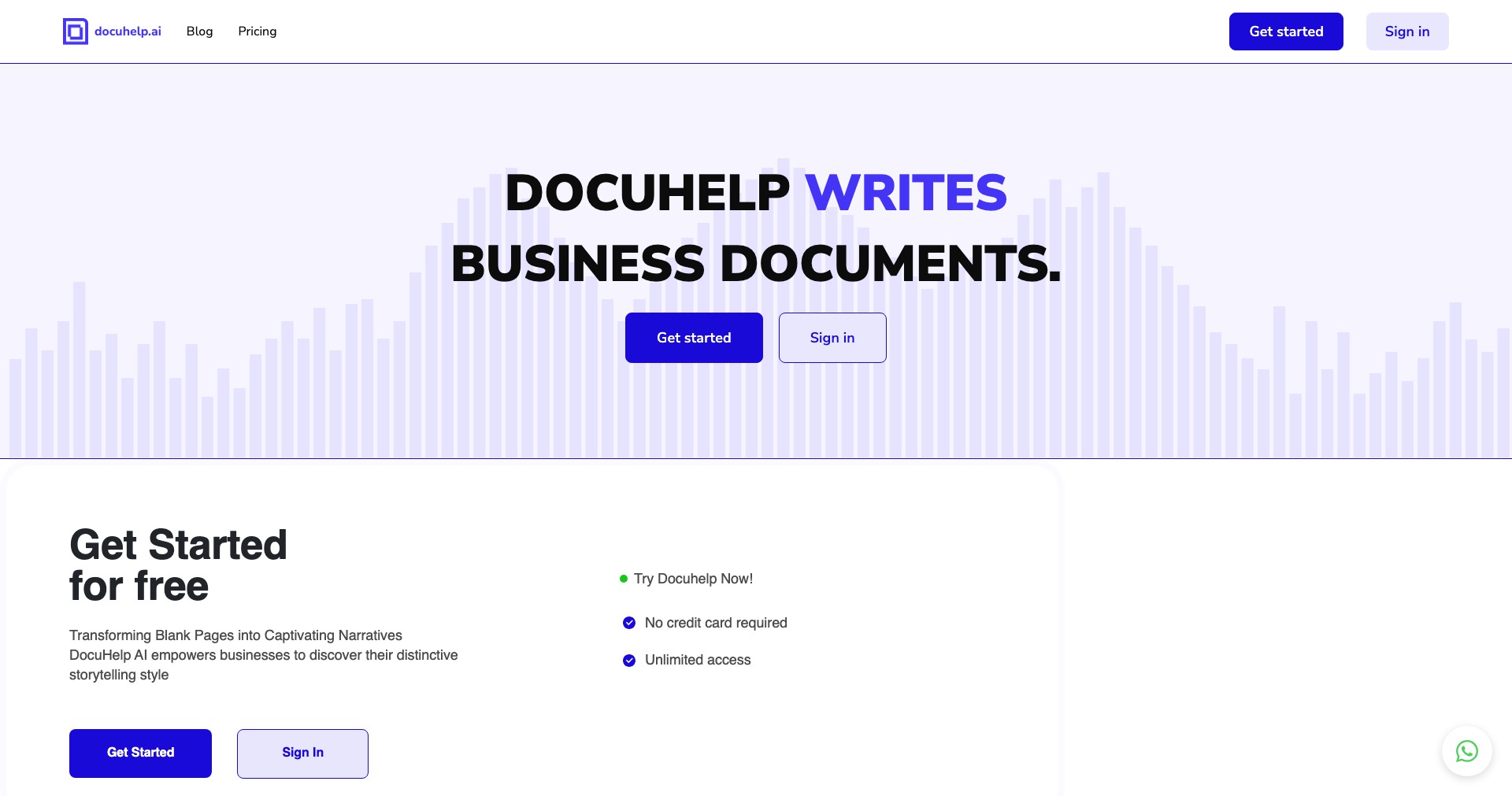
DocuHelp is a modern AI-driven documentation platform designed to make creating, organizing, and maintaining technical or business documentation easier than ever. With intuitive tools powered by artificial intelligence, it caters to teams and individuals who need reliable, scalable solutions for knowledge management, onboarding, and support materials.
Built for the demands of developers, support staff, and business managers, DocuHelp turns the often tedious process of documentation into a collaborative and productive experience. By integrating natural language processing and smart content recommendations, it helps users build comprehensive, accessible, and up-to-date resources without the usual friction.
Key Features:
-
AI-Powered Content Suggestions:
DocuHelp uses advanced natural language processing to suggest content, structure, and edits, speeding up documentation creation and ensuring clarity and completeness. -
Real-Time Collaboration:
Multiple users can co-author documents simultaneously, leave comments, and track changes, greatly improving team productivity and reducing iterations. -
Customizable Templates:
A library of professionally designed templates is available for a wide range of technical, HR, and business documentation uses, saving time and maintaining consistency. -
Automated Version Control:
DocuHelp automatically tracks document versions, making it easy to revert changes or review history, which is essential for compliance and auditing. -
Integrations with Popular Tools:
Seamlessly integrates with platforms like Slack, Jira, GitHub, and Google Workspace for efficient workflows and centralized knowledge sharing.
What makes DocuHelp unique?
What sets DocuHelp apart from many traditional documentation tools is its deep integration of AI capabilities directly into the writing process. Unlike basic markdown editors or static knowledge base solutions, DocuHelp dynamically assists with phrasing, structure, and even detects gaps in the knowledge presented.
Additionally, DocuHelp stands out with its focus on collaboration and automation. Its seamless integration with popular productivity tools and advanced version control ensures teams are always aligned and can move quickly even in fast-changing environments.
Pros and Cons
Who is using DocuHelp?
Software Development Teams: Engineering teams use DocuHelp for project documentation, API references, onboarding guides, and to maintain easily updatable knowledge bases.
Support and Customer Service: Support staff and customer service professionals can quickly update FAQs, troubleshooting guides, and internal wikis to ensure consistent assistance for both users and staff.
Business Operations and HR: HR and operations managers use DocuHelp to create and maintain process manuals, training materials, and policy documents in a secure, collaborative environment.
Product Evolution
DocuHelp initially launched as a straightforward AI-powered documentation editor, focusing on technical writing and single-user workflows.
Over time, customer feedback drove the addition of robust collaboration features such as simultaneous editing, commenting, and user permissions, making it suitable for enterprise adoption.
Recent updates have introduced deeper integrations with popular tools, expanded the template library, and enhanced AI accuracy and reliability, broadening its appeal beyond developers to general business users.
Pricing
| Plan | Price | About |
| Free Plan | $0 | Basic plan with limited AI features, suitable for individuals or small teams starting out. |
| Pro Plan | $9/user/month | Includes advanced AI suggestions, more templates, and basic integrations. |
| Business Plan | $25/user/month | Adds advanced collaboration features, full integration suite, and priority support. |
Verdict
DocuHelp offers a compelling blend of AI-powered assistance, collaboration, and automation features that make documentation faster, smarter, and more reliable for teams of all sizes.
While the learning curve and premium pricing may be barriers for some, its robust feature set, seamless integrations, and focus on improving team productivity make it an excellent solution for anyone serious about managing knowledge and documentation efficiently.


