Superflows
Last updated: June 16, 2026
What is Superflows?
Superflows is an advanced AI-powered platform engineered to automate and streamline workflows for teams, startups, and enterprises. By connecting with your favorite productivity tools—like Slack, Gmail, and Notion—Superflows allows you to automate those repetitive actions that consume time and drain resources.
Created by Superflows AI, the platform stands out with its focus on user-friendly automation design, enabling non-technical users to build and deploy smart workflows in minutes. Its AI-driven logic and integration capabilities make it a powerful solution for anyone seeking to optimize daily operations without writing a line of code.
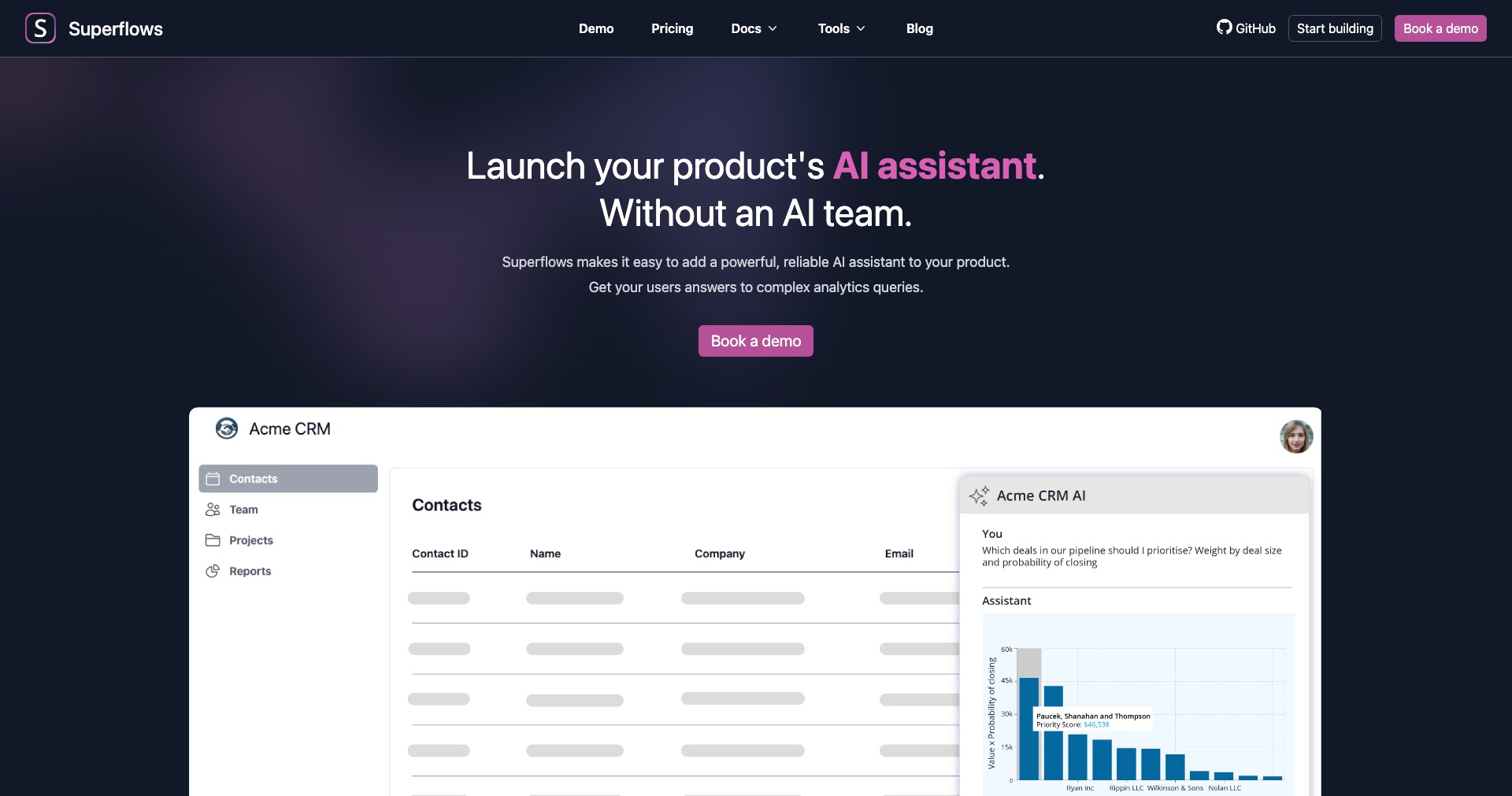
Key Features:
-
No-Code Workflow Builder:
Superflows offers an intuitive drag-and-drop interface that lets users design complex automation without any coding skills, making workflow creation accessible to everyone. -
AI Automation Recommendations:
The platform leverages AI to analyze your work patterns and suggests automation opportunities, ensuring continuous productivity optimization. -
Multi-App Integrations:
Superflows supports seamless integration with widely used apps such as Slack, Gmail, Notion, Trello, and more, allowing tasks to connect and span across your digital workspace. -
Real-Time Monitoring & Analytics:
Users can track workflow performance, identify bottlenecks, and access reports to optimize their automated systems further. -
Collaboration Features:
Teams can collaborate on workflow design, share templates, and manage permissions, making it easy for multiple stakeholders to participate and contribute.
What makes Superflows unique?
What makes Superflows unique is its dynamic AI-powered automation recommendations, which actively identify repetitive tasks in your routine and suggest ready-to-deploy workflow solutions. Unlike many competitors that require users to identify and build automations from scratch, Superflows greatly reduces manual setup by proactively assisting the user.
Additionally, Superflows' emphasis on collaboration—enabling teams to co-design, share, and manage workflows—is rare in the automation space. Its straightforward, no-code interface bridges the gap between technical and non-technical team members, democratizing automation for entire organizations.
Pros and Cons
Who is using Superflows?
Productivity-Focused Professionals: Individuals and small business owners looking to automate repetitive tasks and manage workflows across multiple apps will benefit from Superflows—especially those who value time savings and productivity.
Corporate Teams & Departments: Marketing, operations, HR, and support teams can use Superflows to automate routine processes, collaborate on workflow creation, and streamline communications between platforms.
Tech-Savvy Organizations & Startups: Startups and technically-inclined organizations that want to embrace automation without heavy IT investment can leverage Superflows to quickly build, test, and iterate on workflows with ease.
Product Evolution Timeline
Since its initial launch, Superflows has steadily expanded its integration library, adding support for new platforms and productivity tools to reach broader user needs.
The platform introduced AI-powered recommendations in subsequent updates, empowering users with smart automation suggestions based on behavior and usage patterns.
Recently, Superflows enhanced its collaboration features, allowing for more granular team management, better template sharing, and improved real-time monitoring, reflecting a strong response to user feedback and market demands.
Pricing
| Plan | Price | About |
| Free | $0/month | Basic automation and up to a limited number of workflow runs per month. |
| Pro | $15/month | Enhanced automations, premium integrations, extended workflow runs, and priority support. |
| Business | $40/month | Team collaboration features, advanced analytics, unlimited workflow runs, and dedicated customer support. |
Verdict
Superflows succeeds as a versatile and approachable automation platform that lowers the barrier to workflow automation for both individuals and teams. Its AI-powered recommendations and user-friendly builder set it apart, though its integration library lags behind some larger, more established competitors.
If you're looking for a collaborative, code-free solution to streamline your projects and business operations, Superflows offers compelling value. While it may not yet meet every need of power users or those requiring niche app integrations, it's a great fit for growing teams and professionals prioritizing productivity and future-ready automation.


