InboxPro
Last updated: June 16, 2026
What is InboxPro?
InboxPro is an all-in-one AI email assistant designed to supercharge your Gmail workflow. Leveraging advanced artificial intelligence, it helps users draft responses, track email opens, schedule follow-ups, and generate insightful analytics—all seamlessly integrated into the Gmail interface.
Aimed at professionals, business owners, and teams juggling high email volumes, InboxPro transforms how you manage daily communication. Whether you need to save time with automated replies or gain insights into your productivity, InboxPro offers a comprehensive suite that elevates your entire email experience.
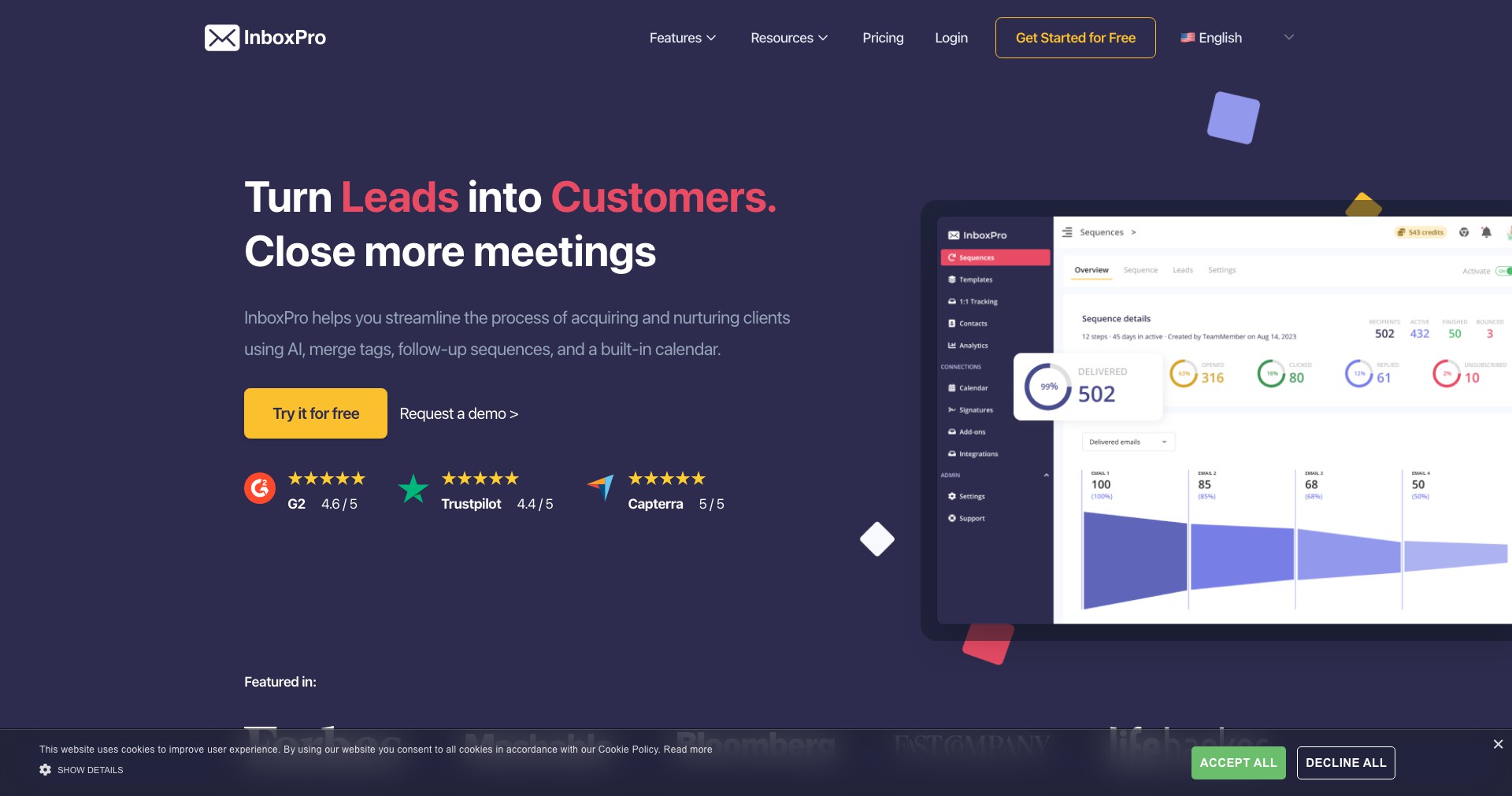
Key Features:
-
AI Email Composer:
Harnesses artificial intelligence to draft detailed, professional responses and new emails quickly. This reduces time spent composing messages and ensures consistent, high-quality communication. -
Email Analytics Dashboard:
Provides metrics such as email open rates, response times, and busiest hours, helping users optimize their strategies and understand how recipients interact with their emails. -
Email Tracking & Scheduling:
Lets users see when emails are opened and schedule emails to be sent later, ensuring messages reach recipients at optimal times, which improves engagement rates. -
Automated Follow-ups:
Automatically sends follow-up emails after a set period if no response is received, making sure important conversations don't fall through the cracks. -
Personalized Templates and Signatures:
Allows saving frequently-used responses, full email templates, and signatures for faster, consistent correspondence tailored to different audiences.
What makes InboxPro unique?
InboxPro stands out by offering an end-to-end suite of productivity tools centered around AI within Gmail, removing the need for external apps or integrations. Its real-time analytics, open tracking, and AI drafting are designed with a user-friendly, minimally intrusive interface.
Unlike competitors that might focus on a single aspect such as analytics or email scheduling, InboxPro bundles all the vital tools—AI drafting, tracking, analytics, templates, and more—into one cohesive platform. Its deep Gmail integration allows users to manage everything directly from their inbox, maximizing efficiency and user adoption.
Pros and Cons
Who is using InboxPro?
Busy Professionals: Individuals who receive and send large volumes of emails daily, such as salespeople or consultants, will benefit from InboxPro’s AI drafting, automated scheduling, and analytics tools that save time and ensure timely follow-ups.
Small Team Leaders & Entrepreneurs: Leaders managing teams or running small businesses can use InboxPro to track team productivity, unify email templates, and make sure valuable leads and communications aren’t lost.
Customer Support Teams: Support teams that handle repetitive queries can streamline their workflow with email templates, automated responses, and email tracking, improving response rate and customer satisfaction.
Evolution of InboxPro
Since its initial launch, InboxPro has continually expanded its capabilities from basic tracking and scheduling to fully incorporating AI-driven content generation and advanced analytics.
User feedback fostered the introduction of more granular statistics, an improved template management system, and more customization options for email scheduling and automated follow-ups.
Recent updates have optimized the AI composer for greater context awareness, expanded support for attachments in templates, and enhanced the user interface to be more intuitive and minimally disruptive.
Pricing
| Plan | Price | About |
| Free Plan | $0/month | Includes basic AI drafting, tracking, and limited analytics—ideal for casual users. |
| Pro Plan | $7.99/month | Unlocks advanced analytics, unlimited templates, automated follow-ups, and premium AI features for professionals. |
| Team Plan | $19.99/month/user | Designed for teams with centralized management, advanced collaboration, and team analytics. |
Verdict
InboxPro is a powerful AI-driven email productivity tool that covers the full spectrum of email management needs, especially for users deeply invested in Gmail. Its combination of AI drafting, analytics, tracking, and automation provides tangible value for professionals and small teams looking to reclaim time and run efficient communication workflows.
While some advanced functions require a paid subscription and the platform is primarily Gmail-centric, its feature-rich, user-friendly design makes it a standout choice for anyone ready to level up their email game.


