Jsonify
Last updated: June 16, 2026
What is Jsonify?
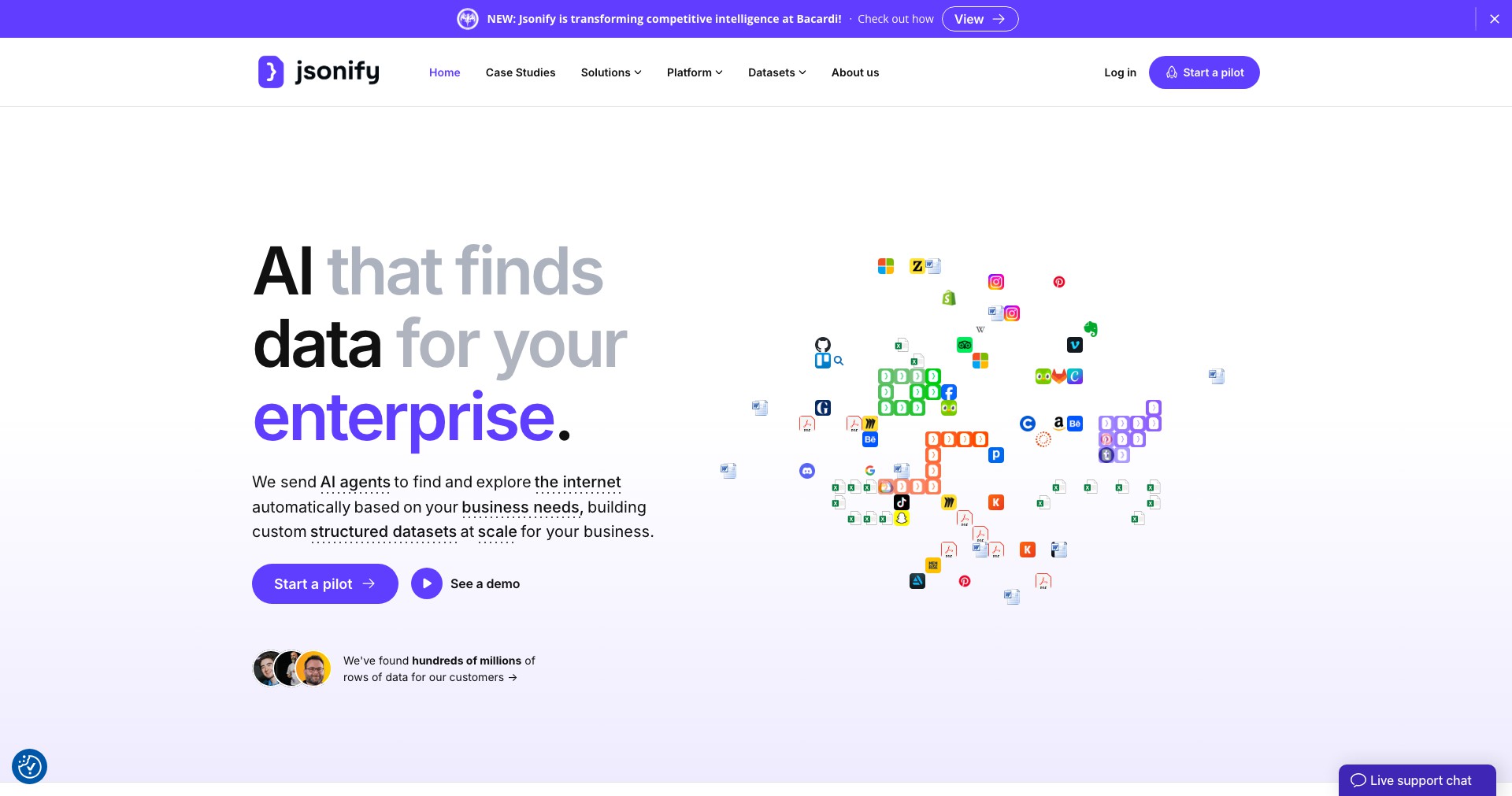
Jsonify is a powerful utility designed to make data conversion and manipulation painless, especially for developers, analysts, and data scientists. The tool provides an intuitive interface for transforming various data formats (like CSV or XML) into structured JSON, reducing manual work and minimizing errors.
Whether you're building APIs, working with databases, or cleaning up datasets, Jsonify streamlines the process by automating repetitive tasks. Its feature set is tailored to both beginners and seasoned users, offering drag-and-drop capabilities, syntax validation, and more.
Key Features:
-
Multiple Source Integration:
Jsonify allows you to import data from various sources including CSV, XML, plain text, and even clipboard data, making it versatile for different workflows. -
Real-Time Preview:
Users can instantly see how their data is being converted into JSON, with an interactive preview that updates dynamically as changes are made. -
Schema Validation:
Built-in validation tools check your JSON for syntax errors and adherence to specific schemas, reducing the chance of mistakes and ensuring data integrity. -
Custom Formatting Options:
You can fine-tune your output with customizable formatting settings such as indentation, line breaks, and key sorting, ensuring your JSON meets project requirements. -
Easy Export & Sharing:
Once your JSON is ready, export it to a file, copy to clipboard, or directly share through a link or integration, streamlining collaboration.
What makes Jsonify unique?
What makes Jsonify stand out is its focus on a frictionless user experience: no installation required, lightweight interface, and real-time validation—features that set it apart from standard online converters. Its ability to handle large datasets and seamless integration into existing workflows (e.g., via API or browser extension) offer significant advantages for professionals working under tight deadlines.
Unlike many free JSON converters, Jsonify provides robust schema validation and offers customization typically only found in premium software. The drag-and-drop input, live error highlighting, and advanced export options make it particularly user-friendly and powerful for both quick tasks and complex conversions.
Pros and Cons
Who is using Jsonify?
Software Developers: Programmers who need to quickly convert data into JSON for APIs, configuration, or testing benefit from Jsonify’s fast conversions and API integration.
Data Analysts & Scientists: Users handling large and complex datasets (e.g., from spreadsheets or logs) can preprocess and validate their data prior to analysis or visualization.
Students & Learners: Those new to JSON or data formats can use Jsonify’s intuitive UI and error-checking features for practice, learning, or small project work.
Evolution of Jsonify
Jsonify started as a simple web-based converter but has repeatedly expanded its feature set based on user feedback and advancing data standards.
Recent updates introduced schema validation, real-time previews, and improved import options for various data formats, broadening its applicability.
Planned future enhancements include offline support, more export integrations (like cloud drives), and advanced automation through scripting or APIs, ensuring Jsonify stays competitive and relevant.
Pricing
| Plan | Price | About |
| Free | $0 | Core features with size or feature limits; ad-supported. |
| Pro Subscription | $4.99/month | Unlocks advanced features such as bulk conversion, larger file sizes, API access, and priority support. |
Verdict
Jsonify is a reliable and user-friendly solution for anyone who regularly handles JSON transformations, distinguished by its smooth interface and advanced features compared to other online converters.
Its freemium model makes it accessible for everyday users, while professionals who need more power and automation will find the Pro subscription worthwhile. If you’re involved in data-heavy workflows and want to streamline JSON handling without hassle, Jsonify is highly recommended.


