Oscr
Last updated: June 16, 2026
What is Oscr?
Oscr is an innovative platform designed to streamline the digitization of physical documents through highly accurate Optical Character Recognition (OCR). Utilizing advanced AI algorithms, Oscr converts scanned images, PDFs, and even photos of documents into editable, searchable text in a matter of seconds.
Whether you’re a business looking to automate paperwork or an individual organizing personal records, Oscr aims to make document handling effortless and efficient. Its user-friendly interface and robust backend make it a go-to solution for anyone needing reliable text extraction without manual data entry.
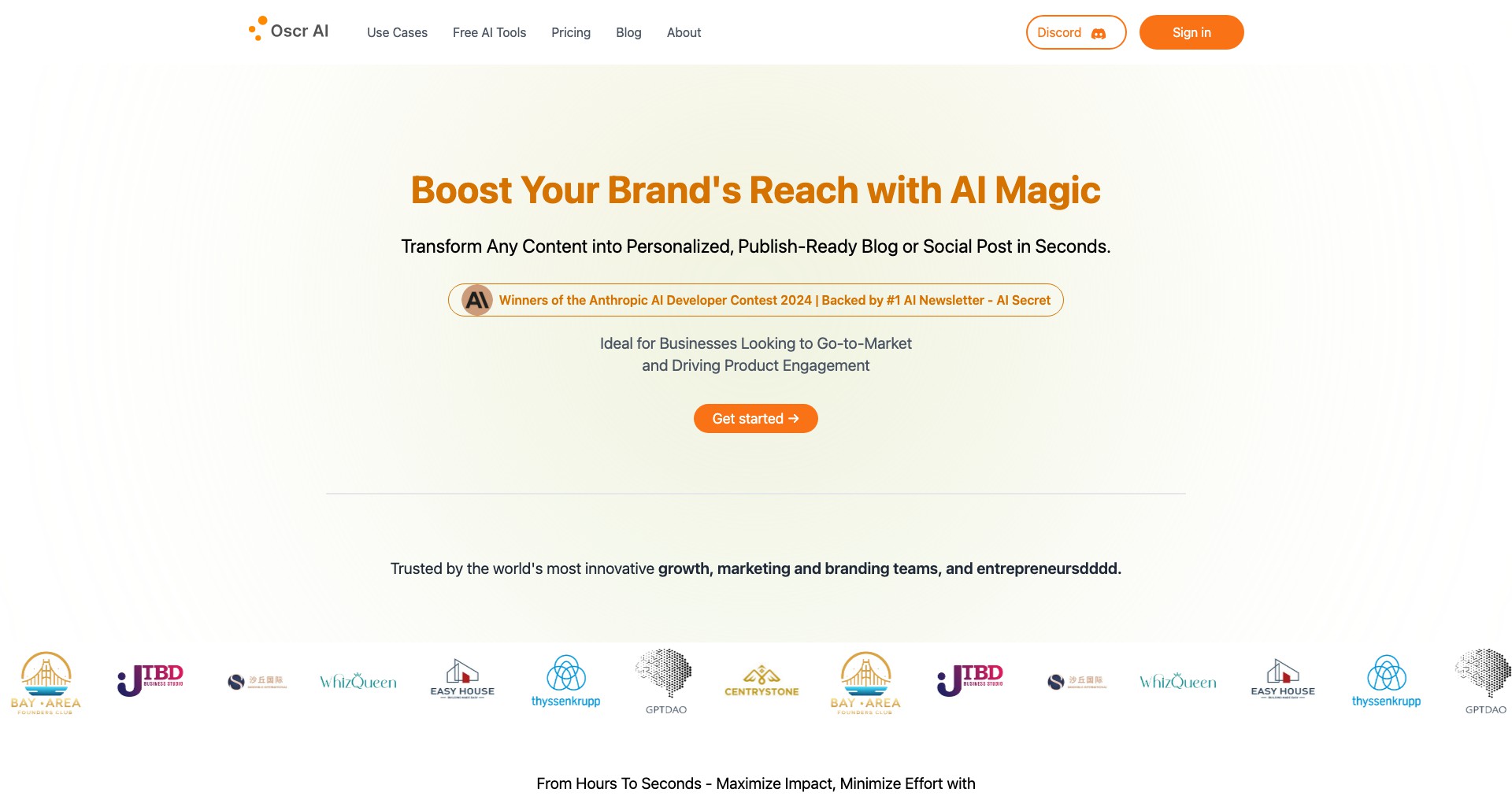
Key Features:
-
Advanced OCR Technology:
Oscr’s core feature is its AI-driven optical character recognition, which accurately converts printed or handwritten text from images and PDFs into editable digital formats, saving hours of manual transcription. -
Multi-language Support:
Supporting multiple languages, Oscr is ideal for global users, ensuring text extraction accuracy across diverse documents and international paperwork. -
Batch Processing:
Users can upload multiple documents at once, allowing Oscr to process entire batches simultaneously, significantly boosting productivity for large projects or recurring tasks. -
Export and Integration Options:
Oscr allows extracted text to be exported to various formats (Word, PDF, TXT) and integrates with popular cloud storage or workflow tools, ensuring seamless interoperability within existing systems. -
Secure Data Handling:
Data privacy is prioritized with encrypted document uploads and secure server processing, giving users confidence that their sensitive data is protected throughout the OCR process.
What makes Oscr unique?
Unlike many generic OCR services, Oscr combines advanced AI with a clean, easy-to-use interface, ensuring even non-technical users can digitize documents without a steep learning curve. Real-time processing and high accuracy set it apart, especially in environments requiring fast turnaround and minimal errors.
Oscr’s integration capabilities with cloud platforms and workflow tools are another standout feature, allowing businesses to fit Oscr directly into their document management pipelines. Its support for batch operations and multi-language recognition further distinguish it from more basic OCR solutions.
Pros and Cons
Who is using Oscr?
Businesses and Enterprises: Large companies or SMEs needing bulk document digitization for archiving, compliance, or workflow automation will find Oscr’s batch processing and integration features invaluable.
Legal and Medical Professionals: Professionals in fields with high paperwork volumes, such as law firms or clinics, benefit from Oscr’s accuracy and the ability to quickly convert confidential documents into digital, searchable records.
Students and Academics: Anyone needing to digitize research notes, books, or handwritten materials for study will appreciate Oscr’s easy-to-use interface and accurate text conversion.
Evolution and Improvements
Since its initial launch, Oscr has significantly enhanced its OCR accuracy through continuous AI training, especially for non-standard fonts and handwritten documents, broadening its practical applications.
Batch processing was introduced as a response to business user feedback, enabling more efficient handling of large archives or ongoing document inflows without manual intervention.
Recent updates have focused on robust cloud integration, improved data security, and user interface refinements, ensuring a more seamless experience for both enterprise and individual users.
Pricing
| Plan | Price | About |
| Free Tier | $0 | Basic OCR features with limited document processing per month. |
| Pro Subscription | $15/month | Expanded batch processing, priority support, and enhanced integration options. |
| Enterprise Plan | Custom pricing | Tailored for large organizations with advanced needs and custom workflow integrations. |
Verdict
Oscr stands out as a fast, accurate OCR solution suitable for a wide array of users, from solo professionals to large corporations. Its balance of intelligent automation, multi-language support, and integration capabilities make it a competitive option in the digitization market.
While advanced features may sit behind a paywall, Oscr’s free tier remains useful for light users. Businesses needing robust document workflows will reap the most benefits, and future enhancements around offline and mobile usage could push Oscr even higher among OCR tools.


