Qodo
Last updated: June 16, 2026
What is Qodo?
Qodo is an online collaborative code editor that brings the experience of pair programming to the cloud. Designed for developers, educators, and learners alike, Qodo enables users to code together in real time from anywhere in the world. Its intuitive, browser-based platform eliminates setup headaches and allows seamless switching between languages and projects. It stands out as a simple yet powerful solution for distributed teams or classrooms seeking to boost coding efficiency and engagement.
Whether you're preparing for interviews, running hackathons, teaching a live coding class, or building software as a remote team, Qodo offers a set of features that make real-time collaboration easy and effective. The platform supports multiple programming languages and comes with integrated tools such as video chat, code playback, and session recording, ensuring that each coding session is both interactive and productive.
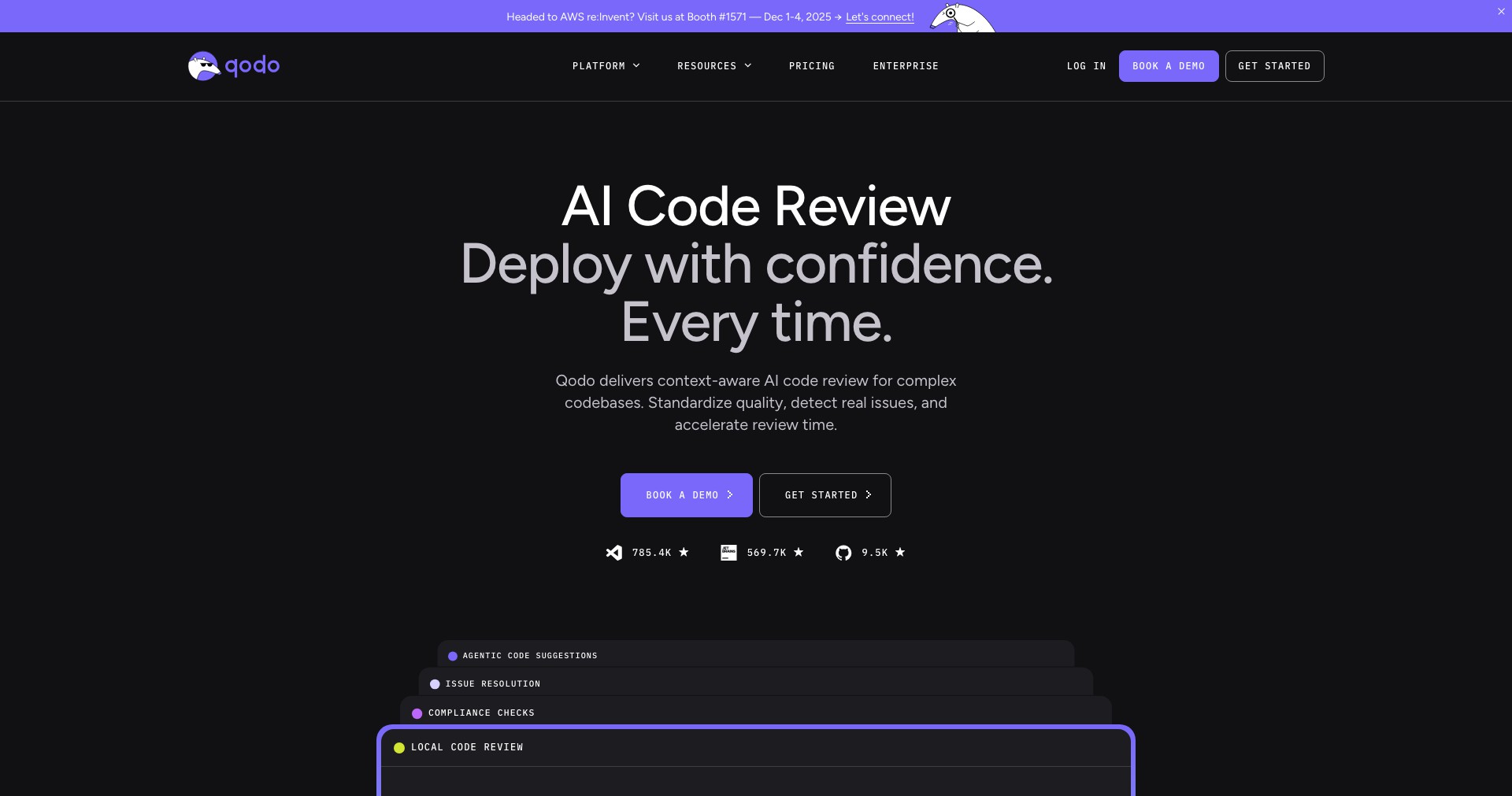
Key Features:
-
Real-Time Collaboration:
Multiple users can code together in one editor with live updates, ensuring instant feedback and smooth teamwork for distributed teams. -
Multi-language Support:
Qodo supports all popular languages including Python, JavaScript, Java, C++, and more, so users can switch between tech stacks within the same interface. -
Integrated Video & Voice Chat:
Built-in chat tools allow collaborators to communicate without needing third-party platforms, making code reviews and brainstorming more interactive. -
Code Playback & Session Recording:
Every session can be recorded and played back, which is invaluable for learning, debugging, and reviewing what happened during a collaborative coding session. -
No Installation Required:
Runs completely in the browser with no downloads, making it instantly accessible and ideal for quick onboarding in educational or professional environments.
What makes Qodo unique?
What sets Qodo apart from traditional coding environments and even other collaborative editors is its frictionless, browser-based approach. By focusing on real-time fluidity, embedded communication tools, and multi-language compatibility, it doesn't just serve coders—it crafts a social learning and development environment. Unlike competitors requiring plugins or complex setup, Qodo’s one-click entry and user-friendly design make it approachable for users of any skill level.
Additionally, the session playback and recording features add educational and transparency value, uncommon in most real-time code editors. This combination makes Qodo exceptionally useful not only for technical interviews and paired programming but also for remote workshops and tech classrooms.
Pros and Cons
Who is using Qodo?
Remote Development Teams: Teams working on distributed software projects benefit from Qodo’s real-time collaboration and integrated communication tools, enabling effective problem-solving and code reviews.
Coding Educators & Bootcamps: Instructors, bootcamps, and online course creators leverage session playback, live code sharing, and chat to create an engaging learning environment without needing students to set up tooling.
Tech Interviewers & Candidates: Companies conducting technical interviews and candidates preparing for coding challenges favor Qodo’s collaborative environment for hands-on assessments and pair programming exercises.
Evolution and Improvements
Since its initial release, Qodo has seen significant enhancements in stability, language support, and user interface design, making it more reliable for professional and educational scenarios.
The addition of integrated video and audio chat responded directly to user needs for a central communication hub during collaboration, reducing reliance on external conferencing tools.
Continuous updates have introduced more programming languages, improved code playback quality, and expanded session management features, ensuring the platform remains at the cutting edge of collaborative coding solutions.
Pricing
| Plan | Price | About |
| Free Plan | $0/month | Basic features with limited languages and collaboration sessions. |
| Pro Subscription | $12/month per user | Unlocks additional languages, unlimited sessions, session recordings, and priority support. |
| Enterprise Plan | Custom Pricing | Tailored for organizations with advanced needs, including onboarding and custom integrations. |
Verdict
Qodo stands out as a highly effective and accessible collaborative code editor, excelling in environments where remote teamwork and teaching are priorities. Its ease of use, wide language support, and no-installation setup make it a top choice for teachers, teams, and interviewers alike.
While advanced users might miss some robust IDE features and local integrations, the platform’s unique session recording, comprehensive communication tools, and constant evolution more than compensate for these limitations. Qodo is best suited for those who value real-time collaboration, educational use-cases, and simple onboarding over deep IDE customization.


