Whisper Notes
Last updated: June 16, 2026
What is Whisper Notes?
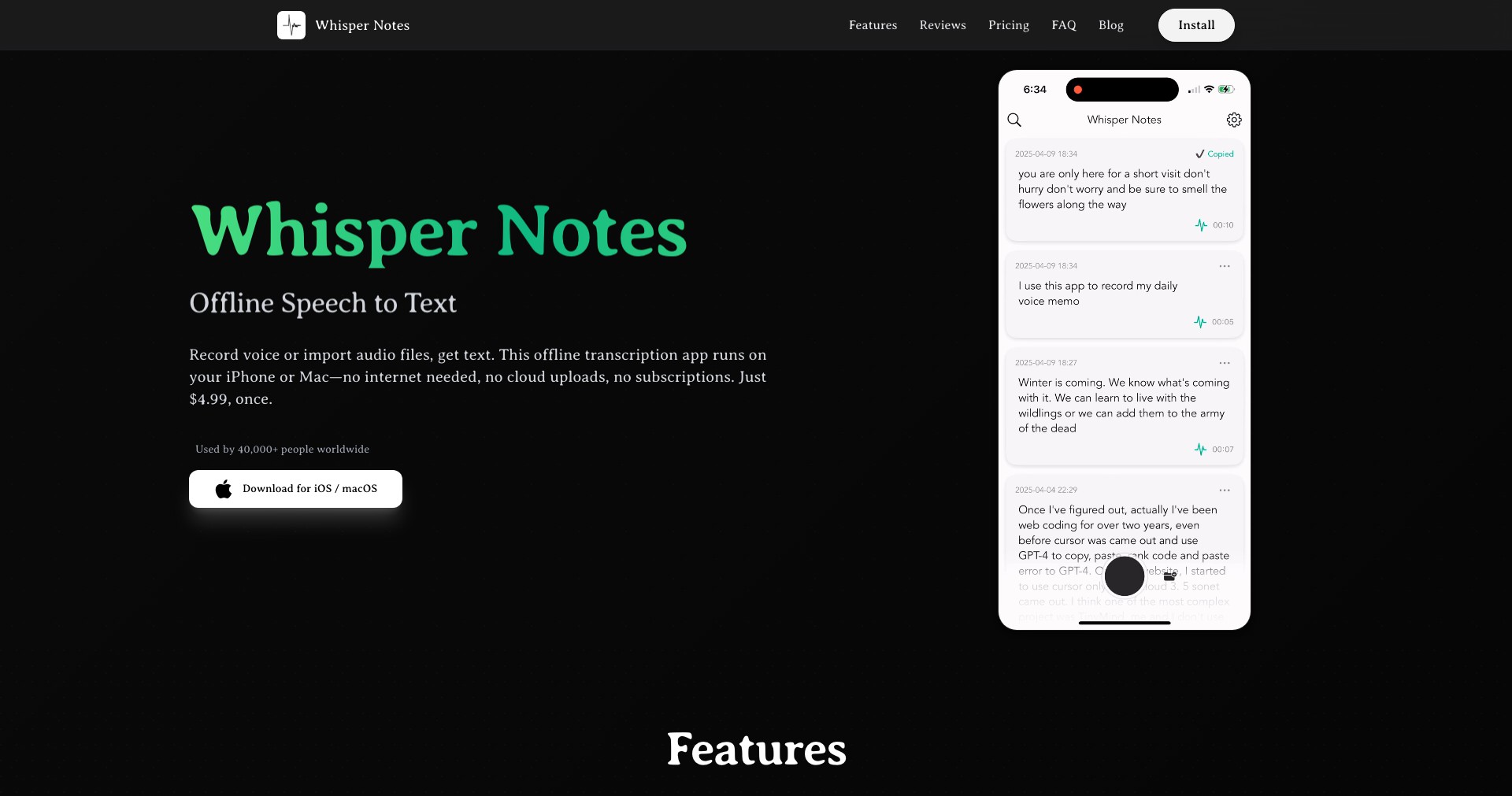
Whisper Notes is an innovative voice-to-text note-taking application designed for users who want to capture ideas and reminders on the go, powered by cutting-edge AI transcription technology. Whether you're a busy professional, student, or creative thinker, Whisper Notes streamlines the process of turning spoken words into organized, searchable notes.
By leveraging OpenAI's Whisper technology, the app ensures fast, reliable transcription in multiple languages, while also offering robust organization and integration features. With a user-friendly interface and cross-platform availability, Whisper Notes aims to make voice-powered productivity accessible to everyone.
Key Features:
-
Accurate AI Voice Transcription:
Utilizes advanced AI (OpenAI Whisper) to transcribe voice memos into text with high accuracy, supporting multiple accents and languages. -
Automatic Organization and Tagging:
Automatically categorizes transcribed notes with tags, topics, and timestamps, making retrieval effortless. -
Cross-Platform Sync:
Available on iOS, Android, and the web, all your notes stay updated and accessible across devices in real time. -
Easy Export and Sharing:
Allows exporting notes to PDF, text, or integration with other productivity tools like Google Drive, Notion, and more. -
Privacy-Centric Data Handling:
All transcriptions are processed securely, with options for local device processing or encrypted cloud storage for user privacy.
What makes Whisper Notes unique?
What sets Whisper Notes apart from typical note-taking apps is its integration with OpenAI Whisper, enabling high-speed, highly accurate voice recognition that handles natural speech and multiple languages exceptionally well. Unlike ordinary dictation apps, it offers AI-powered categorization and intuitive search, so finding specific notes is seamless even with large volumes of data.
Its privacy-first approach, giving users the option of on-device processing, appeals to those concerned about sensitive information. Additionally, its deep integrations with productivity suites and flexibility in exporting notes grant it a major edge for professionals and power users.
Pros and Cons
Who is using Whisper Notes?
Busy Professionals: Executives, managers, and team leads use Whisper Notes to quickly capture ideas, meeting notes, and reminders during fast-paced workdays, improving productivity and organization.
Students and Academics: Students benefit by recording lectures or brainstorming sessions, with instant transcription simplifying research, revision, and study note management.
Creative Individuals: Writers, journalists, and creators leverage the app to capture inspiration, interview notes, or story ideas hands-free, anytime inspiration strikes.
Evolving with User Needs
Since its initial release, Whisper Notes has consistently expanded its language support and improved transcription accuracy through regular updates to its underlying AI models.
The introduction of advanced organizational tools—such as automated tagging and full-text search—has significantly enhanced usability, especially for heavy note-takers.
Recent updates have focused on privacy controls and deeper integrations with third-party tools, making the app more versatile and appealing to privacy-conscious users and professionals looking to streamline their workflows.
Pricing
| Plan | Price | About |
| Free | $0 | Includes limited monthly transcription minutes and core features. |
| Pro | $4.99/month or $44.99/year | Unlocks unlimited transcription, priority support, full export options, and advanced integrations. |
Verdict
Whisper Notes stands out for its AI-driven, accurate, multilingual transcription and user-friendly organization, making it a powerful tool for anyone seeking hands-free, seamless note-taking.
Its strengths lie in cross-platform syncing, privacy options, and productivity integrations, though some advanced features are reserved for paid plans. Overall, it's an excellent choice for professionals, students, and creatives who value efficiency, accuracy, and privacy in their note-taking workflow.


