What is the mysterious Android Pulse app, and can you remove it from your phone?
Is it an app or is it a system?
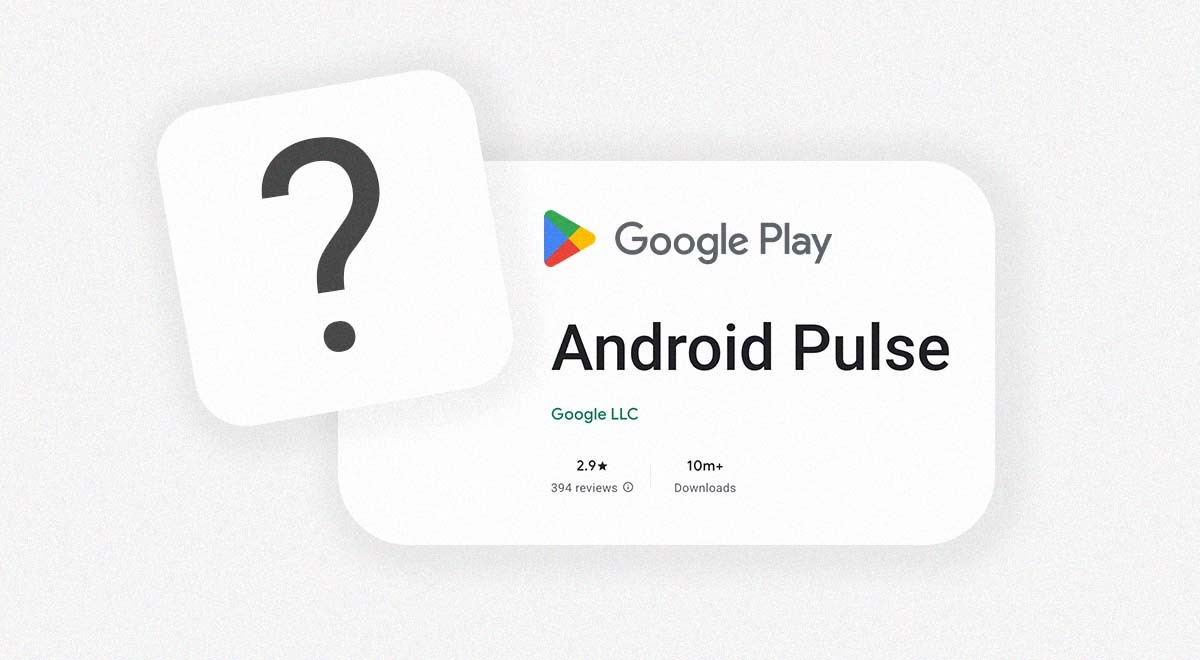
Android Pulse app found on Google Play Store. Image by Cybernews

 Follow us
- Android users saw an unexpected Android Pulse update from Google Play, sparking confusion about the hidden system app.
- Google says Android Pulse helps detect unusual system or app behavior that may drain resources or battery.
- Users cannot install or remove Android Pulse through Google Play because it is a system app.
Key Takeaways by nexos.ai, reviewed by Cybernews staff.
A recent Android Pulse update puzzled users, who were unaware that the app was on their phones in the first place.
A few days ago, some Android users noticed that they needed to update an app called Android Pulse.
The update, which came from Google Play, left many users confused, since it wasn’t clear what the app does.
“This app facilitates rule distribution for anomaly detection in critical system resource consumption by the Android operating system and installed applications,” explained Google Play.






Some users were also questioning how the app, which doesn’t even have an icon, ended up on their phones.
The Google Play Store shows the app was updated on August 21st, 2026, but it was actually introduced in March, according to APKMirror (via 9to5Google). That would explain why the app already has more than 10 million downloads.
How did Android Pulse end up on your phone?
Android Pulse runs in the background and is designed to detect suspicious activity in apps or on the smartphone that may be draining the device, its systems, or the battery.
What’s confusing is that it’s been shown in an app “form,” reported Life Hacker. This happened due to a new app listing created by the Google Play Store.
What suggests it’s not your average app is that it can’t be installed or uninstalled via the store, so Android users don’t actually have a choice to leave or remove it because it’s a system app.
Users are trying to understand what Android Pulse is
The Android Pulse app also has more than 300 reviews on the Google Play Store with a 3.1-star rating.
While some users added comments explaining what the app was, others left a few complaints.
“About 30 seconds after updating this system app on my Pixel 10 pro xl, the phone screen froze and the phone did a hard reboot,” wrote one user, adding, “I have zero non-Google apps installed and have never seen this happen before.”



Stay updated with our latest stories and follow us on social media
Be the first to discover new stories, ideas, and updates from our team.
“Wouldn't need an app to find ‘anomalies’ if you didn't jam Gemini into everything. Things didn't crash as much. Cut your losses, this is the first time Google has been net negative,” added another netizen.
Some users didn’t miss the opportunity to leave sarcastic comments about the system.
“I'm glad this app helps me maintain my pulse. I had struggles maintaining a pulse without it, but now that it has been released, my pulse has been present pretty universally,” joked one Android user.
“I believe this app is responsible for a recently announced feature where Pixel phones will severely limit or outright kill an app if it is using way more RAM than it's supposed to,” wrote another user, referring to a new Android 17 update.
This feature would control how apps use RAM to prevent those that use excessive amounts from slowing the device down.
The feature first appeared on Pixel phones, but is now being introduced to other Android smartphones during the following year.