MyMap AI
Last updated: June 16, 2026
What is MyMap AI?
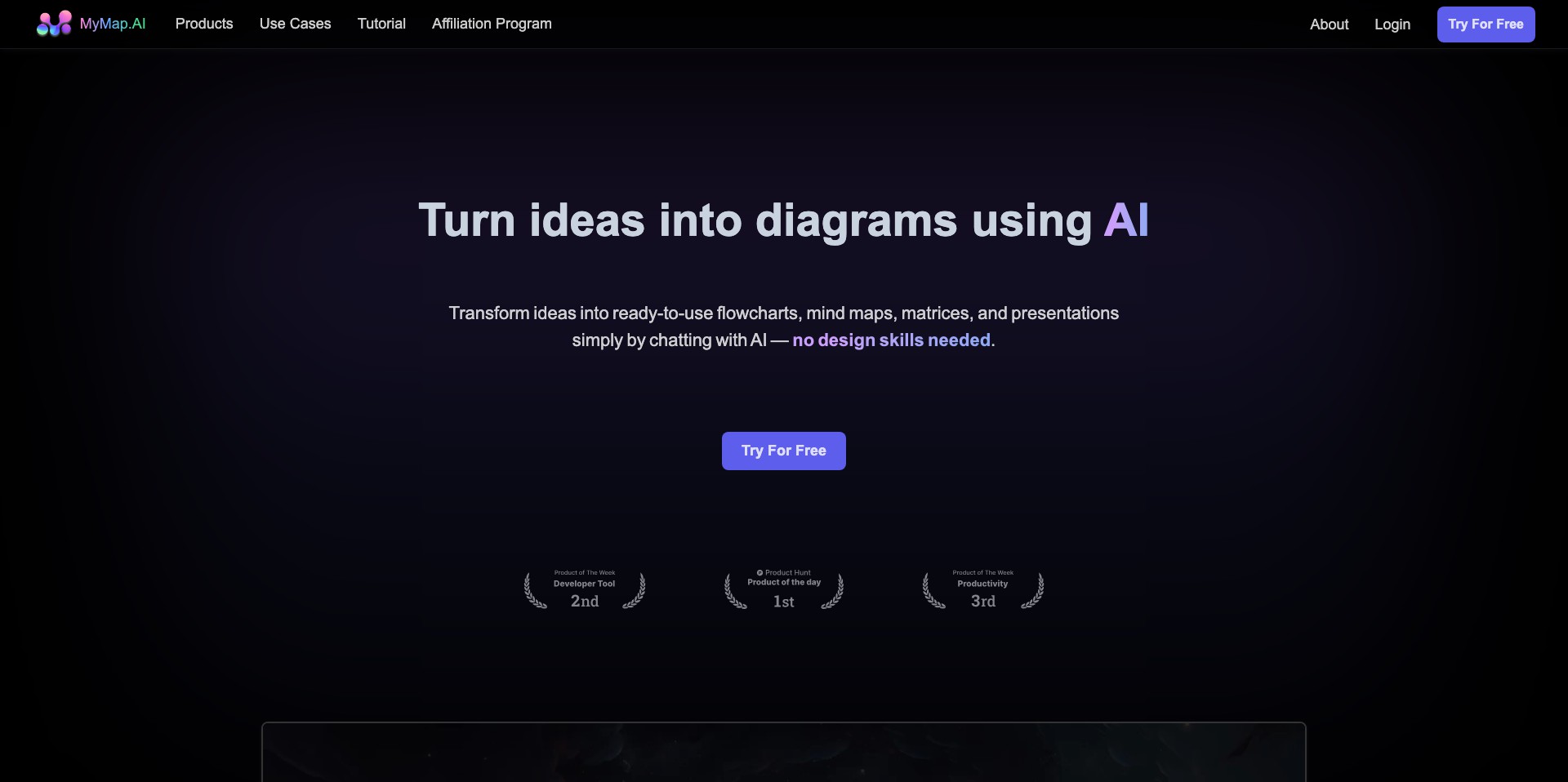
MyMap AI is an intuitive platform that leverages artificial intelligence to help users organize and visualize information through dynamic mind maps. By combining generative AI with a user-friendly interface, MyMap AI aims to make brainstorming and information structuring more efficient and engaging for all users.
Whether you’re a student outlining study materials, a professional mapping out project workflows, or an educator seeking creative ways to explain concepts, MyMap AI offers a refreshing, automated approach to mind mapping. With its interactive features and smart suggestions, it’s positioned as a go-to tool for anyone looking to break down complex information and collaborate visually.
Key Features:
-
AI-Powered Mind Map Generation:
Automatically generate mind maps based on user-provided topics or prompts. The AI suggests relevant subtopics and relationships, saving time and inspiring new ideas. -
Real-Time Collaboration:
Invite teammates or classmates to work on mind maps together. Changes are visible instantly, supporting group brainstorming and knowledge sharing. -
Customizable Templates:
Choose from a variety of templates tailored for different use cases, such as project planning, note-taking, or strategic mapping, ensuring a quick start for any workflow. -
Export and Sharing Options:
Export finished mind maps in multiple formats (PDF, image, or text) or share them via link, facilitating collaboration and presentation. -
Visual Organization Tools:
Use colors, icons, and layout adjustments to organize content visually, making complex structures clear and memorable.
What makes MyMap AI unique?
MyMap AI stands out by integrating advanced artificial intelligence into the core of the mind mapping process. While many tools require manual input for each node, MyMap AI can generate detailed, context-aware maps almost instantly from a simple prompt. This automation dramatically speeds up brainstorming and knowledge discovery.
Its emphasis on real-time collaboration and easy-sharing sets it apart for teams and classrooms, enabling multiple users to interact simultaneously. Combined with a growing library of templates, MyMap AI makes creative thinking accessible to users at any skill level.
Pros and Cons
Who is using MyMap AI?
Students and Educators: Students can use MyMap AI to organize notes, study for exams, and manage class projects, while educators can create lesson outlines or visual teaching aids to engage learners.
Business Professionals: Professional teams benefit from the tool by brainstorming strategies, planning projects, and visualizing workflows, all within a collaborative digital environment.
Content Creators: Writers, designers, and marketers can map out content ideas, brainstorm topics, and plot strategies, turning abstract ideas into structured visual plans effortlessly.
Notable Product Evolution
Since its launch, MyMap AI has rapidly evolved from a simple mind mapping tool to an AI-augmented platform. The developers have focused on enhancing the AI’s ability to understand context and suggest accurate, relevant subtopics.
Recent updates have included expanded export options, such as compatibility with common file formats and improved sharing features to facilitate teamwork.
The introduction of real-time collaboration marks a significant improvement, meeting the demands of remote teams and virtual classrooms, making MyMap AI both more social and practical.
Pricing
| Plan | Price | About |
| Free Plan | $0/month | Limited maps, basic features, and export options. |
| Pro Plan | $5.99/month | Unlocks advanced AI functionalities, unlimited maps, premium templates, and priority support. |
| Team Plan | Custom pricing | Designed for organizations needing collaboration tools, team administration, and additional integrations. |
Verdict
MyMap AI is a robust AI-powered mind mapping tool that excels in automating the creation of structured visual maps. Its easy-to-use interface and seamless collaboration tools make it a strong contender for both individual users and teams looking to organize complex information effectively.
While it could benefit from deeper integration with external productivity tools and expanded offline capabilities, it remains a standout choice for students, educators, and professionals eager to reduce the manual effort of mind mapping and embrace smarter workflows.


