SlidesAI
Last updated: June 16, 2026
What is SlidesAI?
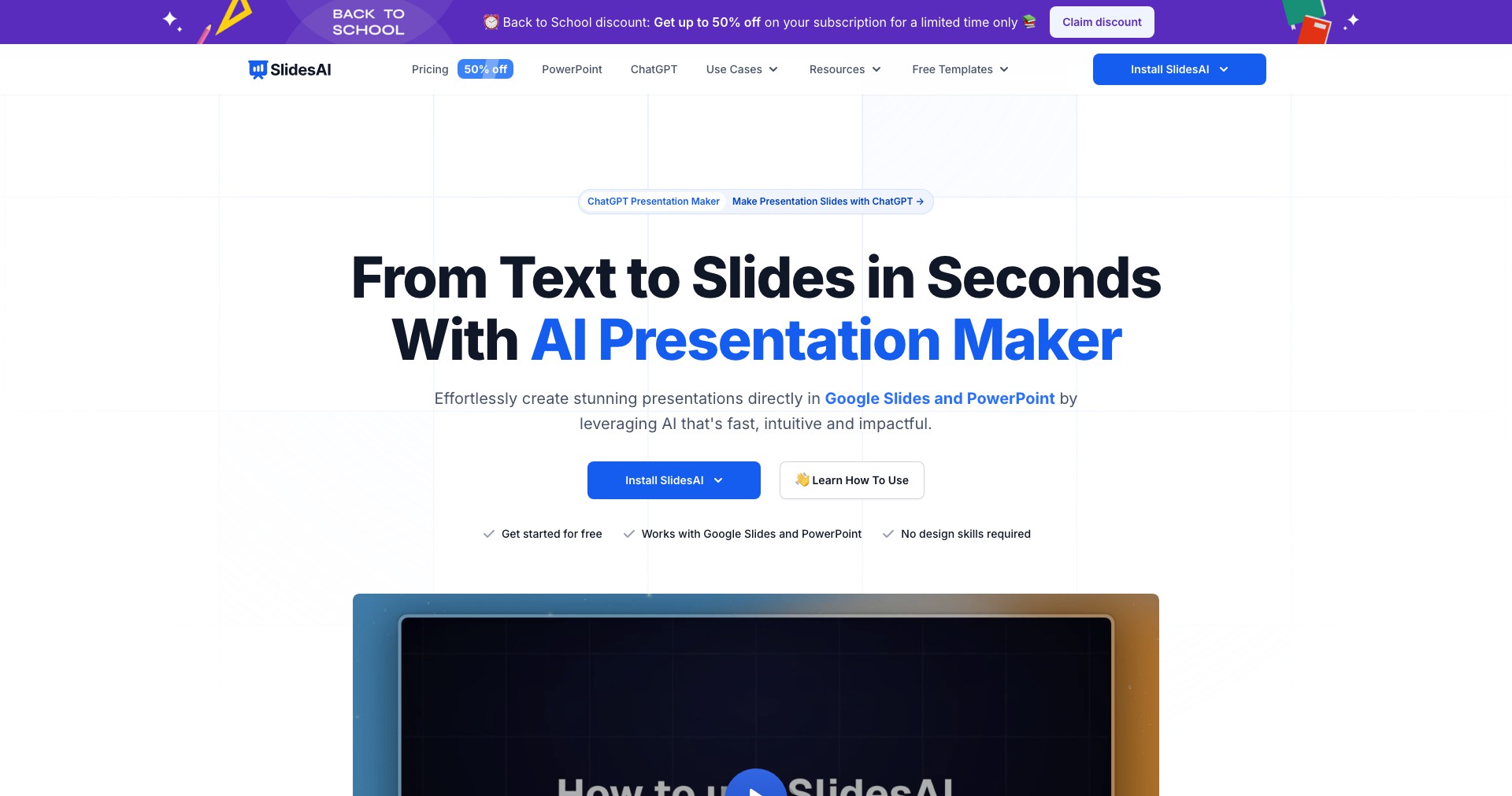
SlidesAI is a cutting-edge AI tool crafted to revolutionize how presentations are made. Rather than spending hours designing slides from scratch, users simply enter their content or a brief prompt, and SlidesAI generates smartly structured, visually appealing slides in seconds.
This platform is ideal for professionals, educators, and students who need to communicate ideas effectively and efficiently. With its intuitive interface and advanced AI algorithms, SlidesAI reduces the complexity of presentation design, making slide creation accessible to users of all skill levels.
Key Features:
-
AI-Powered Content Generation:
Automatically transforms input text or topics into a structured presentation, generating titles, bullet points, and summaries that align with conventional slide formats. -
Customizable Templates:
Provides a range of professionally designed templates that can be customized with brand colors, logos, and styles to maintain a cohesive visual identity. -
One-Click Export:
Allows users to export finished slides directly to Google Slides or Microsoft PowerPoint, ensuring compatibility with the most popular presentation platforms. -
Multilingual Support:
Supports multiple languages, making SlidesAI useful for global teams and international audiences. -
Collaboration Tools:
Enables team members to collaborate on presentations in real time, streamlining feedback cycles and helping teams work more efficiently together.
What makes SlidesAI unique?
SlidesAI stands out with its deep integration into Google Slides, enabling users to access AI functionalities without leaving their preferred platform. Unlike generic presentation generators, it specifically enhances workflow for Google Workspace users and ensures seamless exports and edits.
Another unique aspect is SlidesAI's focus on speed and simplicity—users can go from text idea to polished presentation in under a minute. Advanced features such as multilingual support and adaptive slide length based on input make it more versatile than many of its contemporaries.
Pros and Cons
Who is using SlidesAI?
Business Professionals: Sales, marketing, and HR professionals benefit by producing impactful decks quickly, letting them focus on storytelling and strategy rather than formatting.
Educators & Trainers: Teachers, trainers, and lecturers use SlidesAI to prepare instructional materials rapidly, enabling them to dedicate more time to teaching and engagement.
Students & Researchers: Students and academics can swiftly turn research notes or outlines into presentable slides, which is invaluable for seminars, group projects, and academic conferences.
Continuous Product Enhancement
Since its initial launch, SlidesAI has evolved from a simple text-to-slide generator to a robust platform with advanced customization options and broader export capabilities.
The team has expanded template offerings, refined the AI to better understand context and nuance, and enhanced compatibility with Google Slides and PowerPoint.
Recent updates have prioritized multilingual capabilities, collaborative editing, and improved user experience based on user feedback, ensuring the tool stays relevant and valuable.
Pricing
| Plan | Price | About |
| Free | $0 | Basic features, limited number of slides and exports per month. |
| Pro | $10/month | Unlimited slides, advanced templates, priority support, and premium export options. |
| Teams | Custom | Advanced collaboration features and team management tools; price varies depending on the number of users. |
Verdict
SlidesAI is a highly effective and intuitive tool for anyone who regularly creates presentations, thanks to its powerful AI and deep integrations with popular platforms. Its ongoing improvements, such as enhanced templates and smarter content recognition, make it a top choice for both productivity and creativity.
While its free tier offers a taste of the core experience, frequent users will benefit most from the premium plans. Although custom and complex slides may require manual refinement, SlidesAI remains a reliable asset for streamlining presentation workflows.


