WebFill
Last updated: June 16, 2026
What is WebFill?
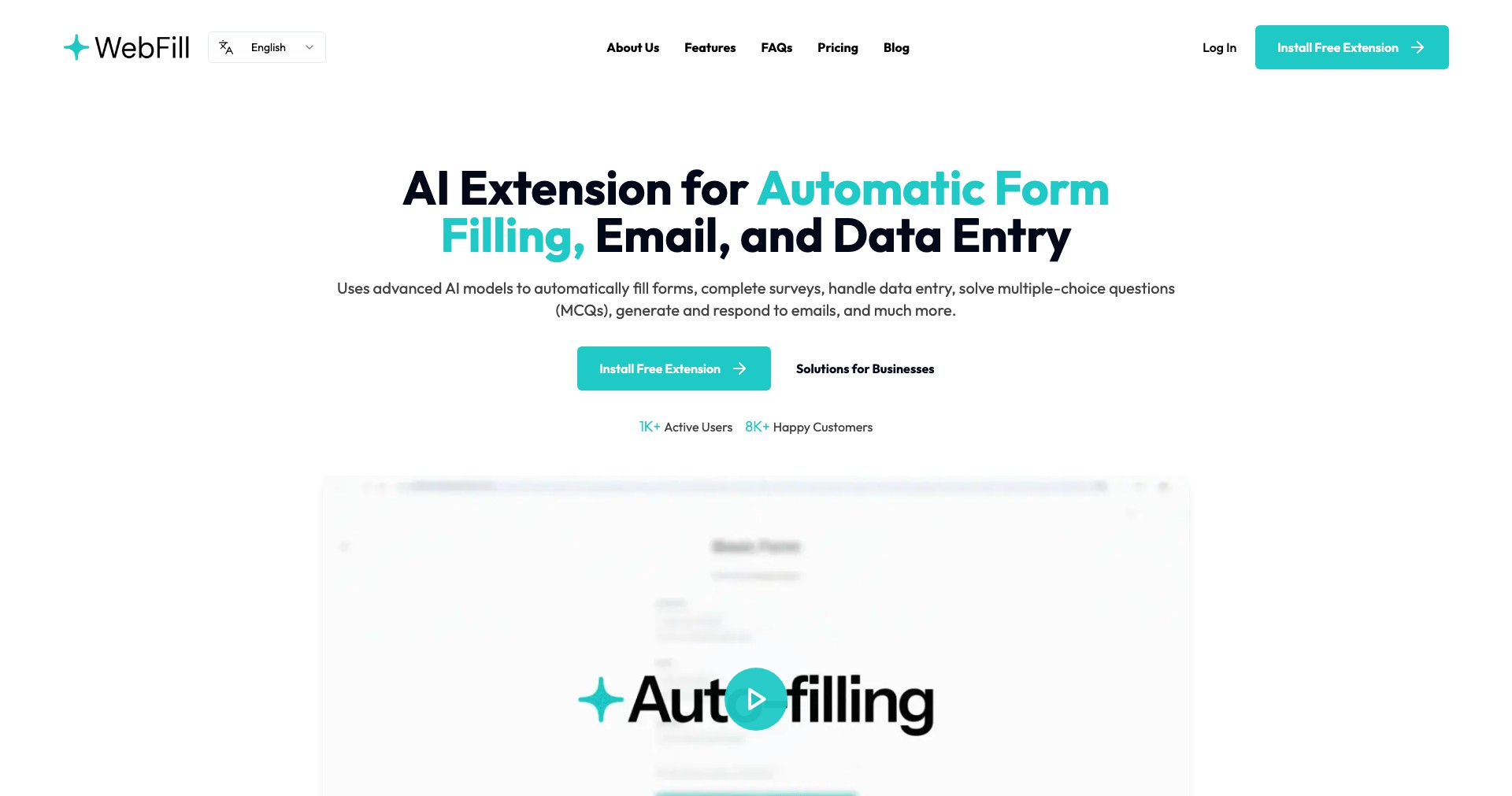
WebFill is a smart browser extension built to simplify and expedite online form completion. Whether you’re signing up for new services, managing accounts, or just tired of typing in the same information repeatedly, WebFill takes the hassle out of the process using its AI-powered autofill capabilities.
Aimed at professionals, students, and anyone overwhelmed by relentless web forms, WebFill recognizes form fields and populates them with saved or inferred data securely. Its user-friendly interface, paired with robust privacy controls, makes it an appealing choice for boosting online productivity.
Key Features:
-
Smart Autofill:
WebFill detects and fills form fields using AI, accurately mapping user data to corresponding inputs for a wide range of website formats, saving time and effort. -
Custom Data Profiles:
Create multiple data profiles (such as work, personal, or client-specific), and switch between them for different contexts, enhancing versatility and workflow efficiency. -
Secure Data Encryption:
All user data is stored with end-to-end encryption, ensuring that your information remains protected even when syncing across devices. -
Cross-Platform Compatibility:
Available for major browsers including Chrome, Firefox, and Edge, seamlessly integrating into your existing browser environment without disrupting your workflow. -
Form Field Suggestion:
Utilizes AI to suggest information for lesser-known or unusual form fields by learning from past user submissions and context, increasing accuracy and user convenience.
What makes WebFill unique?
WebFill sets itself apart with its powerful AI that learns user preferences over time, providing increasingly accurate predictions and personalization for future form completions. Unlike basic autofill extensions, its adaptive technology can handle niche and complex web fields often missed by competitors.
The emphasis on secure, encrypted storage and flexible profile management further distinguishes WebFill. Its easy switching between profiles and strict privacy focus give it an edge for users who juggle multiple roles or are privacy-conscious.
Pros and Cons
Who is using WebFill?
Business Professionals: Constantly filling applications, CRM entries, or onboarding forms, professionals benefit from saved time and reduced manual errors.
Freelancers & Power Users: Individuals managing multiple clients or online accounts can switch between custom profiles, optimizing workflow for varied use cases.
Students & Everyday Users: Anyone frequently signing up for online services, courses, or newsletters saves time and effort by automating repetitive tasks.
Product Evolution Timeline
Since its initial release, WebFill has grown from a simple form autofiller to a robust AI-driven assistant. Early versions focused solely on basic field population.
Over time, updates introduced AI-powered learning, enhanced encryption, and support for multiple data profiles based on user feedback and emerging privacy standards.
Recent releases emphasize compatibility with obscure web forms, improved syncing across browsers, and ongoing security updates to match evolving online threats.
Pricing
| Plan | Price | About |
| Free Plan | $0/month | Basic autofill functionality with standard data profiles; suitable for casual use. |
| Premium Plan | $4.99/month | Unlocks advanced AI features, unlimited profiles, priority syncing, and premium support. |
Verdict
WebFill stands out for its powerful AI capabilities, intelligent automation, and commitment to user privacy. It is a strong solution for professionals and tech-savvy users who demand more than just basic autofill functionalities.
While the free version is sufficient for simple needs, premium users unlock the full potential of the tool. WebFill is one of the best choices for form automation, especially for those dealing with high volumes of data entry or complex web forms.


