Dystopian Android’s nude-scanning app keeps reinstalling itself, and Google is opening access to other developers
Google says that the covert nude scanning app doesn’t beam data out of the device. But what about other apps using it?
Image by Cybernews.

 Follow us
- SafetyCore has implemented on-device classification of unsafe content for Google Messages.
- Google says that classification stays on the device.
- Google has introduced an API that other apps can use to access a similar on-device feature.
Android users were shocked last year to find Android System SafetyCore installed on their devices without consent, silently “scanning” content. Some still go to great lengths trying to remove the app. And Google is now developing an API that makes content classification functionality available to third-party apps.
The app keeps reinstalling itself.
“Check your phone, they installed it again,” a member of the “r/degoogle” community noticed, sharing a screenshot of SafetyCore reappearing on their device.
Another user warned that the “very nefarious” app is running on your phone “right now without your permission.”






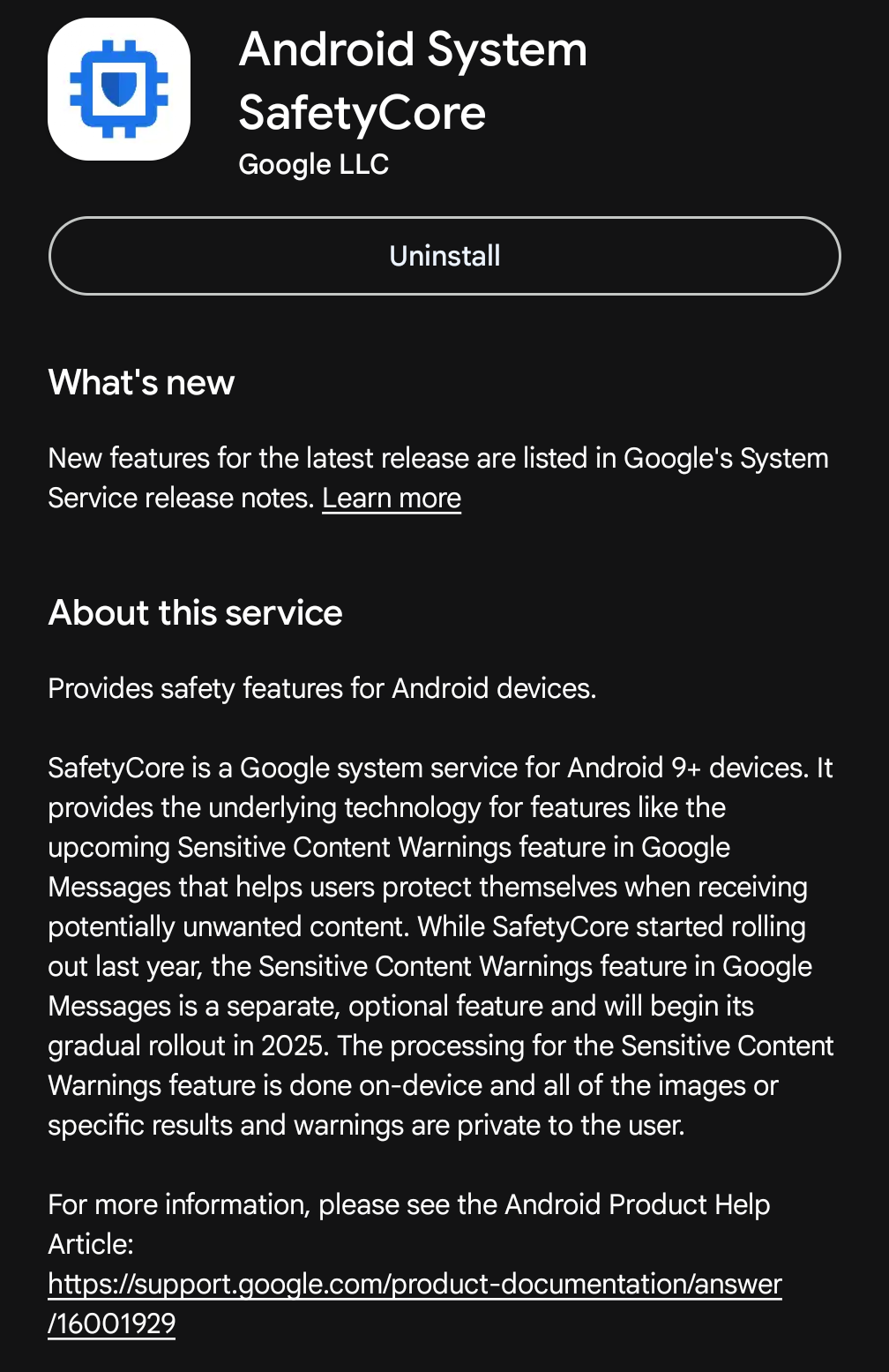
A massive backlash over SafetyCore erupted last year, because the unsolicited app, which secretly “scans all your photos,” was installed without any warning. Users mistrusted the app because it had no icon or a clear explanation of what it does. Many to this day misunderstand its purpose.
This event prompted the development of an empty app: a placeholder with the same name and a massively inflated version number, SafetyCore v2000000000. Users sideload it, so the Google Play Store can’t overwrite the app with the real SafetyCore.
Google assures users that the app is privacy-preserving, only works on the device, and is for the user’s own good.
However, security experts warned that image scanning might expand beyond its original scope and become a mandatory scanning layer in the future. Many tech reviewers to this day recommend deleting the app, and they share guides on how to do so.
“The nonconsensual install is what’s made many Android users uneasy, not the scanning itself,” said All About Cookies.
Now, Google’s developer documentation describes a new public API in development – ContentSafetyManager. It allows other Android apps to request the same kind of on-device content scan.
What does SafetyCore do?
SafetyCore performs image classification on the device to prevent users from seeing nudity when they receive, send, or forward messages in Google Messages.
SafetyCore was already described as an app that “provides common infrastructure that apps can use to protect users from unwanted content.”
“The classification of content runs exclusively on your device, and the results aren’t shared with Google,” the support documentation reads.
Google recommended that users keep it installed because it is privacy-preserving and supports Android safety features, mainly Sensitive Content Warnings in Google Messages. It blurs unsafe images, displays warnings, and provides resources to help users.
Google states that this feature doesn’t send identifiable data or any classified content or results to Google’s servers.
“This feature doesn’t send detected nude images to Google,” the tech giant assures.
“Images aren't classified unless they're sent through Google Messages with the Sensitive Content Warnings feature turned on.
Reportedly, the app uses an on-device machine learning model to classify the content.
Now the door opens to third parties?
Android just introduced a new API for developers – Content Safety Manager. It uses the on-device content safety service to classify content and exposes this functionality to app creators.
It is currently added in API level 10000, which is a special placeholder code used to represent the current development version (preview/beta).
“It allows granted apps to manage content safety service configured on the device,” the API documentation reads.
The API can accept images but also other media types – it supports a MIME (Multipurpose Internet Mail Extension, now officially called a media type) and raw file data.
Essentially, the app can ask the device to classify the specified content, and Content Safety Manager returns four broad types: allowed / warning / blocked / unclassified.



Stay updated with our latest stories and follow us on social media
Be the first to discover new stories, ideas, and updates from our team.
The documentation doesn’t mention if it uses the SafetyCore app specifically. There is no such category as “nudity.”
The intended use is likely to provide other Android apps with a standardized way to check whether the content is safe for the user on the device and to receive confirmation without the data ever leaving the device. Apps can then act accordingly – i.e., display or blur the image.
However, Google doesn’t have complete control over what third-party apps do with the data.
"I’m not surprised Google came up with this. What worries me is that even I – someone fully immersed in tech – didn’t know about it for a long time. If I missed it, imagine how many people, for whom privacy isn’t even a priority, have no idea what’s happening,” said Rasa Jurgutyte, an information security researcher at Cybernews.
We’re normalizing a level of surveillance we don’t fully understand, and we’ll only realize it once it's too late,said Rasa Jurgutyte.
Can malicious apps or spyware abuse it to scan for sensitive images?
Potentially yes.
Combined with excessive permissions, a malicious app could abuse the content-scanning capability to inspect large amounts of user content.
This could lead to privacy-invasive profiling, or much worse – exfiltrating sensitive photos or other private data, and potentially even demanding a ransom.
However, content classification does not by itself grant an app permissions to access all photos and other files on the device. If a malicious application has gained such access, threat actors have many other ways to achieve the same goal.
The on-device feature, however, could provide a quick and convenient way to categorize content into 4 buckets without requiring large data uploads or additional payloads.
What permissions does SafetyCore acquire?
Google’s guidelines instruct app developers to “Request the minimum permissions that your feature needs.”
Android SafetyCore currently requires these 5 permissions:
- View network connections
- Have full network access
- Run at startup
- Prevent device from sleeping
- Read Google service configuration
No data is collected or shared with third parties, according to the Data Safety tab on Google Play Store.
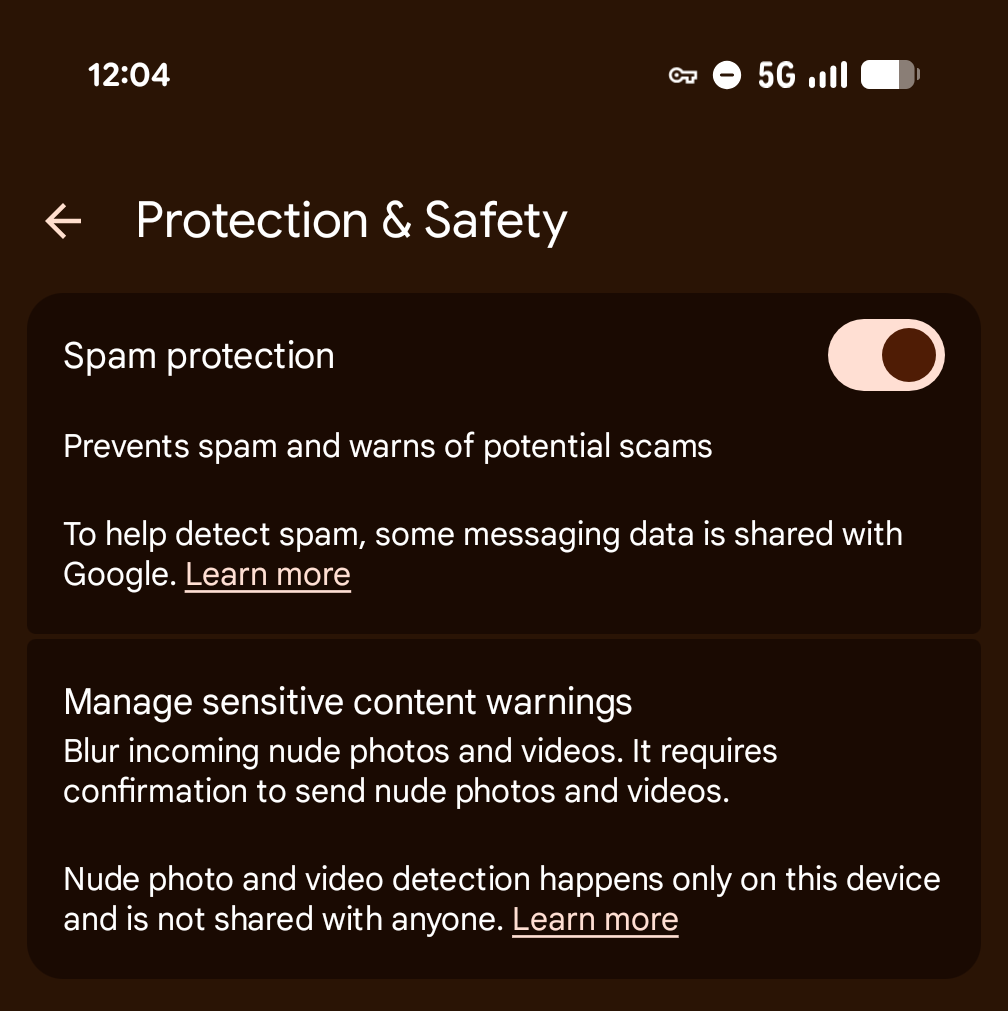
The sensitive content warnings feature is opt-in for adults and opt-out for unsupervised teens.
The toggle can be found in Google Messages settings: select “Protection & safety,” choose “Protection & safety” and then “Manage sensitive content warnings.”
Many reviewers to this day recommend deleting the app.
Cybernews has reached out to Google for comment and will update this article with its response.
According to Google Play Store, Android System SafetyCore has over 1 billion downloads and an average score of 3.6 stars from nearly 240,000 reviews.
“One of the most dystopian apps on the internet. Vague on purpose, installs without consent. Says it does it locally, but Wireshark says otherwise. And it's quite a lot of data as well. Instantly uninstalled. Removed Google service and replaced with microg and aurora store,” one of the featured reviews reads.
Apple had its own share of controversies. In 2021, the tech giant introduced a CSAM scanning tool, which triggered a massive global backlash.
Now Apple devices use a similar nudity-blur system called Communication Safety – it uses on-device machine learning to analyze potentially unsafe photo and video attachments and is enabled by default.
Apple’s API also lets other apps tap into the same detection feature with SensitiveContentAnalysis framework.