Old Android can be repurposed into a powerful OpenClaw AI assistant
The open-source AI personal assistant OpenClaw took the internet by storm, sending thousands of enthusiasts to buy Mac minis to run their own instance. However, an old Android phone can also do the same task, and even enable OpenClaw to make calls, take photos, or record audio.
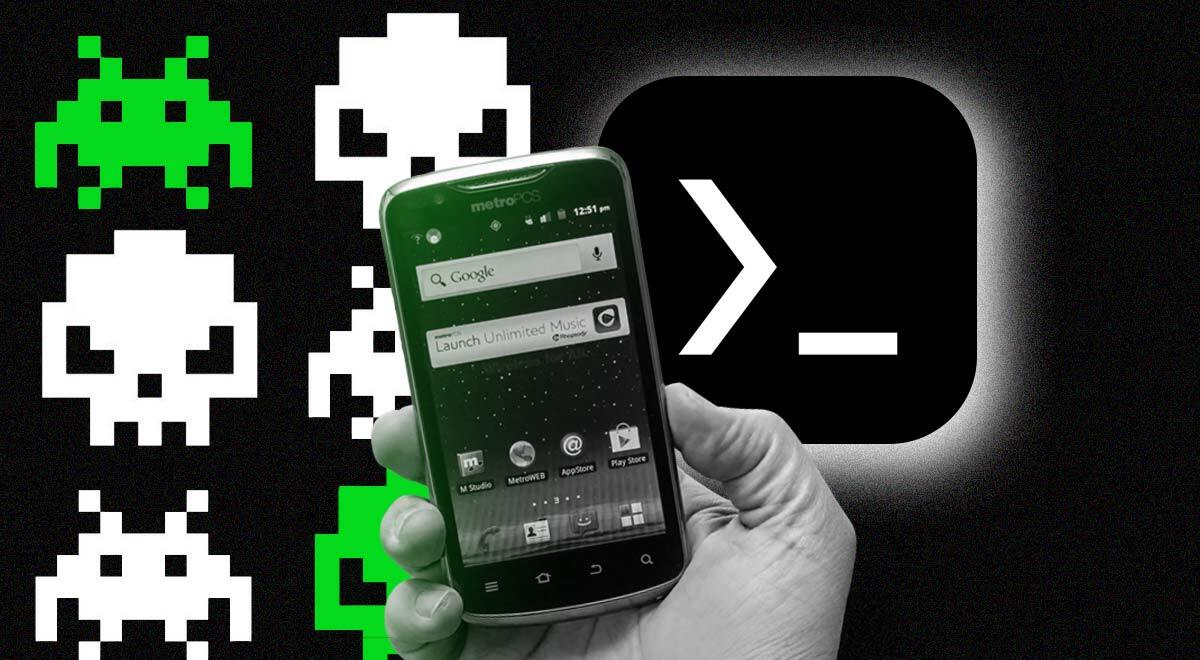
Image by Cybernews.

 Follow us
The open-source AI personal assistant OpenClaw took the internet by storm, sending thousands of enthusiasts to buy Mac minis to run their own instance. However, an old Android phone can also do the same task, and even enable OpenClaw to make calls, take photos, or record audio.
Mobile Hacker, a blog specializing in mobile cybersecurity, demonstrated that an old Android smartphone from 2019, a OnePlus 7 Pro, is more than enough to host a personal instance of the OpenClaw personal assistant.
The provided guide is actually simple and requires no rooting of the device, yet it still gives the AI assistant access to the phone's main sensors and capabilities. All it takes is Android 10 or later device.
The method relies on Termux, an Android app that emulates a terminal and brings Linux packages. It runs on Android’s kernel and effectively turns the phone back into a mini Linux computer. This tool is popular among developers who repurpose phones for many other applications, like running a Linux server, hosting services, developing or running custom applications, etc.
For OpenClaw to run, Mobile Hacker also instructs to download an additional add-on Termux:GUI, which provides a native graphics bridge, enabling custom graphical tools and utilities. Both tools should be sideloaded from d-droid, a third-party app store.











“I use it to analyze APKs I send over WhatsApp, make calls, read notifications, take photos, send SMS, and more,” Mobile Hacker explains in the guide.
Like on any other device, OpenClaw on Android can be controlled using a web interface, or by sending WhatsApp/Telegram messages.
The blog credited AI engineer Sagar Tamang, who first detailed a way to run OpenClaw on an old Android phone.
Tamang’s method requires installing a stable Ubuntu environment, because standard Termux “has issues with OpenClaw’s native dependencies.”
It all boils down to several terminal commands that install Ubuntu, required packages, and make a small configuration tweak. Then, OpenClaw onboarding can be started.
Mobile Hacker simplified the process by providing a downloadable script on GitHub. The blog author noted that Gemini CLI provides a generous free tier for tinkerers.
Running OpenClaw on Android has some advantages, as it can access SMS or calls, GPS, the microphone, the camera, and other sensors.
Beware, that OpenClaw has many security issues, and users expose their instances to an open internet unprotected.
Unlock exclusive Cybernews content on YouTube.