Yes, your phone really is listening to your TV
Ultrasonic beacons may be allowing your phone to listen to your conversations, and the media you're using, to serve you targeted ads.
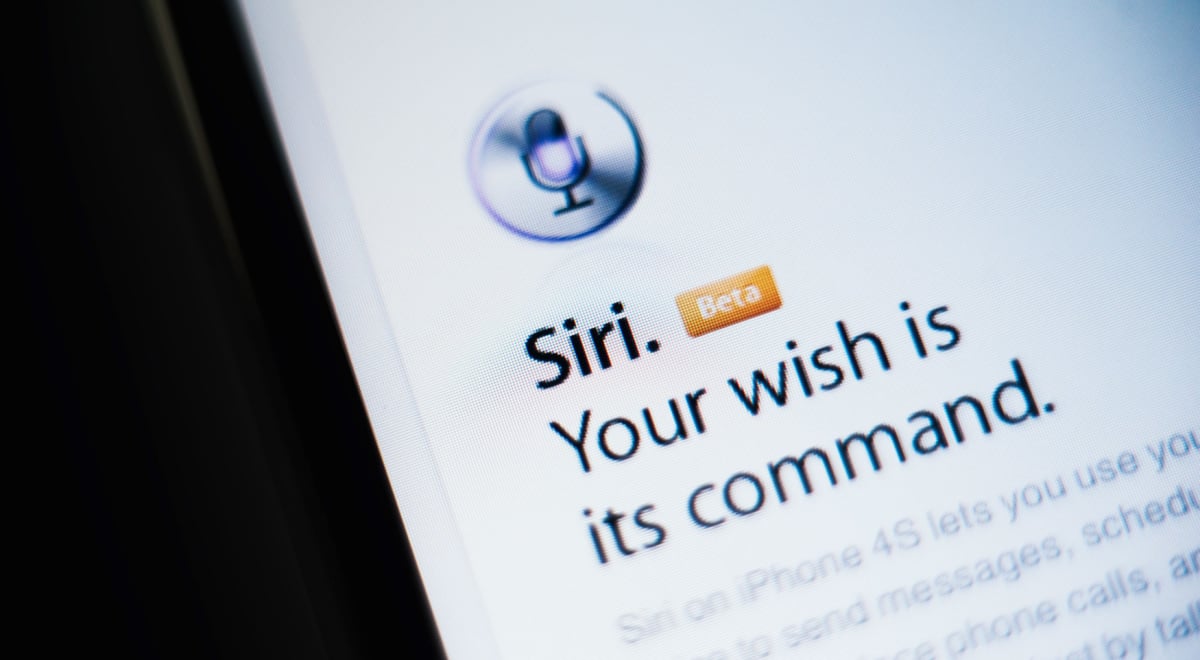
By Shutterstock

 Follow us
Ultrasonic beacons may be allowing your phone to listen to your conversations, and the media you're using, to serve you targeted ads.
It's called the Baader-Meinhof Phenomenon, or the frequency illusion: you hear an unusual name, and then come across it again a day or two later. You buy a new car, and everybody seems to be driving the same model. You chat with a friend about a particular product or watch an ad on TV, and then see an ad for that same thing pop up on your phone.
The frequency illusion was originally intended to denote the above happening because once a person notices something for the first time, their mind might play tricks on them, causing them to notice it more often, hence giving rise to the illusion that it is happening more frequently than is actually the case.
However, the third example outlined above may be rather more than a simple case of coincidence: because, when it comes to face-to-face conversations, your phone may be listening in through its microphone. And if it has a virtual assistant such as Amazon Alexa, Apple's Siri, Google Assistant, or Microsoft's Cortana enabled, it will be constantly monitoring for the 'wake word'.




This means that the microphone is always on – and can, if the right permissions are enabled, be accessed by other apps on the device, even those such as a flashlight, say, or booking app, that have no need for audio to function.
"It’s tricky to say how often smartphones are eavesdropping on your private conversations, but the technology is certainly in place to do it," says Adrianus Warmenhoven, a cybersecurity advisor at VPN supplier NordVPN.
Ultrasonic beacons
However, in many cases – including when it comes to ads being targeted on the basis of a phone user's television viewing – something else is going on.
The snooping is happening through a phenomenon called ultrasonic cross-device tracking or ultrasonic beacons.
Many television ads contain embedded ultrasonic beacons which are transmitting at a frequency too high for humans to hear – generally above 18kHz – and which carry information about the product being advertised.
"Later, they share this data across other devices," says Warmenhoven.
The signals can be readily detected by smart devices such as a phone or laptop, allowing the device to serve up its own ads accordingly. The same thing can happen with online videos or websites, or with certain apps on a user's phone.
And these audio beacons are extremely common: in 2017, researchers from the Braunschweig Technical University found hundreds of apps using them, some of which had been downloaded millions of times, including big names such as McDonald’s and Krispy Kreme.
The beacons also make it possible to link a phone user's general viewing habits to their identity and, say the authors, precisely link the individual to the watching of even sensitive material such as adult or political content.
At the time, customers weren't informed that they were being tracked in this way.
And the use of beacons appears to still be widespread, with a pair of recent surveys, from NordVPN and search marketing firm Digital Third Coast, showing that 60% of people in the US and nearly half in the UK say they've seen an ad for a product or service pop up on their phones soon after talking about it or watching it on TV.
Turning off permissions
When the snooping is happening through a virtual assistant such as Siri, Google Assistant, or Alexa, preventing it is simply a question of changing the settings.
How to turn off Siri:
- Go to Settings->Siri & Search.
- To prevent Siri from responding to the voice request “Hey Siri”: Turn off Listen for “Hey Siri.”
- To Prevent Siri from responding to the side or Home button: Turn off Press Side Button for Siri (on an iPhone with Face ID) or Press Home for Siri (on an iPhone with a Home button).
- To prevent access to Siri when iPhone is locked: Turn off Allow Siri When Locked.
Users can also edit the audio permissions for individual apps on their phone – although this may of course affect the functionality of certain apps that depend on sound.
Similarly, it's possible to limit the use of ultrasonic beacons.
"While it’s impossible to stop the ultrasonic beacons working, you can reduce the chance of your smartphone listening for them by simply restricting unnecessary permissions you have granted to the apps on your device," says Warmenhoven.
Apple, for example, now requires apps to ask for permission before tracking the user or their iPhone across websites or apps owned by other companies. This ability can be turned off for all phone apps, usually through the device's privacy settings.
And when it comes to a PC, using a virtual private network (VPN) or a private browser such as Tor or DuckDuckGo can prevent tracking.
However, many users, it appears, are happy for advertisers to listen in on their conversations – at least in certain countries. While 13% of British people said they were scared about receiving ads targeted in this way, one in five American and 17% of Australian respondents to the NordVPN survey said they were happy because they were shown ads about something they were interested in.
Indeed, 12% of Americans said they felt “special or important” after seeing these targeted ads – a sentiment that wasn't found elsewhere.
How to turn off Google Assistant:
- On your Android phone or tablet, say "Hey Google, open Assistant settings". Alternatively, open the Google Assistant app and say, "Assistant settings".
- Under "All settings", tap General. If you don’t find "General", first tap View all settings or See all Assistant Settings.
- Turn off Google Assistant.