How to watch Belgian TV abroad in 2026
Our in-house cybersecurity experts and journalists, renowned for major reports like The Mother of All Breaches, conduct transparent, unbiased VPN testing and in-depth analysis.
With 750+ articles crafted based on real-world research, we empower readers to make informed purchasing decisions through first-hand expertise.
Learn more

If you try to watch Belgian TV stations like VRT or RTBF outside the country, you may encounter errors stating that you’re not currently in Belgium, stopping you from watching your favorite Belgian content. This is because Belgian TV channels restrict access to visitors from other countries due to licensing laws.
This means that if you wanted to watch Flemish or French broadcasts of Belgium’s games at the 2026 World Cup from abroad, you would be stopped by VRT and RTBF’s geo-restrictions.
Luckily, there is a way to watch Belgian TV from anywhere in the world. By using a VPN to connect to a Belgian server, you can make the service think that you’re in Belgium, thus giving you access to the content, including the 2026 FIFA World Cup. In this article, I tell you exactly how to watch Belgian TV from abroad.
How to watch Belgian TV in the USA with a VPN

- Choose a reliable VPN with Belgian servers – I recommend NordVPN, now 76% OFF
- Download and install the VPN on your preferred device
- Connect to a Belgian server to bypass geo-blocks
- Log in to a Belgian streaming service if you already have an account or use a valid Belgian postal code to register
- Start streaming and enjoy your favorite Belgian content
When accessing Belgian TV stations, some, like RTBF, require you to register an account with a valid postal code. Belgian postal codes have 4 digits, and I suggest using the 1000-1200 range for Brussels.
Why do you need a VPN to watch Belgian TV abroad?
Because of licensing restrictions, Belgian providers have to limit access to their services to people currently in Belgium. This causes streaming services like VRT Max and RTBF to block access if they detect that an IP is from a different country.
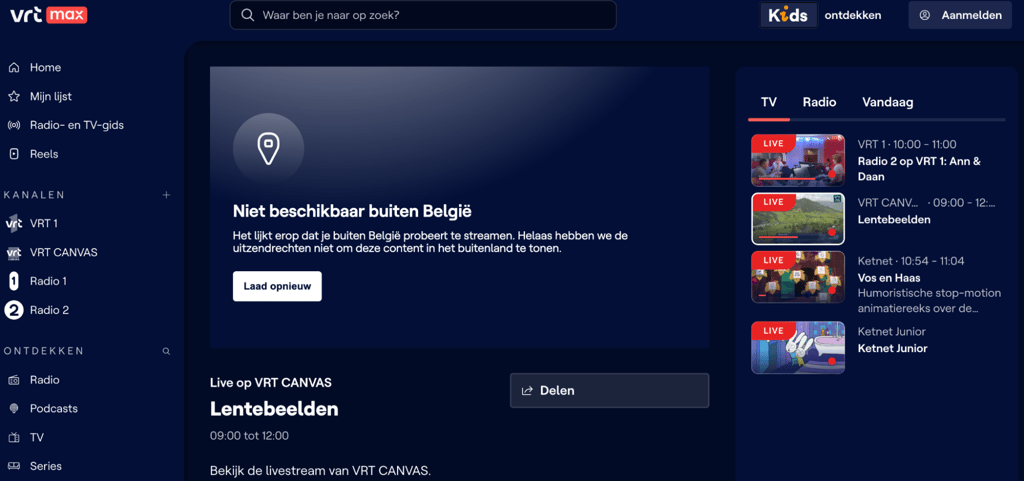
Using the right VPN will ensure that you can easily access Belgian TV from anywhere in the world. When I used NordVPN’s Belgium server to watch VRT, I managed to access it without any problems.
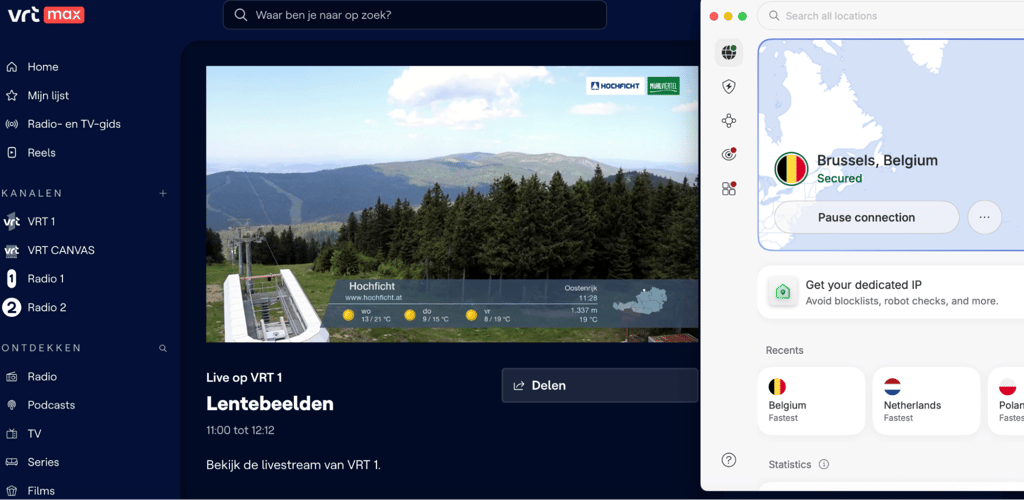
Best VPNs to watch Belgian TV abroad
In order to watch Belgian TV abroad, you need a reliable VPN that has fast, undetectable Belgian servers. I found 3 VPNs that are perfect for watching Belgian TV in 2026.
- NordVPN – best VPN for streaming Belgian TV from abroad
- Surfshark – affordable Belgium VPN with fast servers
- Proton VPN – privacy-focused VPN with servers in Belgium
1. NordVPN – best VPN for watching Belgian TV in 2026

| Based in: | Panama |
| Servers/locations: | Thousands of servers in 225 locations |
| Unblocks Belgian TV: | ✅ Yes |
| Coupons: | Black Friday offer 78% OFF NordVPN + 3 months free |
Based on my testing, NordVPN is the best VPN for watching Belgian TV. With reliable servers in Brussels, I had no problem accessing content from services like VRT and RTBF.
Starting at $3.49/month and offering a 30-day money-back guarantee, you’ll be able to test out NordVPN risk-free and experience its excellent connection speeds and additional security features yourself. If you want to learn more about the product, you can read our NordVPN review.
2. Surfshark – excellent budget-friendly Belgium VPN

| Based in: | Panama |
| Servers/countries: | 4,500+ servers in 100 countries |
| Unblocks Belgian TV: | ✅ Yes |
| Coupons: | Now up to 88% OFF Surfshark + 3 months FREE |
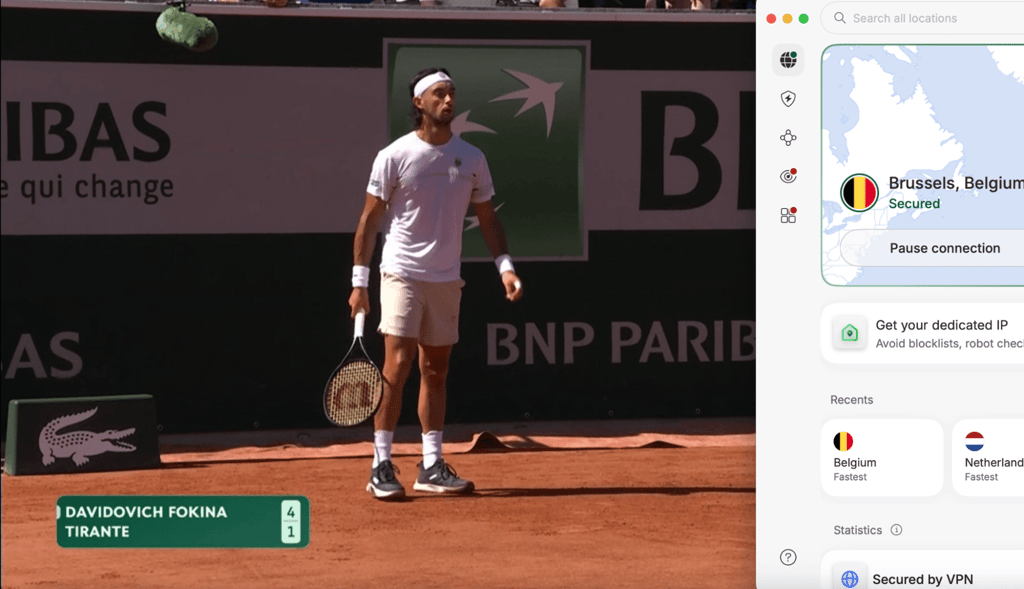
Surfshark is one of the most affordable VPNs on the market, starting at only $2.49/month. It offers servers in Brussels and Antwerp, and I had no trouble accessing VRT Max using the server in Brussels.
As in our Surfshark review, I found that it was fast and reliable. I also appreciate its audited no-logs policy, which ensures that my privacy is maintained throughout watching Belgian TV from abroad.
3. Proton VPN – privacy-focused VPN for watching Belgian TV from abroad

| Based in: | Switzerland |
| Servers/countries: | 20,700+ servers in 149 countries |
| Unblocks Belgian TV: | ✅ Yes |
| Coupons: | Get up to 70% OFF Proton VPN |
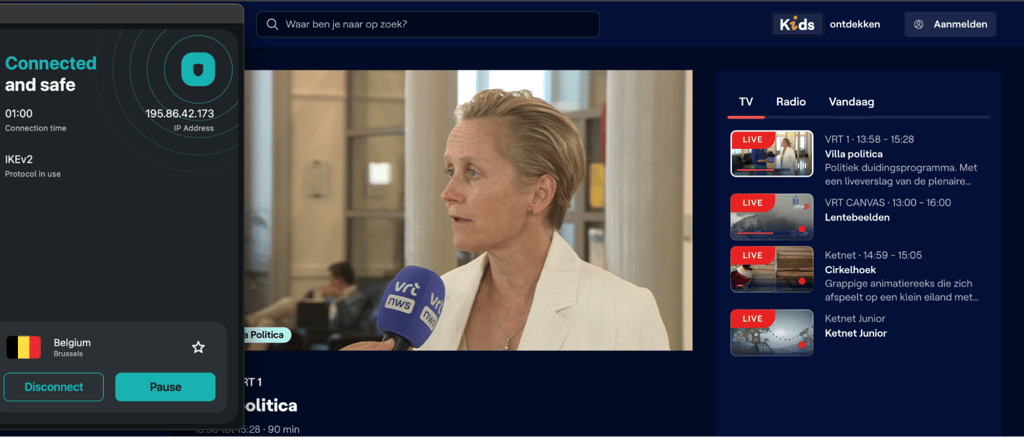
Proton VPN is an excellent VPN choice for privacy-focused users who want to combine day-to-day privacy with access to content from around the world, including Belgian TV. When testing Proton VPN, I didn’t have any problem accessing VRT and RTBF.
As shown in our Proton VPN review, the most impressive feature is one that’s not related to streaming. Proton’s Secure Core servers are located on-premises at Proton VPN offices, guaranteeing absolute privacy. Starting at $2.99/month, Proton VPN is an excellent choice for watching Belgian TV from abroad.
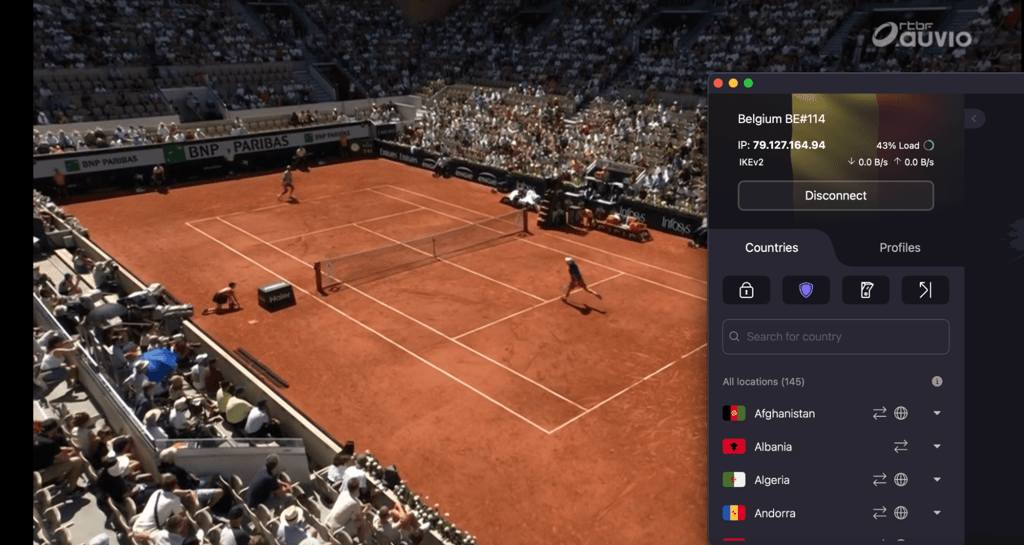
How to watch Belgian TV abroad with a VPN – detailed guide
Here’s a simple step-by-step guide on how to watch Belgian TV abroad with a VPN:
- Select a VPN that has Belgian servers. A reliable VPN like NordVPN will ensure access to Belgian TV streaming services like RTBF, VRT, or Belgian Netflix.
- Subscribe to the service, download, and install the VPN app. Purchase your selected plan, and then download the VPN app.
-
Connect to a Belgian server. Select a Belgian server from the VPN’s server list.
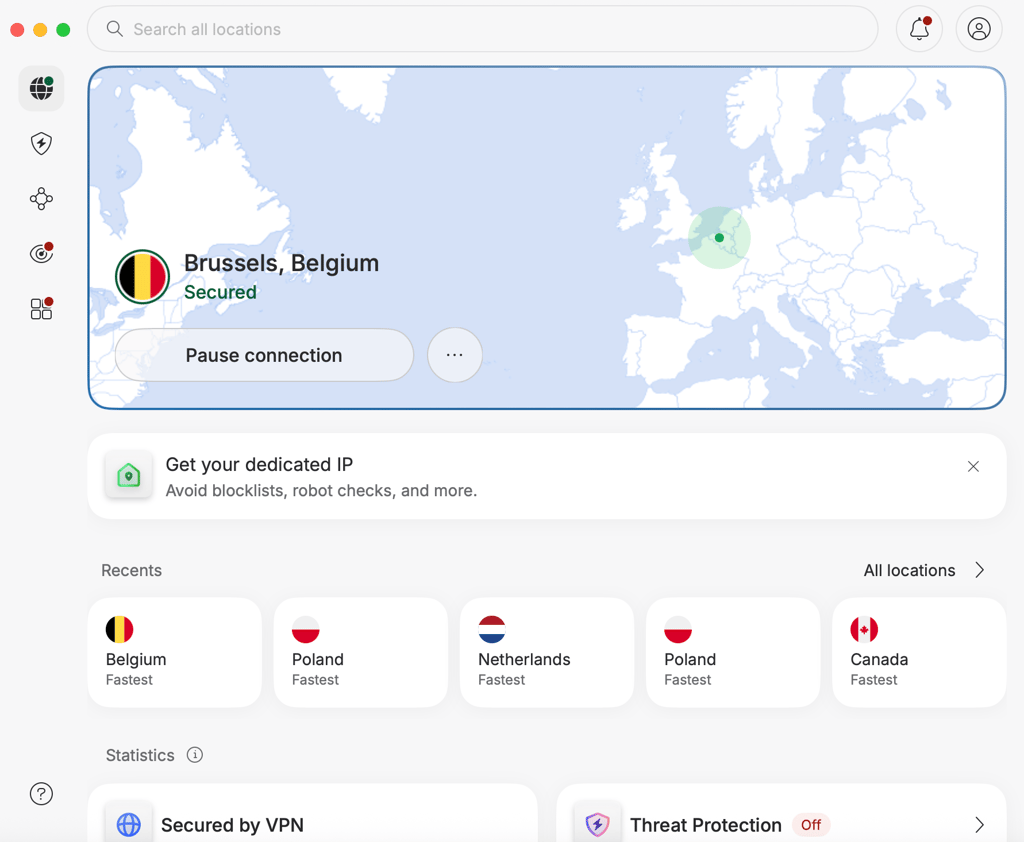
- Head to your selected streaming service. VRT works without needing a login. RTBF requires sign-up. In that case, use your email address and enter a postal code between 1000 and 1200 (Brussels).
-
Start streaming. Watch your favorite sports and TV shows.
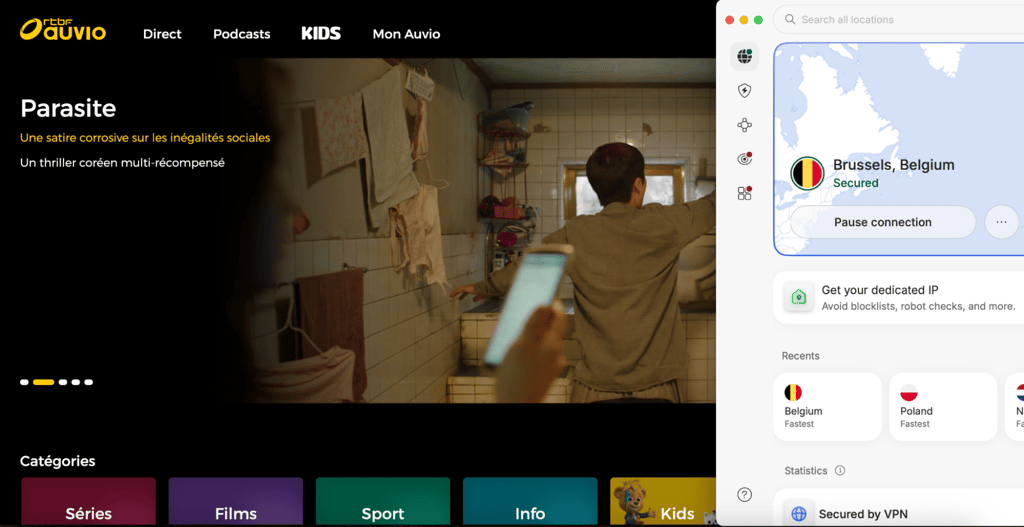
Using a VPN will allow you to watch multiple Belgian TV streaming platforms. Here’s a breakdown of what you can access with a VPN:
| Platform | Free or paid | What you can watch | Notable sports/events | Account requirements |
| VRT MAX | Free | Live TV (VRT channels), news, Flemish series, documentaries, local shows, podcasts | Cycling (Tour de France, Spring Classics), World Cup / Euro football (Flemish broadcasts), Olympics | Free account required |
| RTBF Auvio | Free | Live TV (RTBF channels), news, French-language series, documentaries, movies | Formula 1, World Cup / Euro football (French broadcasts), MotoGP, Tennis | Free account required |
| VTM GO | Free (VTM GO+ is paid) | Live TV (VTM channels), Flemish reality TV, local soaps, international series, kids' shows | UEFA Champions League (Flemish broadcasts), PDC Darts, and national team matches | Free account required |
| RTL Play | Free (RTL Play+ is paid) | Live TV (RTL channels), reality TV, French-language local and international series, movies | UEFA Champions League (French broadcasts), national team matches | Free account required |
| GoPlay | Free | Live TV (Play channels), Flemish reality shows, local entertainment, international series | Cyclo-cross, UEFA Europa League / Conference League | Free account required |
| Streamz | Paid | Streamz Originals (Flemish series), international series (Paramount+, Universal, etc.), blockbuster movies | N/A (Focuses strictly on entertainment, fiction, and documentaries) | Subscription required |
What devices can you use to watch Belgian TV abroad?
That will depend on the streaming service in particular. All the VPNs I listed work on Windows, macOS, iOS, and Android. They also work on Android TV, allowing you to watch your favorite shows on virtually any device you want. Here’s a list of hardware you can watch Belgian TV on:
- Desktop computers. The VPNs on my list support Windows, macOS, and Linux
- Phones and tablets. Most VPNs support iOS and Android.
- Smart TVs. Many VPN providers offer apps for smart TVs, including Android TV.
- Streaming devices. You can find VPN apps on devices like the Chromecast, Roku, or Amazon Fire TV Stick.
What to do if Belgian TV does not work with a VPN
Belgian TV can fail to work, even when you’re using a VPN. Here are a few ways in which you can troubleshoot Belgian TV not working with a VPN:
- Use incognito mode. Incognito mode will help you avoid additional location detection methods, like cookies. You can also clear your cache and cookies on your browser if you don’t want to keep using incognito mode.
- Switch to another server. Sometimes, certain servers are flagged as VPN’s by the streaming provider. Rotating to a different server may help solve that issue.
- Change browsers. Sometimes, certain browsers are more prone to VPN detection than others. Changing a browser may help you avoid the provider’s checks.
- Change your VPN protocol. Switching to WireGuard or IKEv2 may enable you to overcome a given provider’s geoblocks.
- Disable location services. If you’re using a mobile device, you should disable your GPS to stop the streaming site from detecting your real location.
- Contact VPN support and ask which server works with the given platform. Some VPN providers have specialized streaming servers. In that case, support should help you direct them to it.
- Check if the platform requires a local account/payment method. Some paid streaming services require you to have a bank account in the country where they operate. In this case, even a VPN won’t help you overcome the geo-restriction.
Conclusion
Belgian TV and streaming services feature a lot of interesting TV shows and movies that you may be interested in. It also offers access to sporting events like the Tour de France or the FIFA World Cup.
While watching Belgian TV abroad may seem hard when you see that you’ve been denied access. Luckily, you can easily overcome geo-restrictions by using a reliable VPN like NordVPN, which I found to reliably access Belgian TV from anywhere in the world.
FAQ
Which Belgian channel is showing the 2026 World Cup for free?
RTBF (French-language) and VRT (Flemish-language) are showing the 2026 World Cup for free in Belgium. Both stations will give you access to all the matches played in Canada, Mexico, and the US.
Is the 2026 World Cup free to watch in Belgium?
Yes, both RTBF and VRT are showing the 2026 World Cup for free. You simply need a Belgian IP to access all the matches of the event.
Can I watch Belgian TV abroad?
Yes, you can watch Belgian TV from abroad by using a reliable VPN like NordVPN. NordVPN will give you access to Belgian public broadcasters like RTBF and VRT.
Why is VRT blocked outside Belgium?
VRT is blocked outside of Belgium due to copyright laws and licensing restrictions. While EU laws allow Belgian residents to access streaming services from abroad, this does not apply to free services. In this case, you need a reliable VPN like NordVPN to access VRT’s online content.
Do I need a local account to watch Belgian TV?
That depends on the streaming service. Belgium’s public broadcasters – VRT and RBTF do not require local bank accounts, with RBTF only requiring a local postal code. However, paid services like Streamz will require you to pay with a card issued by a Belgian bank.