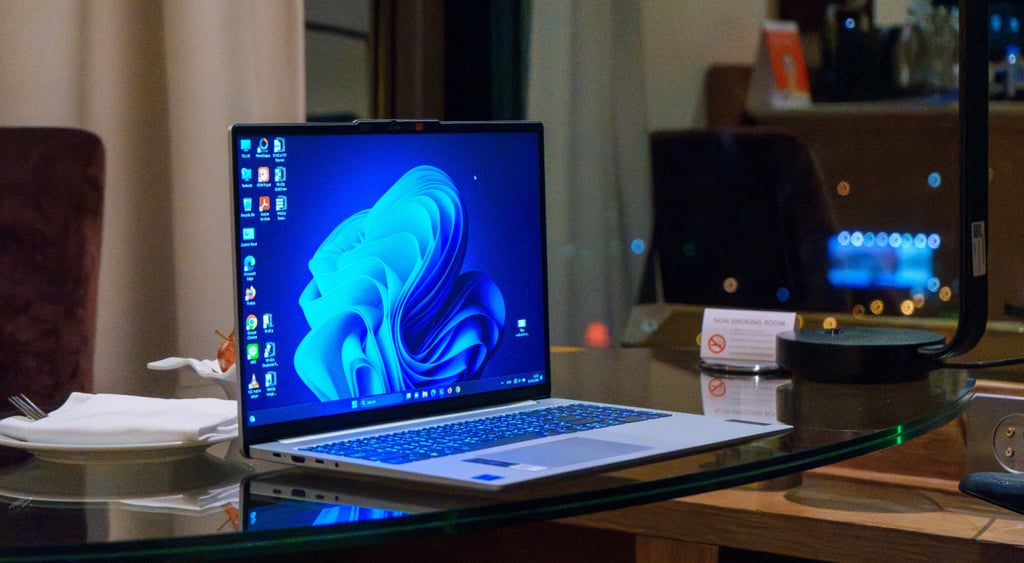
Android users may soon be able to control their Windows PCs remotely
A remote control for your PC?
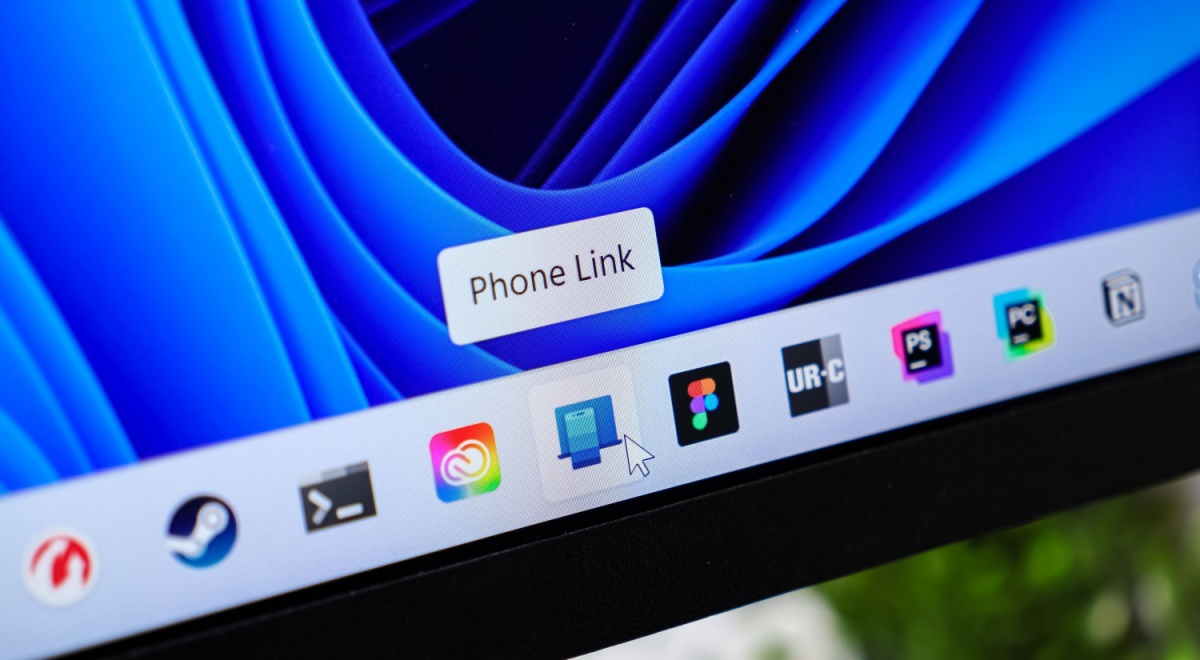
Image by aileenchik | Shutterstock

 Follow us
- Microsoft is testing phone controls for restarting, shutting down, or sleeping Windows PCs.
- The controls appeared in disabled Link to Windows Android app code.
- Link to Windows already lets Android users lock a connected PC from their phone.
Key Takeaways by nexos.ai, reviewed by Cybernews staff.
Microsoft is working on controls that would allow users to shut down, restart, or put a laptop to sleep remotely via phone.
The feature would work through Link to Windows, which links a phone to your computer to view calls, messages, and photos.
While the new feature isn’t available yet, the app’s code reveals it’s there but hasn’t been activated, hinting it could be released in a future update.
Link to Windows already allows users to lock their computer via their smartphone.



Now, the feature could be expanded to allow users to remotely restart or shut down the device.
This was revealed by reviewing the Android APK for Link to Windows and finding clues, such as a description associated with a component labeled RemoteControlManager, as reported by Windows Latest.
The review showed that the code included the feature, but it’s currently disabled.
Nevertheless, the information found in the code also revealed how the new feature will function.
The strings in the code describe the new controls to be added next to the existing Lock PC button.
These include labels for pc_controls_restart_label and pc_controls_shutdown_label, which correspond to the commands “Restart” and “Shut down.”
Among other actions, there’s also a possibility to put a laptop to sleep. However, it also comes with a warning, according to which, “After it’s asleep, it will be disconnected from this device. You need to go to your PC to wake it up.”
Another string showed that when a user decides to restart or shut down their device during an update, it will show a message: “A restart is needed to finish an update on your PC. Any unsaved work in open apps from your PC will be lost. Since you’re away, you won’t be able to save it from here. Do you want to restart anyway?”



Stay updated with our latest stories and follow us on social media
Be the first to discover new stories, ideas, and updates from our team.
It’s unclear when, or if, the ability to control your computer's status will be enabled.
Nevertheless, it could become a useful feature that lets users turn off, restart, or update their device from their phone.
It’s not the only feature the company has been working on to make it easier for users to switch from their smartphones to PCs.
Microsoft has recently been testing a new way to connect Windows 11 PCs to Android smartphones to view information such as messages or photos without needing the Phone Link app or opening the phone.