Microsoft to provide easier ways for Android users to connect to Windows 11
Goodbye, Phone Link?
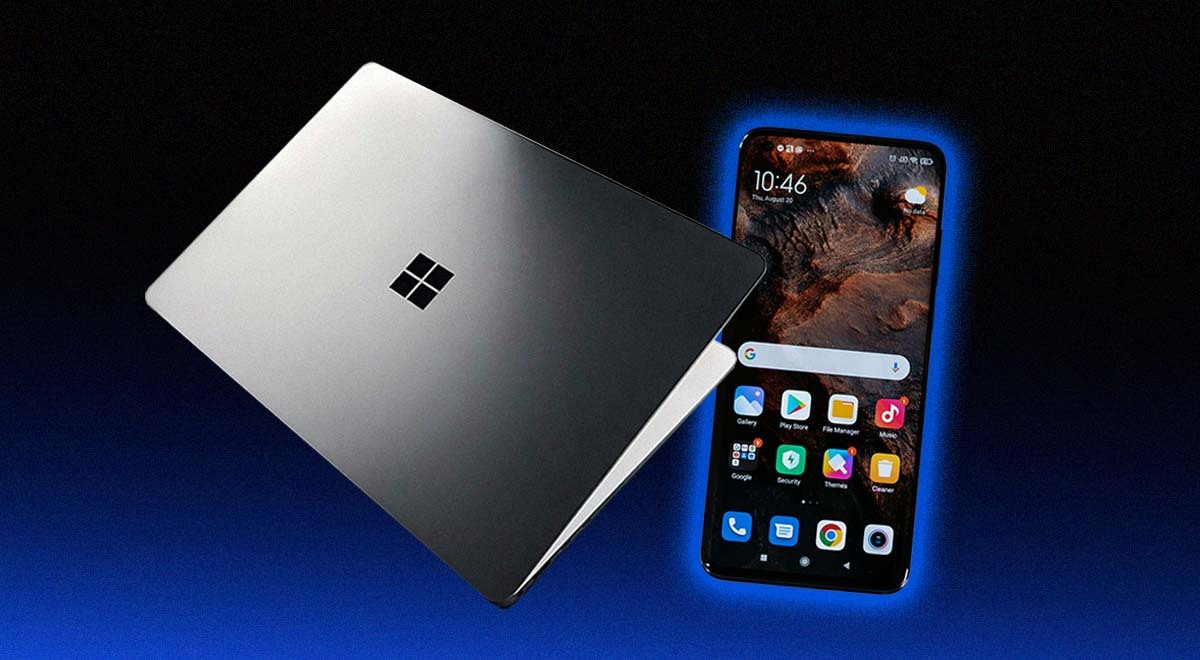
Image by Cybernews

 Follow us
- Microsoft is testing new ways to connect Android phones with Windows 11.
- Planned features include recent activity, messages, photos, phone controls, file sharing, and fuller clipboard syncing.
- User reactions are mixed, with some welcoming better phone integration and others raising privacy and account concerns.
Key Takeaways by nexos.ai, reviewed by Cybernews staff.
Microsoft is exploring ways to improve integration between Windows 11 and Android phones.
Owners of Windows and Android devices can already use apps such as Phone Link and Link to Windows to share content or unlock certain capabilities.
Now, the company is expanding Phone Link features even further.
The features are currently being tested internally, and it’s not yet clear whether and when they’ll be released, according to Windows Central.




Improving the integration between Windows 11 and Android devices might be driven by the company’s desire to bypass the Phone Link app.
What are the new features?
It’s been reported that the Phone Companion in Start will include upgrades, including the ability to display recent activities, allowing users to browse the list without opening the Phone Link app.
Besides, users can check messages or photos without opening their phones.
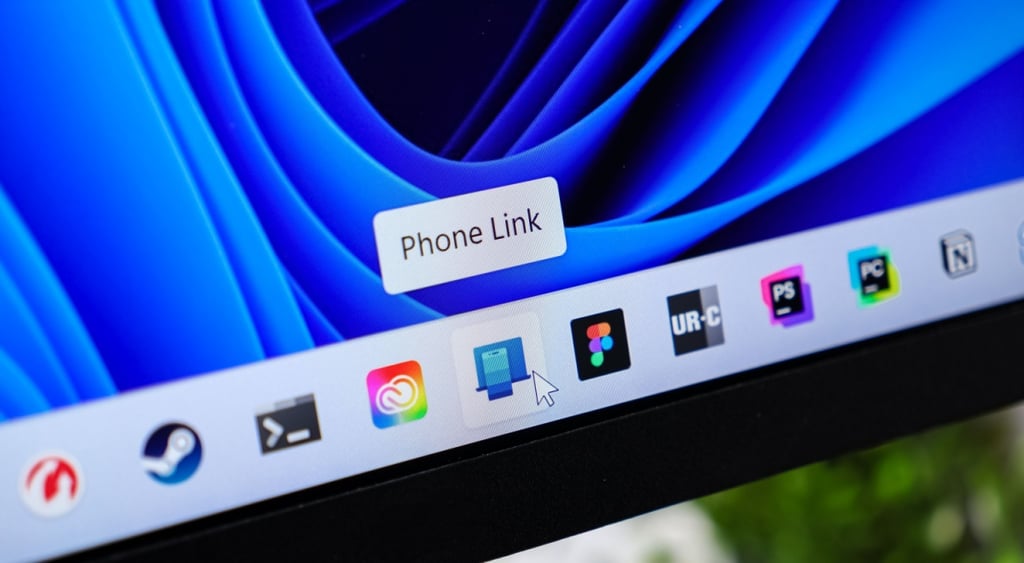
The company is also testing a new flyout window design, which is shown in the Taskbar in the system tray.
Once a user clicks the phone icon, they can enable settings such as "Do not disturb," adjust volume, or ring the device to find it. Users will also be able to share files to their phone by dragging them to the icon.



Stay updated with our latest stories and follow us on social media
Be the first to discover new stories, ideas, and updates from our team.
The upgraded feature list also includes changes to Clipboard history, allowing users to sync their entire clipboard history across their Android and Windows 11 devices. Currently, they can only move the last thing copied to the computer.
The company is also working on a Messages app for Windows 11, which would sync users' SMS conversations from their phones and let them respond to them on the computer.
This feature is already available in the Phone Link app, but Microsoft is working to turn it into a separate app.
“Long way to go”
Considering the reactions to Windows 11, with many Microsoft users still ignoring the switch from Windows 10 to Windows 11 to the point where the company had to update its ESU program for another year, what are some user reactions to the news?
“A new Messages app? Thank goodness. Would it be possible to support sending RCS texts from a PC?” wrote one Redditor.
Microsoft wants to integrate your smartphone more deeply with Windows 11: Plans UX enhancements that will make your PC and phone more seamlessly connected
by u/ZacB_ in Windows11
“I'm all for a better phone experience on Windows (Android), but please, once the phone is in the same network, don't force me to unlock it first, especially when it's in another room. And remove the need for a Microsoft account,” added another netizen.
The discussion divided users into two camps, with some speculating whether it isn’t another way for Microsoft to “spy” on them.
“Windows has a long way to go to find that seamless connection that macOS and iOS provide,” wrote one Reddit user, adding, “They just don't have the hardware and software advantage that Apple enjoys, so it will be interesting just how they are able to pull this off.”
Can you integrate iOS into Windows 11?
Microsoft is working on features to create a similar ecosystem between Windows and Android devices to that of Apple devices.
In 2023, Microsoft introduced a way for iPhone users to integrate their devices with Windows 11 PCs.
This can be done using the same Phone Link app, according to Microsoft.
With the app, iPhone users can receive notifications about their calls and messages and access their contacts from their Windows computer.
Users can also access photos from their phones via iCloud integration with Photos.