Github Autopilot
Last updated: June 16, 2026
What is Github Autopilot?
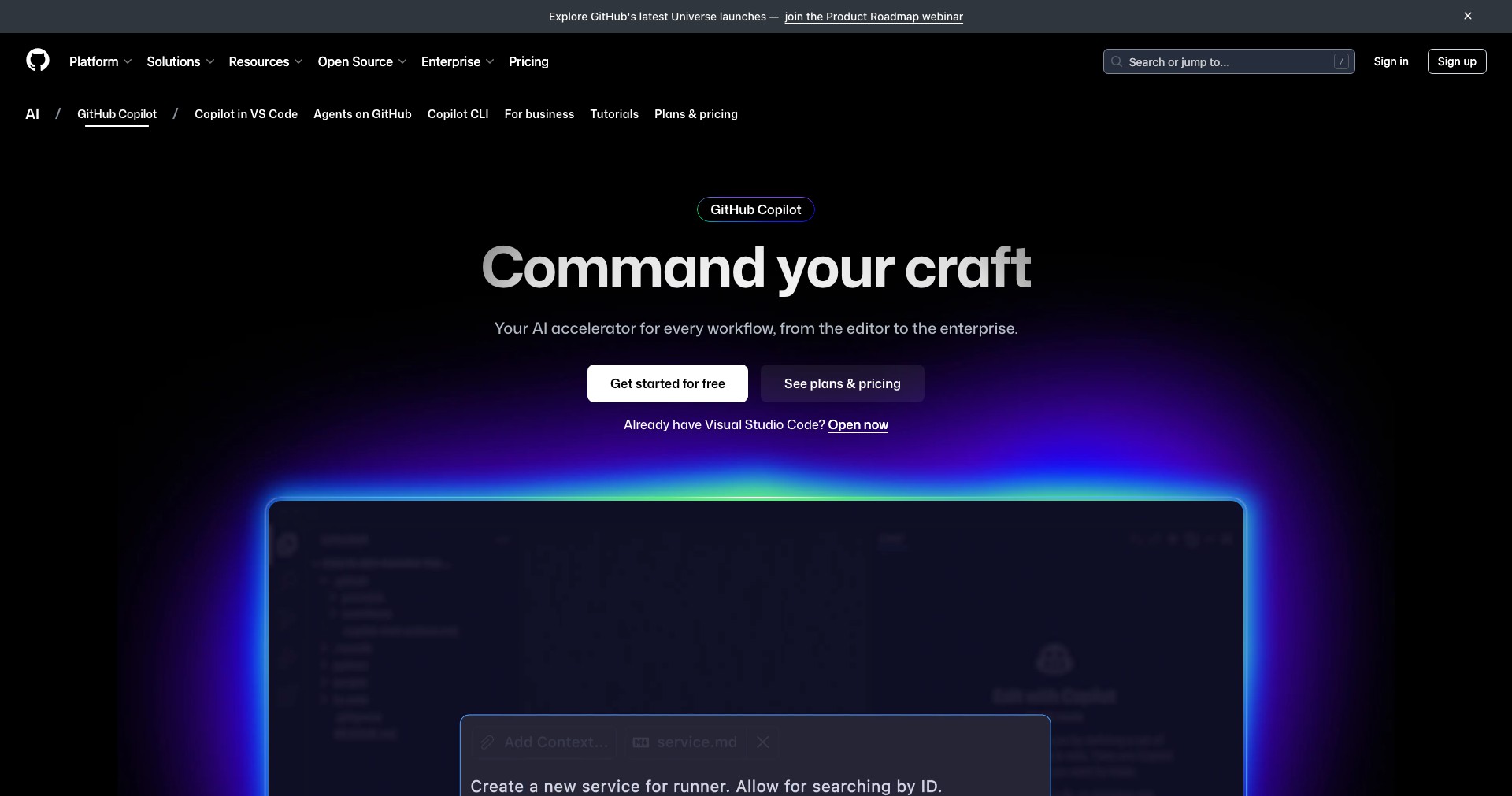
GitHub Copilot is an AI-powered code completion tool, jointly created by GitHub and OpenAI. It acts as a virtual pair programmer within popular editors like Visual Studio Code, enabling users to generate whole lines, functions, or even entire code blocks based on natural language prompts or inline comments. By leveraging a massive index of publicly available code, Copilot intelligently predicts and suggests code as you type, streamlining the development process.
Developers ranging from beginners to seasoned professionals have integrated Copilot into their workflows to simplify repetitive coding tasks, learn unfamiliar syntaxes, and rapidly prototype solutions. Its ability to understand context and generate code snippets for a range of languages and frameworks has made it a powerful productivity tool in today’s fast-paced software development environment.
Key Features:
-
AI-Powered Code Suggestions:
Copilot uses advanced machine learning models to autocomplete code snippets, suggest functions, or even offer solutions to complex logic, increasing coding speed and accuracy. -
Multi-Language Support:
It supports dozens of programming languages, such as Python, JavaScript, TypeScript, Ruby, Go, and many more, making it useful for polyglot developers and teams working on diverse projects. -
Natural Language Prompts:
Users can input comments or natural language descriptions, and Copilot will attempt to generate relevant code, bridging the gap between intention and implementation. -
Editor Integration:
Copilot seamlessly integrates into major code editors, including Visual Studio Code, Visual Studio, Neovim, and JetBrains IDEs, ensuring smooth adoption into existing workflows. -
Continuous Learning:
The underlying models are continuously updated and improved, benefitting from aggregated user feedback and new code examples, resulting in gradually improved suggestions over time.
What makes Github Autopilot unique?
What sets GitHub Copilot apart from other code completion tools is its underlying AI, which is trained on billions of lines of publicly available code. Unlike traditional auto-completion engines that rely on local context or static patterns, Copilot's generative approach enables it to suggest not only simple completions but also complex algorithms that fit the user's intent.
Furthermore, Copilot’s seamless integration with major editors and its ability to interpret natural language comments make it accessible, even for those with limited coding experience. The way it proactively learns and adapts based on broader community usage means that its utility and relevance will only increase as more developers use it.
Pros and Cons
Who is using Github Autopilot?
Professional Developers: Software engineers and developers who want to accelerate their workflow and reduce time spent on boilerplate, repetitive code, and prototyping will find Copilot invaluable.
Coding Learners and Students: Newcomers to programming or students can leverage Copilot to understand new libraries, APIs, and best practices by example, enhancing their learning process.
Cross-Disciplinary Teams: Teams that work with multiple languages or rapidly-evolving tech stacks benefit from Copilot’s vast language support and ability to translate intentions into code irrespective of the technology being used.
Evolution and Milestones
Since its launch in 2021, GitHub Copilot has rapidly evolved from a technical preview to a widely adopted productivity tool. Early feedback from the developer community helped shape its features and usability.
Frequent updates have introduced better context awareness, improved language support, and tighter integration with various editors and CI/CD pipelines. These improvements have addressed many of the criticisms from initial users.
With the introduction of business and enterprise plans, Copilot now caters to larger teams and organizations, offering administrator controls, improved privacy, and compliance options to meet the needs of professional environments.
Pricing
| Plan | Price | About |
| Individual | $10/month or $100/year | For individual developers, includes all standard features and editor integrations. |
| Business | $19/user/month | Designed for small to medium teams, adds administrative features and better privacy controls. |
| Enterprise | Custom Pricing | For large organizations; offers advanced compliance, privacy, and deployment options tailored to enterprise needs. |
Verdict
GitHub Copilot stands out as a significant leap forward in AI-assisted coding, offering smart code suggestions that can dramatically enhance productivity for developers of all skill levels. Its deep integration with major editors, wide language coverage, and natural language capabilities make it easy to incorporate into diverse workflows.
However, reliance on Copilot should be strategic—developers must assess suggestions critically to avoid introducing bugs or licensing issues into production code. Overall, Copilot represents a valuable investment for individuals and organizations focused on accelerating quality software development, provided its outputs are used thoughtfully.


